
1. Introduzzjoni
The Youshiko YC9444 is a wireless weather station designed to provide comprehensive weather information for your home. It features a radio-controlled clock, indoor and outdoor temperature and humidity readings, barometric pressure display, weather forecast with trend animation, ice alert, outdoor temperature alert, and moon phase display. This manual provides instructions for setup, operation, and maintenance of your weather station.
2. Kontenut tal-Pakkett
Jekk jogħġbok iċċekkja l-kontenut tal-pakkett biex tiżgura li l-oġġetti kollha huma preżenti:
- 1 x Unità tal-Wiri Prinċipali
- 1 x Sensor ta' Barra mingħajr fili
- 1 x UK Power Supply
- 1 x Manwal għall-Utent
3. Prodott Aktarview
Familiarize yourself with the main display unit and the wireless outdoor sensor.
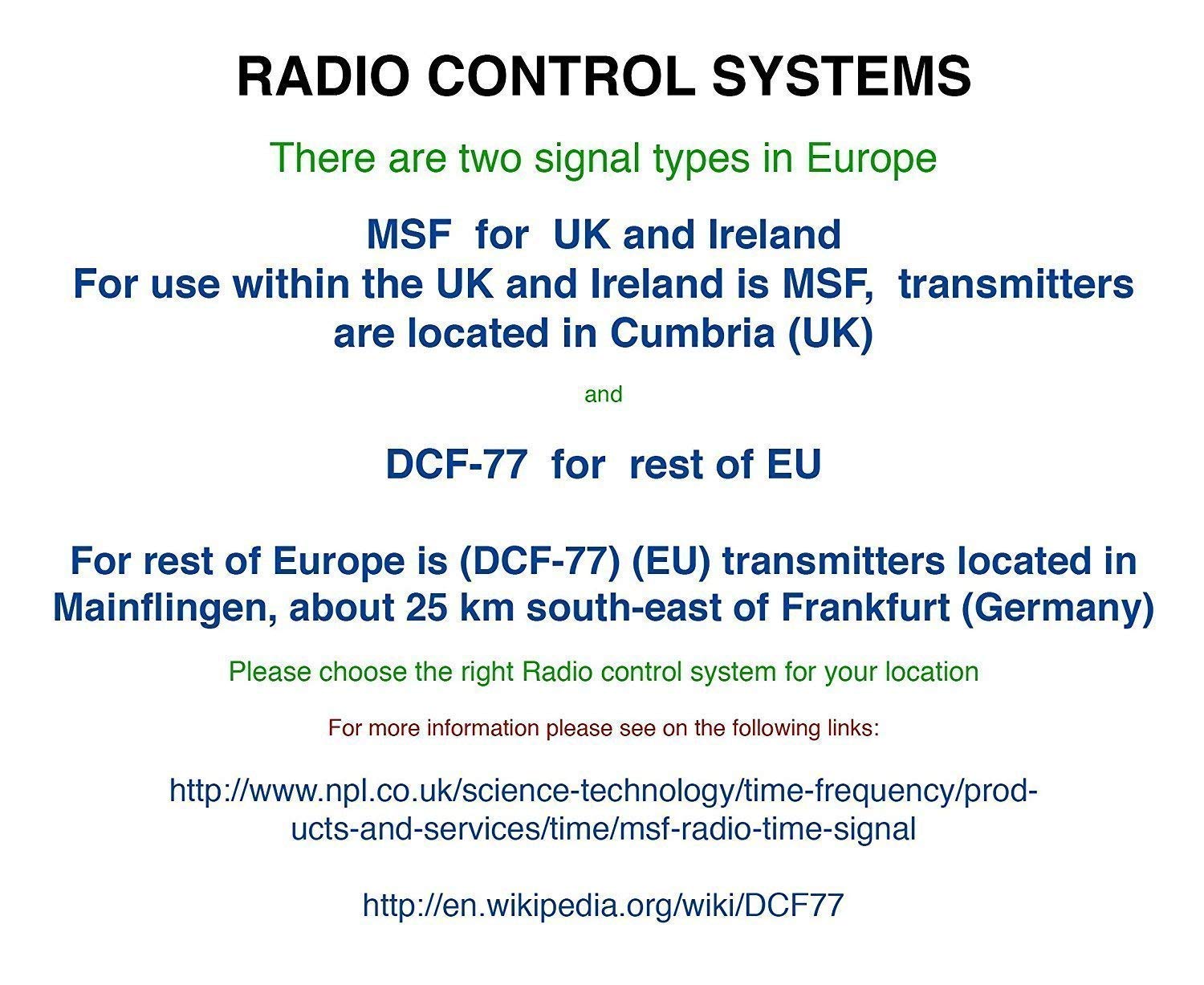
Image: Main display unit and wireless sensor with their respective dimensions.

Immaġni: Quddiem view of the main display unit showing various information sections (remote temperature, forecast, indoor temperature, time/date, barometric pressure) and a side view highlighting control buttons (Time Setting, Alarm Clock, Up, Down, Alert Setting, Brightness Adjustment, Max/Min Value, Mute Button).
Karatteristiċi tal-Unità tal-Wiri Prinċipali:
- Multi-colour section display for time and weather information.
- Big digit indoor and outdoor temperature (°C/°F) and humidity readings.
- Indoor comfort level indicator.
- Weather forecast with trend animation.
- Wiri tal-pressjoni barometrika.
- Wirja tal-fażi tal-qamar.
- Radio Controlled Clock (MSF - UK Version).
- 12/24 hour time display with calendar and weekday.
- Alarm and snooze function.
- Outdoor temperature alert.
- Ice alert.
- USB port for charging external devices (DC5V 1A output).
Wireless Outdoor Sensor Features:
- Ikejjel it-temperatura u l-umdità ta' barra.
- Transmission range up to 60m (open air).
- Supports up to 3 sensors (one included, additional sensors YC9312 sold separately).
4. Setup
4.1 L-Ixgħel tal-Unità Prinċipali
- Insert 3 x AAA batteries (not included) into the main display unit's battery compartment. Ensure correct polarity.
- Connect the provided UK power supply to the main display unit and plug it into a wall outlet. The display will light up.
Note: Batteries are essential for retaining settings during power outages, even when using the power adapter. Non-rechargeable batteries are recommended.
4.2 Wireless Outdoor Sensor Setup
- Open the battery compartment of the wireless outdoor sensor.
- Insert 2 x AA batteries (not included) ensuring correct polarity.
- Select a channel (1, 2, or 3) using the switch inside the battery compartment. For the included sensor, Channel 1 is typically used.
- Agħlaq il-kompartiment tal-batterija.
4.3 Sinkronizzazzjoni Inizjali
After powering both the main unit and the sensor, the main unit will automatically search for the outdoor sensor signal. This may take a few minutes. Once connected, the outdoor temperature and humidity will appear on the main display.
4.4 Radio Controlled Clock (RCC) Setup
The weather station features a radio-controlled clock that automatically sets the time and date. For the UK and Ireland, the MSF signal is used, transmitted from Cumbria (UK). For the rest of Europe, the DCF-77 signal is used, transmitted from Mainflingen, Germany.
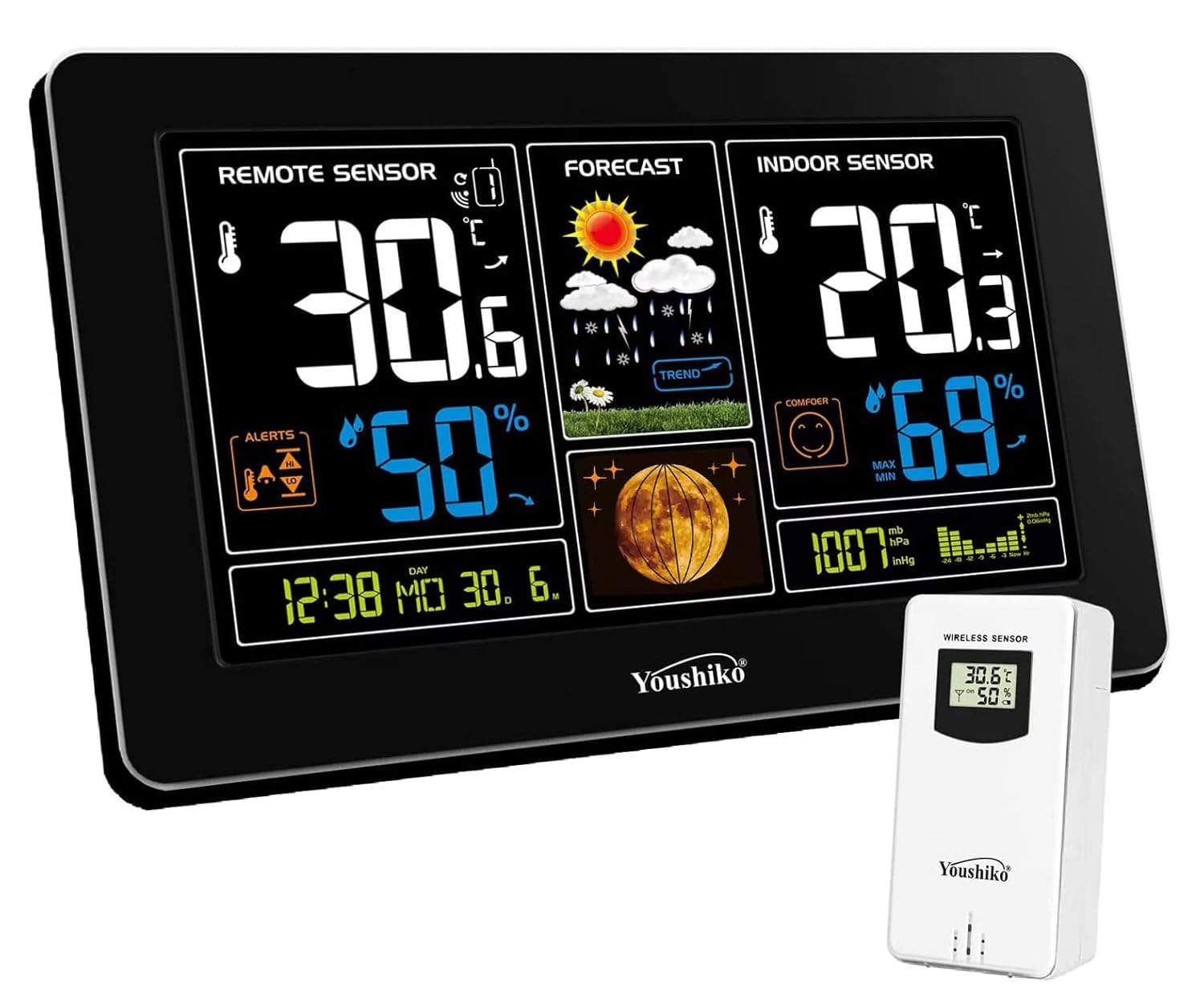
Image: Diagram illustrating the two main radio control systems in Europe: MSF for UK and Ireland, and DCF-77 for the rest of the EU, with their respective transmitter locations.
The clock will attempt to synchronize automatically. For optimal reception, place the main unit near a window, away from electronic devices that may cause interference. The initial synchronization can take several minutes to hours. The clock will automatically adjust for Spring and Autumn time changes.
5. Istruzzjonijiet Operattivi
5.1 Aġġustament tal-luminożità tal-wiri
The main display unit offers multiple brightness levels and a display-off mode.

Image: Four panels showing the main display unit at different brightness levels, from off to maximum brightness.
Use the 'Brightness Adjustment' button (labeled '6' in the product overview image) on the side of the unit to cycle through the available brightness settings.
5.2 Wiri tat-Temperatura u l-Umdità
The display shows both indoor and outdoor temperature and humidity. You can switch between Celsius (°C) and Fahrenheit (°F) using the appropriate button (refer to the product overview for button functions).
5.3 Tbassir tat-Temp
The weather station collects real-time data from the outdoor sensor and tracks changes in temperature, humidity, and barometric pressure to generate a forecast for the next 12-24 hours. The forecast is displayed with animated icons.
5.4 Pressjoni Barometrika
The current barometric pressure is displayed on the main unit. The unit uses this data for weather forecasting.
5.5 Fażi tal-Qamar
The current moon phase is displayed on the main unit.
5.6 Ice Alert and Outdoor Temperature Alert
The weather station provides alerts for specific temperature conditions.

Image: A collage showing the Ice Alert symbol appearing and flashing when outdoor temperature is between -1°C and +1°C, the Indoor Comfort Level indicator with three levels, and the Outdoor Temperature Alert icon which flashes when the outdoor temperature exceeds user-defined limits.
- Twissija dwar is-Silġ: The ice alert symbol will appear and flash when the outdoor temperature is between -1°C to +1°C (or +30.2°F to +37.1°F).
- Outdoor Temperature Alert: You can set high and low temperature limits for the outdoor sensor. When the outdoor temperature exceeds these limits, the temperature value and corresponding icon will flash, and an audible beep will sound five times per minute. Use the 'Alert Setting' button (labeled '5' in the product overview image) to configure these alerts.
5.7 Alarm and Snooze
The weather station includes an alarm clock with a snooze function. Refer to the 'Alarm Clock' button (labeled '2' in the product overview image) for setting the alarm.
5.8 Max/Min Temperature and Humidity
The unit records the minimum and maximum indoor and outdoor temperature and humidity values over a 24-hour period. These values reset automatically at midnight. Use the 'Max/Min Value' button (labeled '7' in the product overview image) to view these readings.
5.9 Port tal-Iċċarġjar tal-USB
The main display unit features a USB port on its side, allowing you to charge your phone or other compatible devices (DC5V 1A output).

Image: The main display unit connected via its USB port to charge a smartphone, illustrating the USB charging capability.
6. Manutenzjoni
- Naddaf l-unità tal-wiri u s-sensor b'drapp artab u dryer.amp drapp. Tużax tindif jew solventi li joborxu.
- Evita li tesponi l-unità prinċipali għax-xemx diretta, temperaturi estremi, jew umdità.
- Ensure the outdoor sensor is placed in a sheltered location to protect it from direct rain and sunlight, while maintaining good air circulation.
- Ibdel il-batteriji fiż-żewġ unitajiet meta l-indikatur ta' batterija baxxa jidher fuq id-displej biex tiżgura tħaddim kontinwu u qari preċiż.
7 Issolvi l-problemi
- L-ebda qari tat-temperatura/umdità ta' barra: Ensure the outdoor sensor batteries are correctly installed and charged. Verify the sensor is set to the correct channel (e.g., Channel 1). Move the sensor closer to the main unit to check if it's out of range or experiencing interference.
- Radio Controlled Clock not setting: Place the main unit near a window, away from other electronic devices. Allow several hours for the unit to receive the signal. Ensure you are within the reception area for the MSF signal (UK and Ireland).
- Qari mhux preċiż: Ensure both units are placed in appropriate locations. The outdoor sensor should be sheltered from direct weather elements but allow for air circulation. The indoor unit should be away from heat sources or direct sunlight.
- Id-displej huwa mudlam jew vojt: Check the power supply connection and ensure batteries are installed and charged. Adjust the display brightness using the dedicated button.
8. Speċifikazzjonijiet
| Karatteristika | Speċifikazzjoni |
|---|---|
| Brand | Youshiko |
| Numru tal-Mudell | YC9444 |
| Tip ta 'Wiri | LCD |
| Sors tal-Enerġija (Unità Prinċipali) | Battery Powered (3x AAA, not included) & UK Power Supply |
| Sors tal-Enerġija (Sensor) | Battery Powered (2x AA, not included) |
| Teknoloġija tal-Konnettività | Wireless, USB |
| Remote Sensor Transmission Range | Sa 60m (fl-arja aperta) |
| Output USB | DC5V 1A |
| Piż tal-oġġett | 520 g |
| Dimensjonijiet tal-Pakkett | 21.7 x 14.6 x 8.5 ċm |
9. Garanzija u Appoġġ
This product comes with a UK Warranty and after-sales support. For any issues or further assistance, please refer to the contact information provided with your purchase documentation or visit the official Youshiko websit.