
Final ZE3000
Manwal tal-Utent tal-Earbuds True Wireless ZE3000 Finali
Model: ZE3000
Introduzzjoni
Thank you for choosing the Final ZE3000 True Wireless Earbuds. This manual provides essential information for the proper setup, operation, and maintenance of your earbuds to ensure an optimal audio experience. Please read this manual thoroughly before use.
X'hemm fil-Kaxxa
- Final ZE3000 True Wireless Earbuds (Left and Right)
- Kawża tal-Iċċarġjar
- Cable tal-Iċċarġjar tal-USB-C
- Manwal għall-Utent (dan id-dokument)
- Ponot tal-widnejn (daqsijiet varji)

Image: Final ZE3000 True Wireless Earbuds and their charging case, displayed in black.
Prodott Overview
The Final ZE3000 earbuds are designed for high-fidelity sound reproduction with a focus on comfort and stable wireless connectivity. Each earbud features a touch control panel and an LED indicator.

Immaġni: Close-up view of the Final ZE3000 earbuds, highlighting their unique geometric design and audiophile-level quality.

Image: The Final ZE3000 charging case, showcasing its premium SHIBO textured finish.
Setup
1. Iċċarġjar tal-Earbuds u l-Kaxxa
Before first use, fully charge the earbuds and charging case. Connect the supplied USB-C cable to the charging port on the case and a USB power source. The LED indicator on the case will show charging status. A full charge takes approximately 1.5 hours.

Image: Final ZE3000 earbuds placed inside their charging case.
2. Tqabbil ma' Apparat
- Open the charging case. The earbuds will automatically enter pairing mode, and the LED indicators on the earbuds will flash.
- Fuq l-apparat tiegħek (smartphone, tablet, eċċ.), attiva l-Bluetooth.
- Fittex għal available Bluetooth devices and select "ZE3000" from the list.
- Once connected, the LED indicators on the earbuds will stop flashing.
The ZE3000 uses Bluetooth 5.2 for a stable connection up to 10 meters.

Image: A smartphone screen showing the 'ZE3000' listed as an available Bluetooth device for pairing.
3. It-twaħħil tal-Earbuds
Proper fit is crucial for sound quality and comfort. Choose the eartips that provide the best seal and comfort for your ears. Gently insert the earbuds into your ear canals and twist slightly until they feel secure.
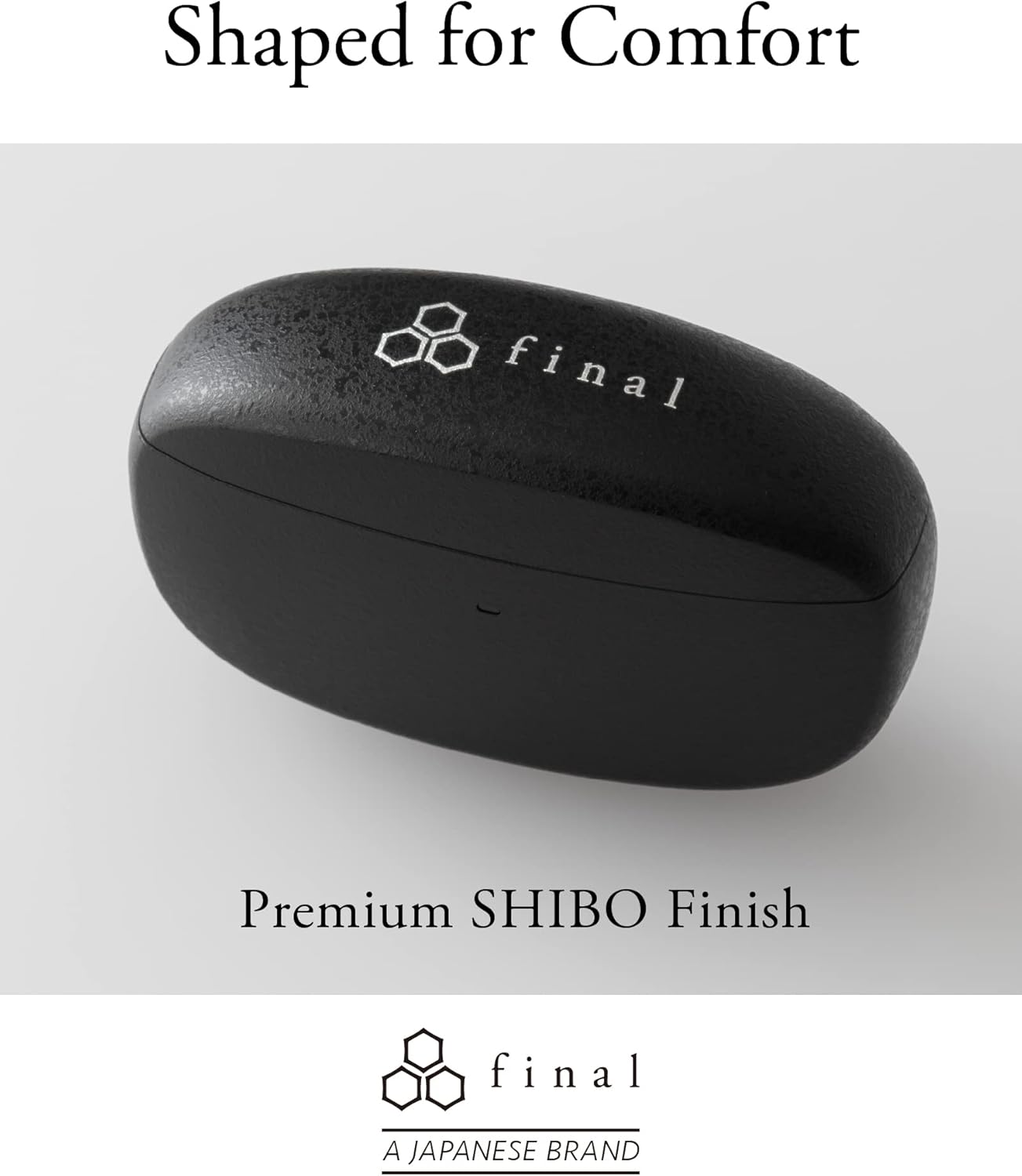
Image: A person demonstrating the correct way to wear the Final ZE3000 earbuds for a secure and comfortable fit.
Istruzzjonijiet Operattivi
Touch Kontrolli
The ZE3000 earbuds feature intuitive touch controls on the outer surface of each earbud.

Image: Diagram illustrating the location of the touch control panel, microphone, and LED indicator on the earbud.
| Azzjoni | Funzjoni |
|---|---|
| Tektek Waħda (Xellug/Lemin) | Daqq / Issospendi mużika, Tweġiba / Tmiem is-sejħa |
| Tektek Doppju (Lemin) | Binarju li jmiss |
| Tektek Doppju (Xellug) | Track preċedenti |
| Tektek Triple (Lemin) | Volum Up |
| Tektek triplu (Xellug) | Volum 'l isfel |
| Agħfas Twil (Xellug/Lemin) | Attiva l-assistent tal-vuċi |
Qawwa mixgħul/mitfi
- Qawwa Mixgħul: Iftaħ il-kaxxa tal-iċċarġjar, u l-earbuds jixegħlu awtomatikament u jikkonnettjaw mal-aħħar apparat imqabbad.
- Itfi: Poġġi l-earbuds lura fil-kaxxa tal-iċċarġjar u agħlaq l-għatu. Dawn jintfew awtomatikament u jibdew jiċċarġjaw.
Manutenzjoni
Tindif
Naddaf il-earbuds u l-kaxxa tal-iċċarġjar tiegħek regolarment biex iżżomm il-prestazzjoni u l-iġjene.
- Uża drapp artab, niexef u mingħajr suf biex timsaħ il-earbuds u l-kaxxa tal-iċċarġjar.
- Neħħi l-eartips u naddafhom b'sapun ħafif u ilma, imbagħad nixxefhom sew qabel ma terġa' twaħħalhom.
- Naddaf bil-mod il-kuntatti tal-iċċarġjar kemm fuq il-earbuds kif ukoll fuq il-kaxxa b'tajjara niexfa tal-qoton.
Ħażna
Meta ma tkunx qed tużahom, aħżen il-earbuds fil-kaxxa tal-iċċarġjar tagħhom biex tipproteġihom u tiżgura li jibqgħu ċċarġjati.
Reżistenza għall-Ilma (IPX4)
The Final ZE3000 earbuds are IPX4 water-resistant, meaning they are protected against splashing water from any direction. They are not designed for submersion in water. Avoid exposing them to heavy rain, showering, or swimming.
Issolvi l-problemi
- Ebda Problemi ta' Ħoss/Konnessjoni:
- Kun żgur li l-earbuds huma ċċarġjati.
- Verify Bluetooth is enabled on your device and the earbuds are selected.
- Ipprova neħħi l-akkoppjar u erġa' qabbad il-earbuds mat-tagħmir tiegħek.
- Kun żgur li l-ebda apparat ieħor mhu konness b'mod attiv mal-earbuds.
- Earbud wieħed mhux jaħdem:
- Place both earbuds back in the case, close the lid, wait a few seconds, then open again.
- Check charging contacts for debris.
- Kontrolli tal-Mess Ma Jirrispondux:
- Kun żgur li subgħajk huma nodfa u niexfa.
- Try restarting the earbuds by placing them in the case and closing the lid.
Speċifikazzjonijiet
| Karatteristika | Dettall |
|---|---|
| Numru tal-Mudell | ZE3000 |
| Teknoloġija tal-Konnettività | Bluetooth 5.2 |
| Komunikazzjoni bla fili | Bluetooth |
| Tip ta' Sewwieq Awdjo | Sewwieq Dinamika |
| Medda ta' Frekwenzi | 20 Hz - 20,000 Hz |
| Ħajja tal-Batterija (Earbuds) | Sa 7 sigħat |
| Ħin Totali ta' Daqq (bil-Kaxxa) | Sa 35 sigħat |
| Ħin tal-Iċċarġjar | Appross. 1.5 sigħat |
| Tip ta' Kontroll | Touch Control |
| Livell ta 'Reżistenza għall-Ilma | IPX4 (Reżistenti għall-Ilma) |
| Medda Bluetooth | 10 Meters |
| Piż tal-oġġett | 42 Gramma (total) |
| Dimensjonijiet tal-Prodott | 1.38 x 2.76 x 0.98 pulzieri |
Appoġġ
For further assistance or inquiries, please visit the official Final store or contact customer support.
Ask a question about this manual
Ask about setup, troubleshooting, compatibility, parts, safety, or missing instructions. Manuals+ will review the question and use this page’s manual context to help answer it.