
ASUS G733QSA-PB96
ASUS ROG Strix Scar 17 G733QSA-PB96 Gaming Laptop User Manual
Model: G733QSA-PB96
1. Introduzzjoni
This manual provides essential information for setting up, operating, maintaining, and troubleshooting your ASUS ROG Strix Scar 17 G733QSA-PB96 gaming laptop. Designed for high-performance gaming, this laptop features an AMD Ryzen™ 9 5900HX CPU, NVIDIA GeForce RTX™ 3080 GPU, and a 17.3-inch 360Hz Full HD display.
Il-karatteristiċi ewlenin jinkludu:
- NVIDIA GeForce RTX 3080 16GB GDDR6 with ROG Boost.
- 360Hz 3ms 17.3” Full HD (1920x1080) IPS-Type Display.
- 16GB DDR4 3200MHz RAM and 1TB PCIe NVMe M.2 SSD.
- ROG Intelligent Cooling thermal system with Thermal Grizzly Liquid Metal Thermal Compound.
- Opti-Mechanical Per-Key RGB Keyboard.
- Sistema operattiva Windows 10 Professjonali.

Image 1.1: The ASUS ROG Strix Scar 17 G733QSA-PB96 gaming laptop, showcasinid-disinn u d-dawl RGB tiegħu.

Immaġni 1.2: Fuqview of the laptop highlighting its AMD Ryzen 9 5900HX CPU, NVIDIA RTX 3080 GPU, and Windows 10 Pro operating system.
2. X'hemm fil-Kaxxa
Verify that all items are present upon unboxing your new laptop:
- ASUS ROG Strix Scar 17 G733QSA-PB96 Laptop
- Adapter tal-Enerġija & Kurdun
- Karta ta' Garanzija
- Gwida għall-Utent (dan id-dokument)
3. Setup Inizjali
3.1. Konnessjoni tal-Adapter tal-Enerġija
- Qabbad il-korda tad-dawl mal-AC adapter.
- Plug the AC adapter into the power input port on the laptop.
- Ipplaggja l-korda tad-dawl ġo żbokk tal-ħajt.
Huwa rakkomandat li l-laptop jiċċarġja kompletament qabel l-ewwel użu.
3.2. L-Ewwel Xgħel
- Iftaħ l-għatu tal-laptop.
- Agħfas il-buttuna tal-qawwa, li tipikament tinsab fin-naħa ta' fuq tal-lemin tat-tastiera.
- Follow the on-screen instructions to complete the Windows 10 Professional setup. This includes selecting your region, language, creating a user account, and connecting to a Wi-Fi network.
3.3. Konnessjoni Periferali
Utilize the available ports to connect external devices such as a mouse, keyboard, external monitor, or USB drives.
- Portijiet USB 3.0: Four USB 3.0 ports are available for connecting various USB devices.
- Port HDMI: Connect an external display or TV.
- Awdjo Jack: Għal headphones jew kelliema esterni.
- Port Ethernet: Għal konnessjoni ta' netwerk bil-fili.
4. It-Tħaddim tal-Laptop Tiegħek
4.1. Karatteristiċi tal-Wiri
The laptop features a 17.3-inch Full HD (1920x1080) IPS-Type display with a 360Hz refresh rate and 3ms response time, supporting Adaptive-Sync technology for smooth visuals.
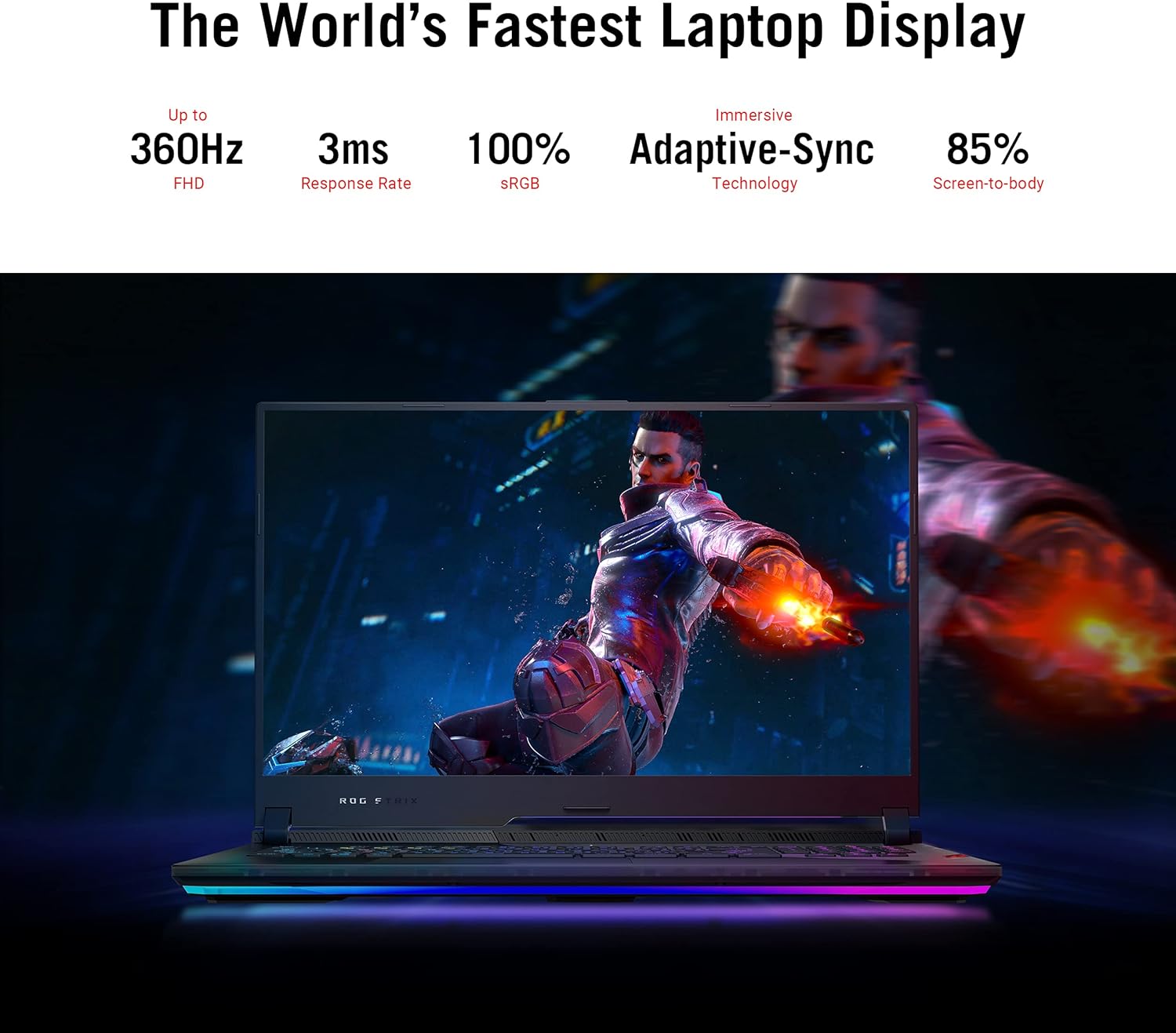
Image 4.1: The laptop display showcasing its 360Hz refresh rate, 3ms response time, 100% sRGB, Adaptive-Sync, and 85% screen-to-body ratio.
4.2. Tastiera u Touchpad
The Opti-Mechanical Per-Key RGB Keyboard offers precise and responsive input with a 1.9mm travel distance and a 0.2ms response time. The RGB lighting is customizable via Aura SYNC technology.

Immaġni 4.2: Splodiet view diagram of the optical mechanical keyboard, illustrating its components and features like 1.9mm travel, per-key RGB, 100M key press lifetime, 0.2ms response time, and Aura SYNC.
The touchpad supports multi-touch gestures for navigation. Some models may feature a NumberPad function integrated into the touchpad.
4.3. Sistema Awdjo
Experience deep audio immersion with 4X Smart Amp Speakers, 5.1.2 Channel Virtual Surround Sound, Two-Way AI Noise Cancellation, and Dolby Atmos support.
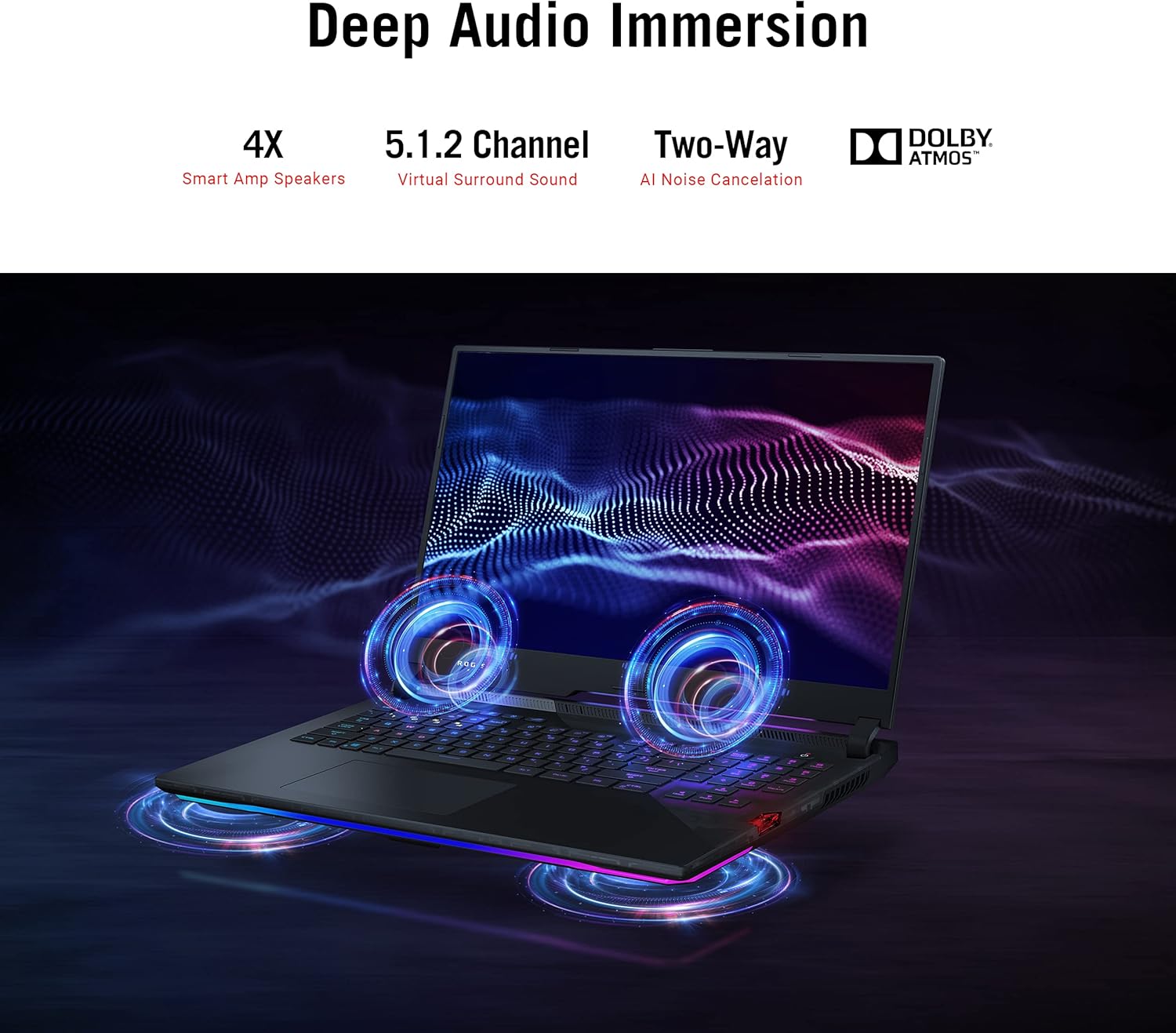
Image 4.3: The laptop illustrating its audio features, including 4X Smart Amp Speakers, 5.1.2 Channel Virtual Surround Sound, Two-Way AI Noise Cancellation, and Dolby Atmos.
4.4. Konnettività
The laptop supports Wi-Fi 6 (802.11ax) for high-speed wireless internet and Bluetooth for connecting wireless peripherals.

Image 4.4: The laptop highlighting its Wi-Fi 6 certification and long-lasting 90 Wh battery with Type-C charging support.
4.5. ROG Armoury Crate
Utilize the ROG Armoury Crate software for system monitoring, performance tuning, RGB lighting customization, and game profile management. This software allows for quick command customization and managing an encrypted Shadow Drive for security.
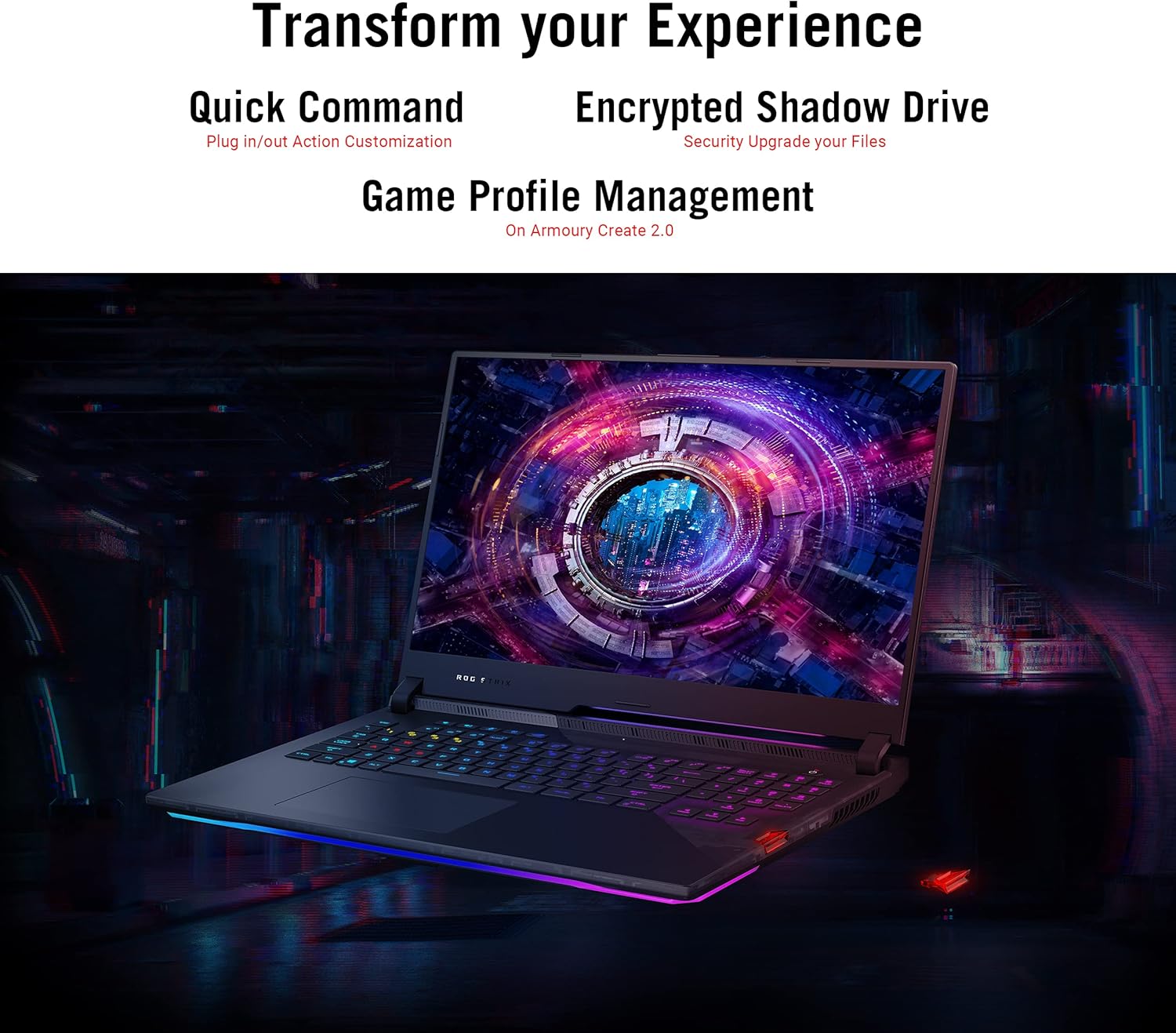
Image 4.5: The laptop display showing the Armoury Crate interface, illustrating features like Quick Command, Encrypted Shadow Drive, and Game Profile Ġestjoni.
5. Manutenzjoni
5.1. Tindif tal-Laptop Tiegħek
- Skrin: Uża ċarruta ratba u mingħajr ħelu dampLaħlaħ bl-ilma jew b'tindif tal-iskrin. Evita kimiċi ħarxa.
- Tastiera u Chassis: Uża drapp artab. Għat-trab fix-xquq, uża arja kkompressata.
- Ventijiet: Regularly check and clean the cooling vents to ensure proper airflow. Use compressed air to remove dust buildup.
5.2. Kura tal-batterija
- Evita li tiċċarġja l-batterija kompletament ta' spiss.
- Aħżen il-laptop f'post frisk u niexef jekk ma tużahx għal perjodi twal.
- Tesponix il-batterija għal temperaturi estremi.
5.3. Aġġornamenti tas-Software
Regularly update your operating system (Windows Update), graphics drivers (NVIDIA, AMD), and ASUS utilities (MyASUS, Armoury Crate) to ensure optimal performance and security. Ensure updates are completed without interruption.
6 Issolvi l-problemi
6.1. Kwistjonijiet Komuni u Soluzzjonijiet
| Ħruġ | Soluzzjoni Possibbli |
|---|---|
| Il-laptop ma jixgħelx. | Kun żgur li l-adapter tal-AC huwa konness sew kemm mal-laptop kif ukoll ma' sokit tal-enerġija li jaħdem. Iċċekkja jekk is-sokit tal-enerġija hux qed jaħdem. |
| L-iskrin jibqa' iswed wara li jinxtegħel. | Connect an external monitor to verify if the issue is with the laptop's display. Try pressing Fn + F10 (jew iċ-ċavetta tal-funzjoni xierqa) biex taqleb l-output tal-wiri. |
| Il-prestazzjoni tas-sistema hija bil-mod. | Check for background applications consuming resources. Ensure drivers are updated. Verify that cooling vents are not obstructed. Adjust power settings to "High Performance". |
| Laptop overheats during use. | Ensure the laptop is on a hard, flat surface to allow proper airflow. Clean dust from cooling vents. Consider using a laptop cooling pad. Monitor temperatures using Armoury Crate. |
| Problemi bil-konnessjoni tal-Wi-Fi. | Restart your router and modem. Ensure Wi-Fi is enabled in Windows settings. Update Wi-Fi drivers. |
| Power adapter gets very hot. | This can be normal during heavy use. Ensure the adapter is in a well-ventilated area and not covered by fabric or carpet. If it becomes excessively hot to touch, discontinue use and contact support. |
| Windows requires disk repair regularly. | Run Windows built-in disk check utility (chkdsk). Ensure all Windows updates are installed correctly. If the issue persists, consider reinstalling Windows or contacting support. |
Għal aktar dettalji dwar is-soluzzjoni tal-problemi, irreferi għall-appoġġ tal-ASUS websit jew ikkuntattja lis-servizz tal-konsumatur tagħhom.
7. Speċifikazzjonijiet
| Karatteristika | Dettall |
|---|---|
| Isem tal-Mudell | ASUS ROG Strix Scar 17 G733QSA-PB96 |
| Proċessur | AMD Ryzen™ 9 5900HX (3.3 GHz, 8 Cores) |
| Koproċessur tal-Grafika | NVIDIA GeForce RTX 3080 |
| Daqs tar-RAM tal-Karta tal-Grafika | 16 GB GDDR6 |
| RAM | 16 GB DDR4 3200 MHz |
| Hard Drive | SSD ta' 1 TB PCIe NVMe M.2 |
| Sistema Operattiva | Windows 10 Professjonali |
| Daqs tal-Iskrin | 17.3 Pulzier |
| Riżoluzzjoni tal-Iskrin | 1920 x 1080 pixels (Full HD) |
| Riżoluzzjoni Massima tal-Iskrin | 1920x1080 Pixel |
| Riffriskar Rata | 360Hz |
| Ħin ta' Rispons | 3ms |
| Tip bla fili | 802.11ax (Wi-Fi 6), Bluetooth |
| Portijiet USB 3.0 | 4 |
| Piż tal-oġġett | 5.95 liri (2.7 kg) |
| Dimensjonijiet tal-Prodott (LxWxH) | 15.55 x 11.1 x 0.92 pulzieri (39.5 x 28.2 x 2.3 ċm) |
| Kulur | Iswed |
| Batteriji | 1 batterija tal-jone tal-litju (inkluża) |
| Karatteristiċi Speċjali | Opti-Mechanical Per-Key RGB Keyboard, Advanced Cooling System (Liquid Metal) |
8. Garanzija u Appoġġ
8.1. Informazzjoni dwar Garanzija
Your ASUS ROG Strix Scar 17 G733QSA-PB96 laptop comes with a limited warranty. Please refer to the included Warranty Card for specific terms, conditions, and duration of your product's warranty. Keep your proof of purchase for warranty claims.
Optional protection plans may be available for extended coverage. Check with your retailer or ASUS for details.
8.2. Appoġġ għall-Klijent
Għal assistenza teknika, downloads ta' sewwieqa, jew aktar informazzjoni, jekk jogħġbok żur is-sit uffiċjali tal-appoġġ tal-ASUS websit:
You may also find helpful resources and FAQs on the ASUS ROG community forums.
Ask a question about this manual
Ask about setup, troubleshooting, compatibility, parts, safety, or missing instructions. Manuals+ will review the question and use this page’s manual context to help answer it.