
1. Introduzzjoni
This manual provides essential information for setting up, operating, and maintaining your TECLAST T60Pro 12-inch 2K Tablet. The T60Pro features a 12-inch 2K IPS display, powered by a MediaTek Helio G99 Octa-Core processor, running Android 15. It includes 20GB RAM (8GB physical + 12GB virtual expansion) and 128GB internal storage, expandable up to 1TB via Micro SD. The tablet is equipped with four stereo speakers, a 13MP rear camera, an 8MP front camera, and an 8000mAh battery with 18W fast charging.

The TECLAST T60Pro features a slim 7.9mm metal body, weighing 553g, designed for portability and comfortable handling.
2. X'hemm fil-Kaxxa
Ivverifika li l-oġġetti kollha huma preżenti fil-pakkett:
- TECLAST T60Pro Tablet (x1)
- Ċarġer (x1)
- Kejbil USB-C (x1)
- SIM Ejector Tool (x1)
- Manwal għall-Utent (x1)
This video demonstrates the unboxing process of the TECLAST T60Pro tablet and its included accessories.
3. Setup
3.1 Layout tal-Apparat
The image displays the side profile of the tablet, highlighting the SIM/TF Card slot, speaker grilles, and the Type-C port for charging and data transfer.
3.2 Iċċarġjar tat-Tablet
Before first use, fully charge the tablet using the provided USB-C cable and charger. Connect the USB-C cable to the tablet's Type-C port and the charger to a power outlet. The battery indicator on the screen will show charging status.
3.3 Power On/Off
- To power on: Press and hold the Power button until the TECLAST logo appears.
- Biex titfi: Agħfas u żomm il-buttuna tal-Enerġija, imbagħad agħżel 'Itfi' mill-għażliet fuq l-iskrin.
- To restart: Press and hold the Power button, then select 'Restart' from the options.
3.4 SIM/TF Card Installation
To install a SIM card for cellular connectivity or a TF (Micro SD) card for expanded storage:
- Sib it-trej tal-kard SIM/TF fuq il-ġenb tat-tablet.
- Daħħal l-għodda tal-ejecter tas-SIM provduta fit-toqba ż-żgħira ħdejn it-trej u agħfas bil-mod sakemm it-trej joħroġ 'il barra.
- Place your Nano-SIM card(s) and/or Micro SD card into the designated slots on the tray, ensuring correct orientation.
- Imbotta t-trej lura fil-pillola bir-reqqa sakemm tikklikkja f'postu.

The tablet supports up to 1TB Micro SD card expansion for additional storage.
3.5 Konfigurazzjoni Inizjali tal-Android
Upon first power-on, follow the on-screen prompts to complete the initial setup, which includes selecting your language, connecting to Wi-Fi, setting up your Google account, and configuring security options.
4. Istruzzjonijiet Operattivi
4.1 Wirja u Viżwali
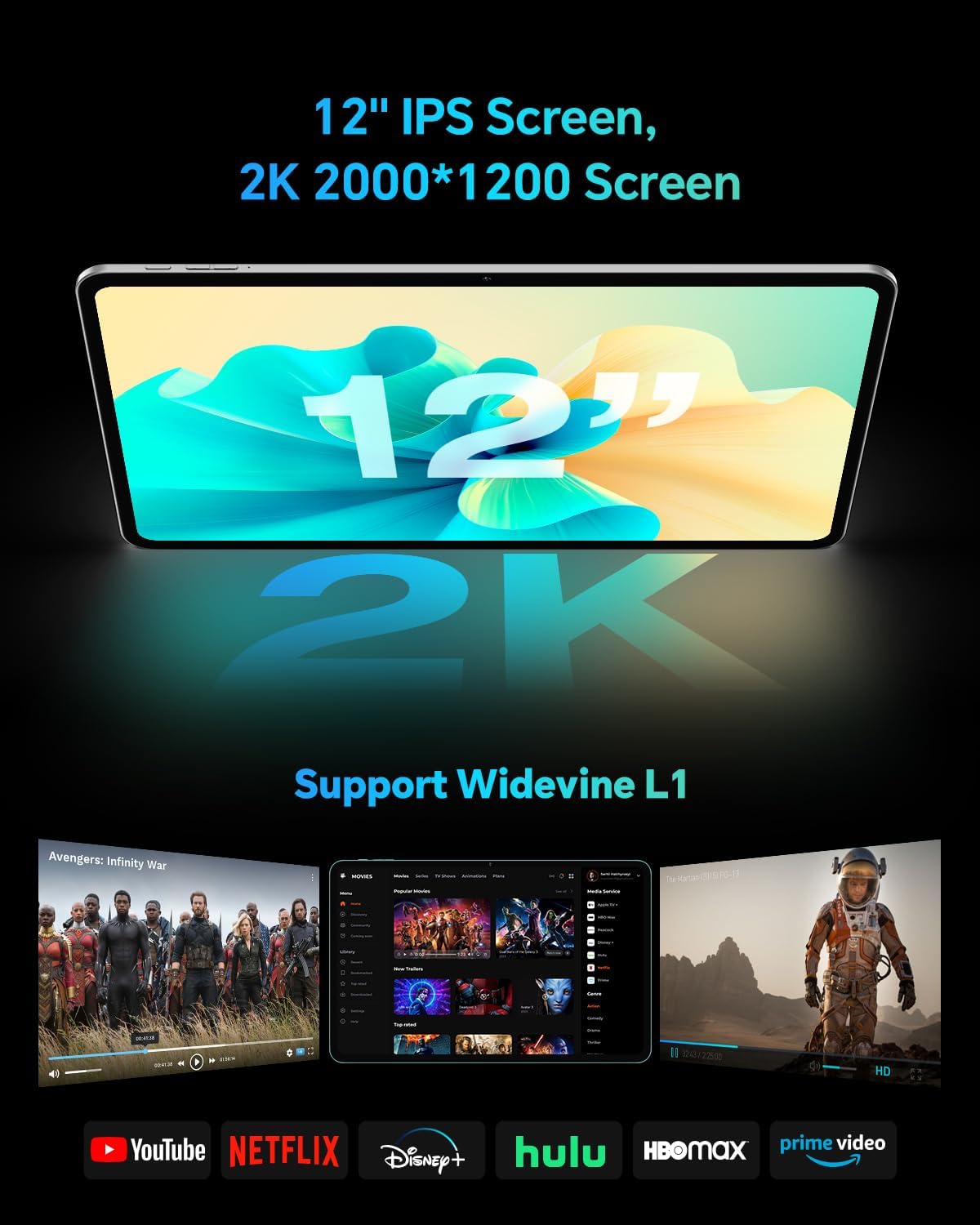
The TECLAST T60Pro features a 12-inch 2K (2000x1200) IPS TDDI full-lamination screen. It includes built-in blue light filtering for eye protection. The display supports Widevine L1 for high-definition streaming content.

Experience crisp visuals and support for HD streaming with the 12-inch 2K IPS display and Widevine L1 certification.
4.2 Awdjo
The tablet is equipped with four high-fidelity stereo speakers, providing an immersive audio experience for media consumption and video calls.
4.3 Funzjonijiet tal-Kamera
The T60Pro includes a 13MP rear camera and an 8MP front camera. The rear camera is designed for clear shooting, even in low-light conditions. Utilize the camera for photos, videos, and video calls.

The tablet features a 13MP rear camera and an 8MP front camera, supporting features like Google Lens and Face Recognition.
4.4 Konnettività
- Wi-Fi: Supports 2.4/5GHz dual-band Wi-Fi (802.11a/b/g/n/ac) for stable internet connection.
- Bluetooth: Features Bluetooth 5.2 for connecting wireless accessories.
- Ċellulari: Supports 4G cellular connectivity with a compatible SIM card.
- GPS: Integrated A-GPS/GPS/BeiDou/GLONASS/Galileo multi-navigation system for accurate location services.

The tablet includes built-in GPS with support for multiple satellite positioning systems for reliable navigation.
4.5 Ġestjoni tal-Ħażna
The tablet comes with 128GB of internal storage. This can be expanded up to 1TB using a Micro SD card (sold separately).
4.6 Rikonoxximent tal-wiċċ
For convenient and secure unlocking, the tablet supports face recognition. Simply hold your face in front of the front camera. If face recognition fails, use your registered password or adjust ambient lighting for better recognition.

Unlock your tablet quickly and securely using the face recognition feature.
4.7 Projezzjoni bla fili
Mirror your tablet's display to a larger screen, such as a TV, for an enhanced viewing experience. Refer to your TV's manual for specific wireless projection setup instructions.
4.8 Parental Controls and Kids Mode
The Android 15 system includes built-in parental controls to manage screen time and app access for children. Utilize these features to create a safe and controlled environment for younger users.
5. Manutenzjoni
5.1 Tindif tal-Apparat
Use a soft, lint-free cloth to clean the tablet's screen and body. Avoid using harsh chemicals or abrasive materials that could damage the surfaces.
5.2 Kura tal-Batterija
Biex ittawwal il-ħajja tal-batterija:
- Evita temperaturi estremi.
- Tħallix il-batterija tixxotta kompletament ta' spiss.
- Use the provided charger for optimal charging.
5.3 Aġġornamenti tas-Software
Regularly check for and install system updates to ensure optimal performance, security, and access to the latest features. Navigate to Settings > Sistema > Aġġornament tas-sistema biex tiċċekkja għal aġġornamenti disponibbli.
5.4 Protezzjoni tal-Iskrin
The tablet comes with a pre-applied tempered glass screen protector. A protective film for shipping is also applied, which should be removed after opening the package.

The tablet includes a pre-applied screen protector for immediate use and protection.
6 Issolvi l-problemi
6.1 L-Apparat Mhux Qed Jixgħel
- Ensure the battery is charged. Connect the tablet to the charger for at least 30 minutes before attempting to power on.
- Agħfas u żomm il-buttuna tal-Qawwa għal 10-15-il sekonda biex twettaq restart furzat.
6.2 Kwistjonijiet ta' Konnettività (Wi-Fi/Bluetooth)
- Toggle Wi-Fi or Bluetooth off and on in the Settings menu.
- Restart your router or Bluetooth device.
- Insieh in-netwerk/apparat u erġa' qabbad.
6.3 Volum Baxx tal-Awdjo
- Adjust the volume using the physical Volume buttons on the tablet.
- Check media volume settings in Settings > Ħoss u vibrazzjoni.
- Ensure no external audio devices are connected via Bluetooth or Type-C that might be overriding the internal speakers.
6.4 L-Applikazzjonijiet Jikkraxxjaw jew Jiffriżaw
- Agħlaq u terġa' tiftaħ l-app.
- Neħħi l-cache u d-dejta tal-app Settings > Apps > [Isem tal-App] > Ħażna > Neħħi l-cache/Neħħi d-dejta.
- Kun żgur li l-app hija aġġornata għall-aħħar verżjoni tagħha mill-Google Play Store.
7. Speċifikazzjonijiet
| Karatteristika | Speċifikazzjoni |
|---|---|
| Brand | TECLAST |
| Isem tal-Mudell | T60pro |
| Sistema Operattiva | Android 15 |
| Daqs tal-Iskrin | 12 Pulzier |
| Riżoluzzjoni tal-Wiri | 2000x1200 Pixel (2K) |
| Proċessur | MediaTek Helio G99 Octa-Core (2.2 GHz) |
| Memorja RAM | 20 GB (8GB fiżiku + 12GB virtwali) |
| Kapaċità tal-Ħżin | 128 GB |
| Ħażna espansibbli | Sa 1 TB (Micro SD) |
| Koproċessur tal-Grafika | Mali-G57 MC2 |
| Kapaċità tal-batterija | 8000 mAh |
| Iċċarġjar | 18W USB-PD Fast Charging |
| Kamera ta' wara | 13 MP |
| Kamera ta' Quddiem | 8 MP |
| Teknoloġija bla fili | Wi-Fi (2.4/5GHz), Bluetooth 5.2, 4G Cellular |
| Funzjonalità GPS | GPS/BEIDOU/GLONASS/GALILEO |
| Headphones Jack | Tip-Ċ |
| Dimensjonijiet (T x W x H) | 10.97" x 6.85" x 0.31" |
| Kulur | Griż Skur |
8. Garanzija u Appoġġ
8.1 Garanzija tal-Manifattur
The TECLAST T60Pro tablet comes with a Garanzija ta' 1 snin mill-manifatturDin il-garanzija tkopri difetti fil-materjali u fix-xogħol taħt użu normali. Jekk jogħġbok żomm il-prova tax-xiri tiegħek għal talbiet ta' garanzija.
8.2 Appoġġ għall-Klijent
For technical assistance, troubleshooting, or warranty inquiries, please contact TECLAST customer support. Most questions are answered within 24 hours. Refer to the official TECLAST website or your purchase platform for specific contact details.
Online resources and FAQs may also be available on the TECLAST support page.