
Introduzzjoni
This manual provides detailed instructions for the operation and maintenance of your TOZO G1 Wireless Gaming Earbuds. Please read thoroughly before use to ensure optimal performance and longevity of your device.
X'hemm fil-Kaxxa
- Earbuds mingħajr fili TOZO G1
- Kawża tal-Iċċarġjar bla Fili
- Eartips (multiple sizes for comfortable fit)
- Kejbil tal-Iċċarġjar tal-USB A għal USB C
- Manwal għall-Utent (dan id-dokument)
Setup
1. Iċċarġjar tal-Earbuds u l-Kaxxa
Before first use, fully charge the earbuds and charging case to ensure maximum battery life.
Image: The TOZO G1 charging case connected via a USB-C cable, indicating charging status with an illuminated logo.
- Connect the USB A to USB C charging cable to the charging port on the case.
- Qabbad it-tarf l-ieħor ma' sors ta' enerġija USB kompatibbli.
- The LED indicator on the case will show the charging status. A full charge provides up to 6 hours of playback for the earbuds and an additional 30 hours with the charging case.
2. It-tqabbil mat-Tagħmir Tiegħek
Follow these steps to pair your earbuds with a Bluetooth-enabled device.
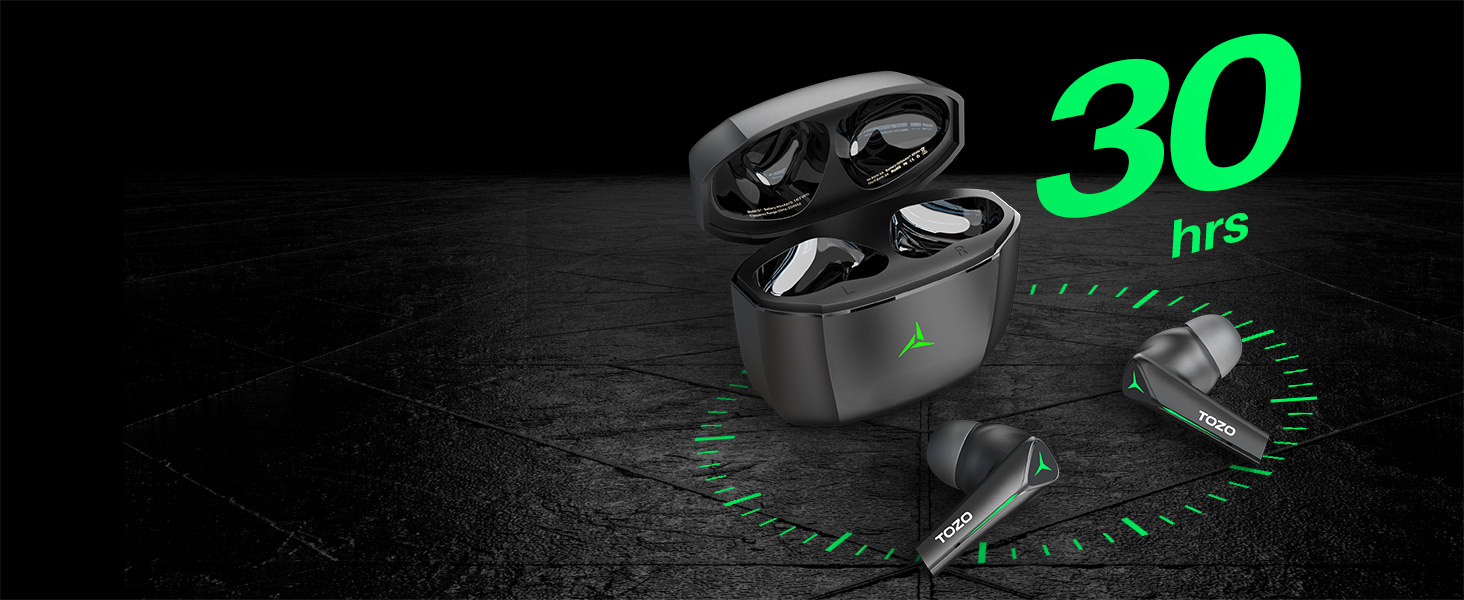
Image: TOZO G1 earbuds shown next to a smartphone displaying Bluetooth pairing options, with the earbuds emitting a green light.
- Open the charging case. The earbuds will automatically enter pairing mode (indicated by flashing LED lights).
- On your device (smartphone, tablet, laptop, gaming console), enable Bluetooth.
- Fittex għal "TOZO G1" in the list of available devices and select it to connect.
- Once connected, the earbud LED lights will turn off or show a steady light.
Istruzzjonijiet Operattivi
1. Game & Music Dual Mode
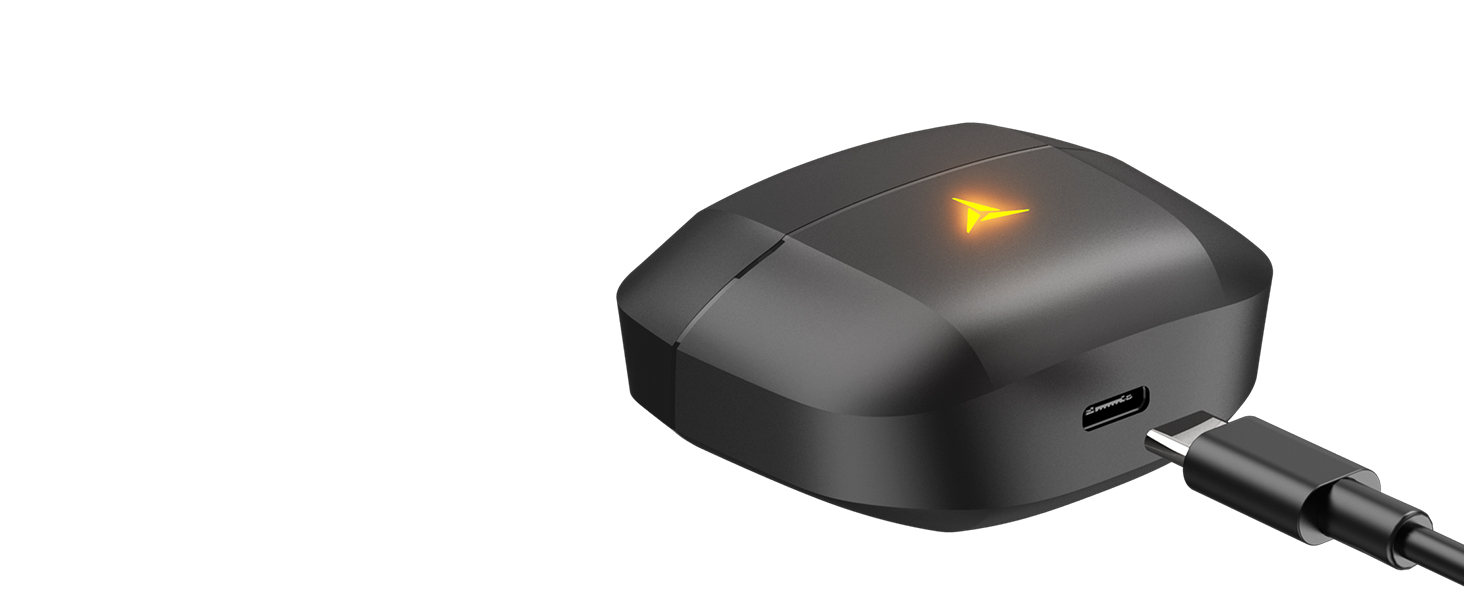
Image: A split image showing the TOZO G1 earbuds in "Game Mode" with a gaming scene and "Music Mode" with a person playing guitar, highlighting the dual functionality.
The TOZO G1 earbuds feature a dual mode for optimized audio performance:
- Modalità tal-Logħba: Provides 45ms ultra-low latency for synchronized audio and video, enhancing gaming with accurate sound detection (footsteps, gunfire).
- Modalità Mużika: Delivers high-fidelity sound with powerful bass (16Hz-20kHz), mellow midrange, and clear treble for an immersive listening experience.
2. Kontroll Intelliġenti tal-Messaġġ

Image: A diagram illustrating the touch control functions for the left and right TOZO G1 earbuds, including play/pause, track skipping, volume control, call management, and voice assistant/game mode activation.
Control your earbuds with simple touch gestures:
| Azzjoni | Earbud tax-Xellug | Earbud tal-lemin |
|---|---|---|
| Play/Pawsa | Tektek Waħda (X1) | Tektek Waħda (X1) |
| Kanzunetta Preċedenti / Li jmiss | Double Tap (X2) - Previous | Double Tap (X2) - Next |
| Tweġiba/Hang Up Call | Tektek Waħda (X1) | Tektek Waħda (X1) |
| Irrifjuta Sejħa | Żomm għal 2 sekondi | Żomm għal 2 sekondi |
| Volum 'l isfel /' il fuq | Hold for 2 seconds - Volume Down | Hold for 2 seconds - Volume Up |
| Voice Assistant/Game Mode | Triple Tap (X3) - Voice Assistant | Triple Tap (X3) - Game Mode |
Manutenzjoni
- Naddaf il-earbuds u l-kaxxa tal-iċċarġjar regolarment b'ċarruta ratba u niexfa.
- Avoid exposing the earbuds to extreme temperatures or liquids. While waterproof, prolonged submersion is not recommended.
- Store in the charging case when not in use to protect and keep them charged.
Issolvi l-problemi
- Il-earbuds mhux qed jitqabbdu:
- Ensure both earbuds are in the charging case and the case is open. Check your device's Bluetooth settings and try reconnecting. If issues persist, reset the earbuds (refer to the full user manual for specific reset instructions).
- L-ebda ħoss jew volum baxx:
- Check the volume levels on both your device and the earbuds. Ensure earbuds are properly seated in your ears. Verify the earbuds are connected to the correct device.
- Kwistjonijiet tal-iċċarġjar:
- Kun żgur li l-kejbil tal-iċċarġjar huwa konness sew kemm mal-kaxxa kif ukoll mas-sors tal-enerġija. Ipprova kejbil USB-C jew adapter tal-enerġija differenti. Naddaf il-kuntatti tal-iċċarġjar fuq il-earbuds u ġewwa l-kaxxa.
Speċifikazzjonijiet
| Karatteristika | Dettall |
|---|---|
| Isem tal-Mudell | G1 |
| Teknoloġija tal-Konnettività | Mingħajr fili (Bluetooth 5.3) |
| Latency tal-Awdjo | 45 Millisekondi (Modalità tal-Logħob) |
| Ħajja tal-Batterija (Earbuds) | Sa 6-il Siegħa |
| Ħin Totali tal-Logħob (bil-Kaxxa tal-Iċċarġjar) | Sa 30-il Siegħa |
| Livell ta 'Reżistenza għall-Ilma | Li ma jgħaddix ilma minnha (IPX5) |
| Metodu ta' Kontroll | Mess |
| Komponenti Inklużi | TOZO G1 Wireless Earbuds, Wireless Charging Case, Eartips, USB A to USB C Charging Cable, User Manual |
Vidjo Uffiċjali tal-Prodott
Vidjo: Wirja uffiċjali tal-vidjo tal-prodottasing the TOZO G1 Wireless Gaming Earbuds and their features.
Garanzija u Appoġġ
TOZO products come with a standard manufacturer's warranty. For detailed warranty information, product support, or to contact customer service, please visit the official TOZO webis-sit jew irreferi għall-karta tal-garanzija inkluża fl-imballaġġ tal-prodott tiegħek.
Uffiċjali Websit: www.tozostore.com