1. Introduzzjoni
Welcome to the VGR V-171 Hair Trimmer user manual. This guide provides essential information for the safe and effective use, maintenance, and troubleshooting of your new grooming device. Please read all instructions carefully before operating the trimmer and retain this manual for future reference.
2. Istruzzjonijiet tas-Sigurtà
To reduce the risk of electric shock, injury, or damage to the appliance, always follow these basic safety precautions:
- Żomm 'il bogħod mill-ilma: Tużax dan l-apparat ħdejn banjijiet, doċċi, basins, or other vessels containing water. Never immerse the trimmer in water.
- Dry use only: This trimmer is designed for dry use. Do not use it on wet hair or skin.
- Children and infants: Keep the appliance out of reach of children. Do not use on infants or children.
- Eye and skin contact: Avoid direct contact of the blades with eyes or sensitive skin areas.
- Spezzjoni tal-ħsara: Do not operate the trimmer if it has a damaged cord, plug, or if it is not working properly, has been dropped, or damaged.
- Użu maħsub: Uża dan l-apparat biss għall-użu domestiku maħsub tiegħu kif deskritt f'dan il-manwal.
- Iċċarġjar: Use only the provided charging cable. Ensure the voltage is compatible before charging.
- Tindif: Dejjem aqla’ t-trimmer qabel ma tnaddaf.
3. Kontenut tal-Pakkett
Ivverifika li l-oġġetti kollha huma preżenti fil-pakkett:
- Trimmer tax-Xagħar VGR V-171
- 4 Guide Combs (various lengths)
- Pinzell tat-tindif
- Żejt Lubrikanti
- Cable tal-Iċċarġjar tal-USB
- Manwal għall-Utent

Image: The VGR V-171 hair trimmer shown alongside its complete set of accessories, including four guide combs, a small cleaning brush, a bottle of lubricating oil, and a USB charging cable, all packaged with the user manual.
4. Setup
4.1 Iċċarġjar tat-Trimmer
- Kun żgur li t-trimmer huwa mitfi.
- Insert the small end of the USB charging cable into the charging port at the bottom of the trimmer.
- Plug the larger end of the USB cable into a compatible USB power adapter (not included) or a computer USB port.
- The indicator light on the trimmer will illuminate to show that it is charging.
- Allow the trimmer to charge fully before first use. Charging time may vary.
4.2 Twaħħil u Qtugħ tal-Moxtijiet Gwida
- Select the desired guide comb for your preferred hair length.
- Align the guide comb with the trimmer blade and slide it firmly onto the blade until it clicks into place.
- To remove a guide comb, gently push it upwards and away from the blade.
Immaġni: Sħiħa view of the VGR V-171 hair trimmer, highlighting its ergonomic design, power button, and battery indicator lights.
5. Istruzzjonijiet Operattivi
5.1 Tixgħel/Jitfi
- To turn on the trimmer, press the power button once.
- Biex titfi t-trimmer, agħfas il-buttuna tal-qawwa mill-ġdid.
5.2 It-Tqattigħ tax-Xagħar
- Kun żgur li xagħrek ikun nadif u niexef qabel ma taqta’.
- Attach the desired guide comb for the length you wish to achieve. For a closer trim, use without a guide comb.
- Hold the trimmer with the blades facing the area you want to trim.
- Mexxi t-trimmer kontra d-direzzjoni tat-tkabbir tax-xagħar għall-aħjar riżultati.
- Use slow, controlled movements. Do not press too hard against the skin.
- Regularly clear accumulated hair from the guide comb and blades during use.
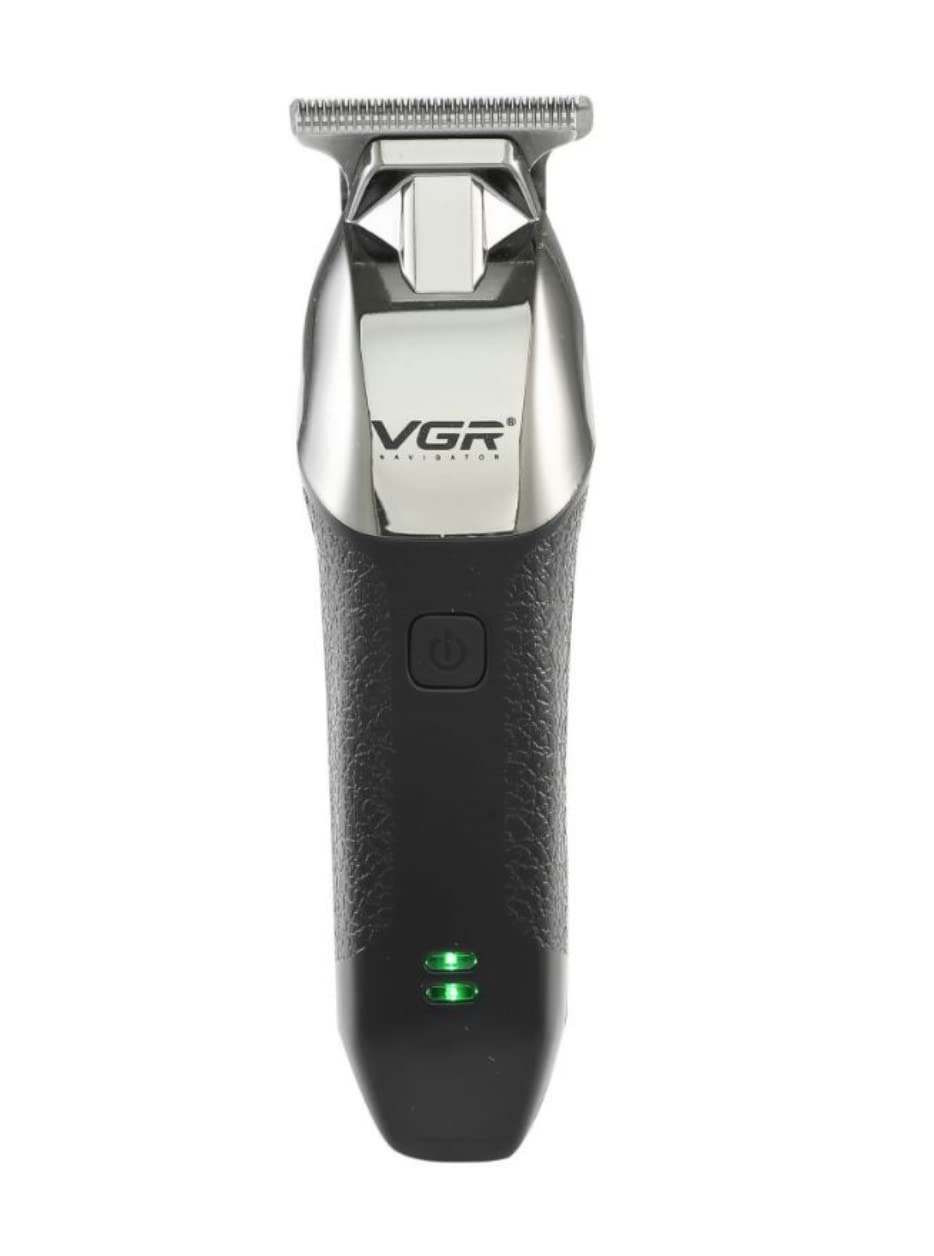
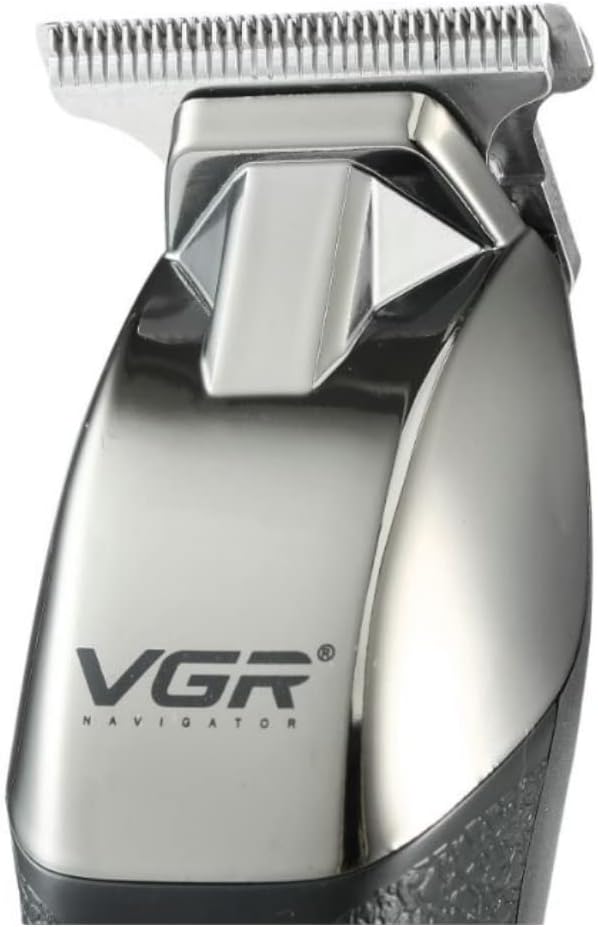
Image: A detailed close-up of the VGR V-171 hair trimmer's stainless steel T-blade, designed for precise trimming.
6. Manutenzjoni
6.1 Tindif tax-Xfafar
- Ensure the trimmer is switched off and unplugged before cleaning.
- Use the provided cleaning brush to remove any loose hairs from the blades and the trimmer head.
- For a more thorough clean, you may carefully detach the blade head (refer to specific instructions if provided with your model for blade removal).
- Do not rinse the trimmer head or blades under water, as this model is for dry use only.
6.2 Lubrikazzjoni tax-Xfafar
- After cleaning, apply 1-2 drops of the lubricating oil (provided) onto the blades.
- Turn on the trimmer for a few seconds to allow the oil to distribute evenly across the blades.
- Wipe off any excess oil with a soft cloth. Regular oiling helps maintain blade sharpness and prolongs the life of the trimmer.
6.3 Ħażna
- Aħżen it-trimmer f'post frisk u niexef, 'il bogħod mix-xemx diretta u mill-umdità.
- Keep the guide combs and accessories together with the trimmer to prevent loss.
7 Issolvi l-problemi
| Problema | Kawża Possibbli | Soluzzjoni |
|---|---|---|
| Trimmer ma jixgħelx. | Il-batterija hija eżawrita. | Iċċarġja t-trimmer kompletament. |
| Trimmer ma jixgħelx. | Il-buttuna tal-qawwa mhux ippressata sew. | Agħfas il-buttuna tal-qawwa b'mod sod. |
| Prestazzjoni fqira tat-tirqim. | Ix-xfafar huma matt jew imblukkati bix-xagħar. | Clean and lubricate the blades. If blades are dull, consider replacement if available. |
| It-trimmer jagħmel ħoss mhux tas-soltu. | Ix-xfafar jeħtieġu lubrikazzjoni. | Applika żejt lubrikanti fuq ix-xfafar. |
Jekk il-problema tippersisti wara li tipprova dawn is-soluzzjonijiet, jekk jogħġbok ikkuntattja l-appoġġ għall-klijenti.
8. Speċifikazzjonijiet
- Numru tal-Mudell: V-171
- Ditta: Kontijiet nazzjonali
- Sors tal-Enerġija: Battery Operated (Rechargeable)
- Numru ta 'Settings tal-Veloċità: 1
- Grupp Mira: Irġiel
- Numru ta' Kapijiet: 4
- Funzjoni ta' Operazzjoni: Nixxef
- Tip: Clipper & Trimmer
- Materjal tax-xafra: Stainless Steel
- Karatteristiċi Speċjali: Rikarikabbli
- Piż tal-oġġett: 500 gramma
- Dimensjonijiet tat-Tbaħħir: 18.6 x 10.6 x 6.8 ċm
- Kulur: Iswed
9. Garanzija u Appoġġ
For warranty information, please refer to the warranty card included with your purchase or contact the retailer where the product was bought. For technical support or service inquiries, please contact the manufacturer or your local distributor. Keep your proof of purchase for any warranty claims.