
Introduzzjoni
Thank you for choosing the MEDION MD 10319 Tower Fan. This manual provides essential information for the safe and efficient operation of your new fan. Please read these instructions carefully before use and keep them for future reference.
Istruzzjonijiet Importanti dwar is-Sigurtà
Dejjem segwi l-prekawzjonijiet bażiċi ta' sigurtà meta tuża apparati elettriċi biex tnaqqas ir-riskju ta' nar, xokk elettriku, u korriment lil persuni.
- Tiżgura l-provvista tal-enerġija voltage jaqbel mat-tikketta tal-klassifikazzjoni fuq il-fann.
- Tħaddimx il-fann b'korda jew plagg bil-ħsara. Jekk il-korda tkun bil-ħsara, trid tiġi sostitwita mill-manifattur, mill-aġent tas-servizz tiegħu, jew minn persuni kwalifikati bl-istess mod biex jiġi evitat periklu.
- Żomm il-fann 'il bogħod mill-ilma jew likwidi oħra. Tgħaddasx il-fann fl-ilma.
- Daħħalx subgħajk jew oġġetti barranin fil-gradilja waqt li l-fann ikun qed jaħdem.
- Unplug the fan from the power outlet when not in use, when moving it from one location to another, and before cleaning.
- Dan l-apparat mhuwiex maħsub għall-użu minn persuni (inklużi tfal) b’kapaċitajiet fiżiċi, sensorji jew mentali mnaqqsa, jew nuqqas ta’ esperjenza u għarfien, sakemm ma jkunux ingħataw superviżjoni jew istruzzjoni dwar l-użu tal-apparat minn persuna responsabbli għas-sigurtà tagħhom.
- It-tfal għandhom ikunu sorveljati biex jiżguraw li ma jilagħbux bl-apparat.
- Poġġi l-fann fuq wiċċ stabbli u ċatt biex tevita li jinqaleb.
Kontenut tal-Pakkett
Please check the package for the following components:
- MEDION MD 10319 Tower Fan
- Bażi (żewġ nofsijiet)
- Skoraġġ tal-Ġewż
- 4 Mounting Screws for Base
- Remote Control (with 2 x AAA batteries)
- Manwal ta' Istruzzjoni
Assemblaġġ u Setup
Segwi dawn il-passi biex tiġbor il-fann tat-torri tiegħek:
- Neħħi bir-reqqa l-komponenti kollha mill-imballaġġ.
- Assemble the two halves of the base by interlocking them.
- Align the assembled base with the bottom of the fan unit. Ensure the power cord passes through the designated slot in the base.
- Secure the base to the fan unit using the 4 mounting screws provided.
- Tighten the securing nut from underneath the base to firmly attach it to the fan body.
- Insert the 2 AAA batteries into the remote control, observing polarity.
- Poġġi l-fann fuq wiċċ sod u livellat.
- Ipplaggja l-korda tal-enerġija f'sokit elettriku adattat (220V).
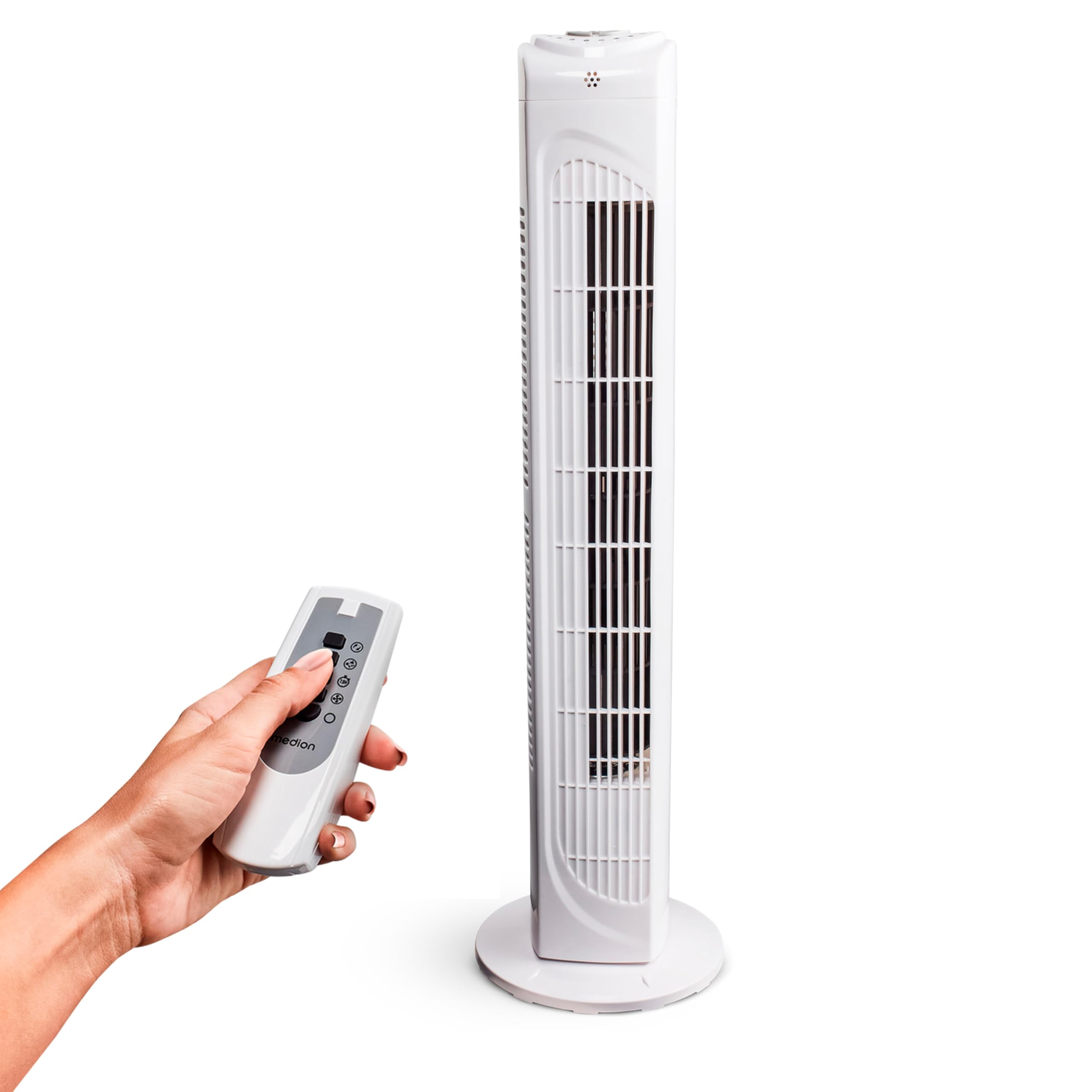
Image: The MEDION MD 10319 Tower Fan, fully assembled with its base, ready for use.

Image: A hand demonstrating the integrated carrying handle on top of the fan for easy portability.
Prodott Overview
Panel tal-Kontroll
The control panel is located on the top of the fan unit. It features buttons for power, speed, oscillation, and timer functions.

Immaġni: Dettaljata view of the fan's top control panel, showing buttons for power, speed settings (3 levels), timer, and oscillation.
Kontroll mill-bogħod
The included remote control allows you to operate all fan functions from a distance.
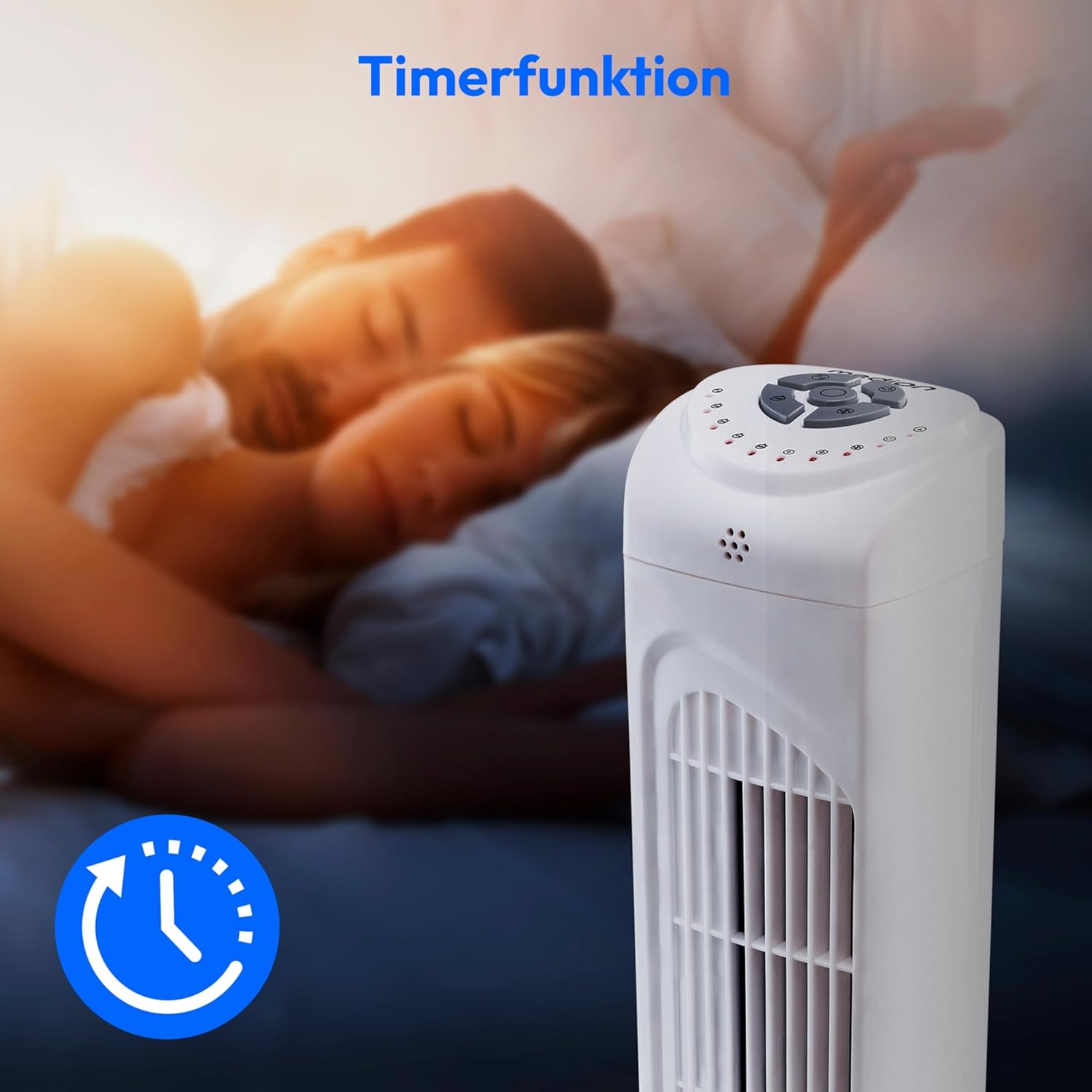
Image: A hand holding the remote control, which features buttons for power, speed, oscillation, and timer, mirroring the main control panel.
Istruzzjonijiet Operattivi
Qawwa mixgħul/mitfi
- Agħfas il- QAWWA button on the control panel or remote control to turn the fan ON.
- Agħfas il- QAWWA Agħfas il-buttuna mill-ġdid biex titfi l-fann.
Aġġustament tal-Veloċità tal-Fan
The fan has 3 speed settings: Low, Medium, and High.
- Agħfas il- VELOĊITÀ button repeatedly to cycle through the speed settings.
- The current speed level will be indicated by LED lights on the control panel.
Funzjoni ta 'Oxxillazzjoni
The oscillation function allows the fan to rotate horizontally, distributing air over a wider area.
- Agħfas il- OSC button on the control panel or remote control to activate oscillation. The fan will rotate approximately 60 degrees.
- Agħfas il- OSC button again to stop oscillation. The fan will stop in its current position.

Image: The tower fan oscillating, indicated by blue arrows showing a 60-degree rotation for wider air distribution.
Funzjoni Timer
The timer function allows you to set the fan to automatically turn off after a specified period, up to 7.5 hours.
- Agħfas il- TIMER button repeatedly to set the desired operating time (e.g., 0.5h, 1h, 2h, 4h, up to 7.5h).
- The selected timer duration will be indicated by LED lights on the control panel.
- To cancel the timer, cycle through the settings until no timer LEDs are illuminated, or turn the fan off.

Image: The fan with a timer icon, illustrating its use for setting automatic shut-off, ideal for use during sleep.
Manutenzjoni
Tindif regolari jgħin biex tinżamm il-prestazzjoni u testendi l-ħajja tal-fann tiegħek.
- Dejjem aqla’ l-fann mill-plagg tal-elettriku qabel ma tnaddaf.
- Uża artab, damp drapp biex timsaħ l-uċuħ ta’ barra tal-fann. Tużax prodotti tat-tindif jew solventi li joborxu.
- Uża vacuum cleaner b'aċċessorju ta' pinzell biex tneħħi bil-mod it-trab mill-gradilji tad-dħul u tal-ħruġ tal-arja.
- Tħallix l-ilma jqattar ġewwa l-fann.
- Aħżen il-fann f'post frisk u niexef meta ma jkunx qed jintuża għal perjodi twal.
Issolvi l-problemi
If you encounter any issues with your MEDION MD 10319 Tower Fan, please refer to the following common problems and solutions:
| Problema | Kawża Possibbli | Soluzzjoni |
|---|---|---|
| Il-fann ma jixgħelx. | Ebda provvista ta 'enerġija. Il-buttuna tal-qawwa mhux ippressata. | Iċċekkja jekk il-korda tal-enerġija hijiex imdaħħla sew f'sokit li jaħdem. Press the POWER button on the fan or remote. |
| Il-kontroll mill-bogħod mhux qed jaħdem. | Il-batteriji huma mejta jew imdaħħla ħażin. Ostruzzjoni bejn ir-remote u l-fann. | Replace batteries (2 x AAA) and ensure correct polarity. Remove any objects blocking the signal path. Ensure you are within range. |
| Il-fann qed jagħmel ħoss mhux tas-soltu. | Fan is not on a level surface. Obstruction in the fan grille. | Poġġi l-fann fuq wiċċ stabbli u ċatt. Unplug the fan and carefully check for any foreign objects in the grilles. |
| Oscillation function is not working. | Oscillation button not activated. | Press the OSC button on the control panel or remote control. |
Speċifikazzjonijiet
| Karatteristika | Dettall |
|---|---|
| Brand | MEDION |
| Isem tal-Mudell | MD 10319 |
| Tip | Tower Fan / Floor Fan |
| Kulur | Abjad |
| Sors tal-Enerġija | Corded Elettriku |
| Wattage | 45 W |
| Voltage | 220 Volts |
| Numru ta' Veloċitajiet | 3 |
| Karatteristiċi Speċjali | Oxxillanti, Funzjoni tat-Tajmer |
| Angolu ta 'Oxxillazzjoni | 60° |
| Funzjoni Timer | Sa 7.5 sigħat |
| Metodu ta' Kontroll | Remot, buttuni fuq l-unità |
| Livell ta' Storbju | 50 Deċibel |
| Dimensjonijiet tal-Prodott (P x W x H) | 28 ċm x 28 ċm x 79 ċm |
| Piż tal-oġġett | 2.5 Kilogrammi |
| Materjal | Plastik |
| Tip ta 'Konnettur tal-Enerġija Prinċipali | CEE 7/7 (Schuko) |

Image: The MEDION MD 10319 Tower Fan with its height (79 cm) and base width (28 cm) clearly indicated.
Garanzija u Appoġġ
Your MEDION MD 10319 Tower Fan comes with a manufacturer's warranty. Please refer to the warranty card included in your package for detailed terms and conditions, including the warranty period and coverage.
For technical support, service, or spare parts, please contact MEDION customer service. Contact information can typically be found on the MEDION official webis-sit jew fid-dokumentazzjoni tal-garanzija.