
ASUS TUF516PE-AB73
Manwal tal-Istruzzjonijiet tal-Laptop tal-Logħob Ultra Slim tal-ASUS TUF Dash 15 (2021)
Model: TUF516PE-AB73
Introduzzjoni
This manual provides essential information for setting up, operating, maintaining, and troubleshooting your ASUS TUF Dash 15 (2021) Ultra Slim Gaming Laptop. Please read this guide thoroughly to ensure optimal performance and longevity of your device.
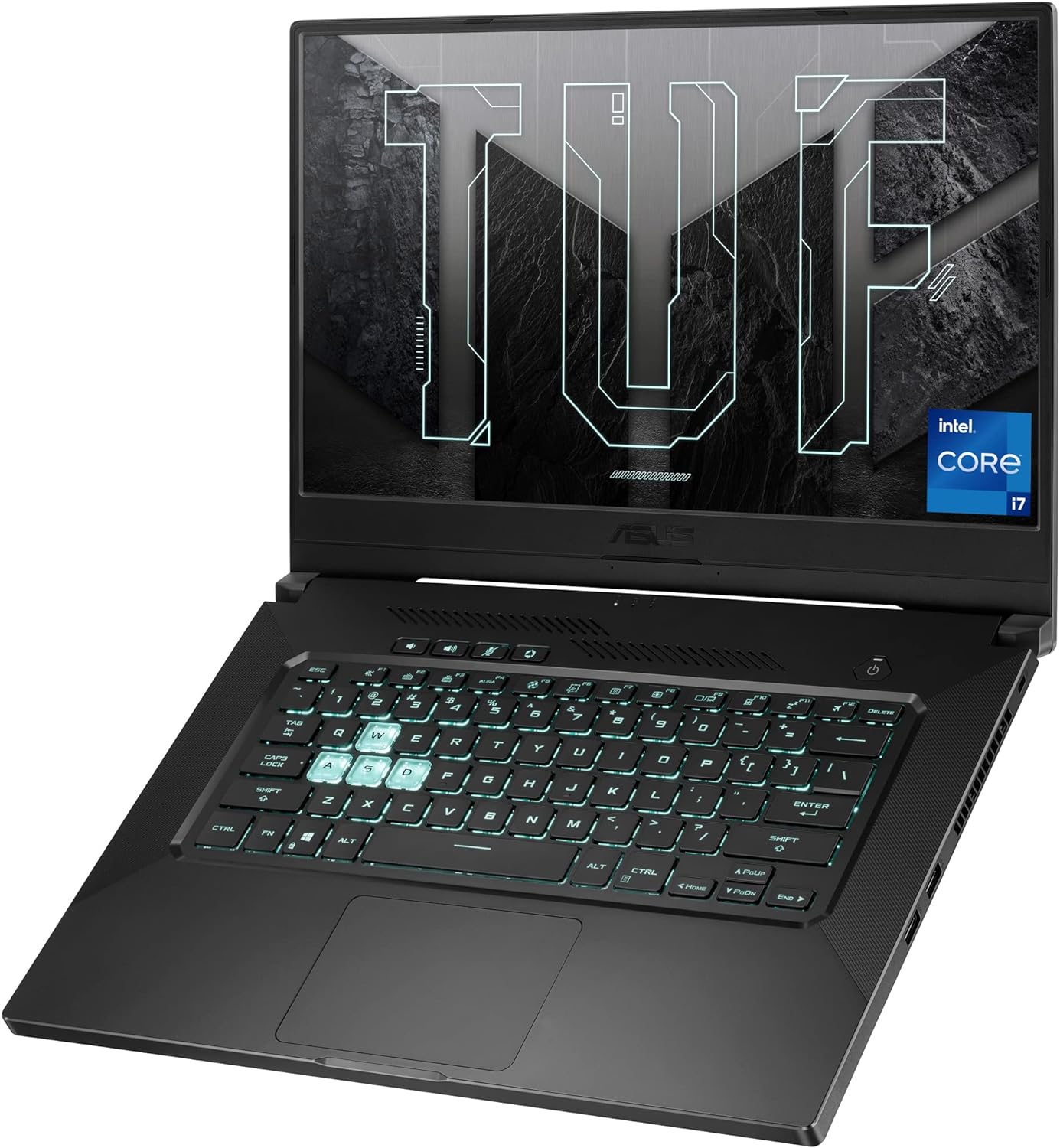
Image: The ASUS TUF Dash 15 (2021) laptop, showcasing its design and backlit keyboard.
X'hemm fil-Kaxxa
Iċċekkja li l-oġġetti kollha huma preżenti fl-imballaġġ:
- ASUS TUF Dash 15 (2021) Laptop (Model: TUF516PE-AB73)
- Adapter tal-Enerġija & Kurdun
- Gwida għall-Utent (dan id-dokument)
- Karta ta' Garanzija
Setup
1. L-Ewwel Tixgħil
- Qabbad l-adapter tal-enerġija mal-port tad-dħul tal-enerġija tal-laptop u mbagħad ma' sokit tal-enerġija.
- Iftaħ l-għatu tal-laptop.
- Agħfas il-buttuna tal-qawwa, li tipikament tinsab fin-naħa ta' fuq tal-lemin tat-tastiera.
- Segwi l-istruzzjonijiet fuq l-iskrin biex tlesti l-proċess tas-setup tal-Windows 10.
2. Konnessjoni Periferali
Il-laptop tiegħek għandu diversi portijiet għall-konnessjoni ta' apparati esterni:
- Portijiet USB 3.0: For connecting USB devices like mice, keyboards, and external storage.
- Port HDMI: Għall-konnessjoni ma' displays jew projetturi esterni.
- Port tat-Thunderbolt 4 (USB-C): Għal trasferiment ta' dejta b'veloċità għolja, output tal-wiri, u kunsinna tal-enerġija.
- Jack tal-Kombozzjoni tal-Awdjo: Għall-konnessjoni ta' headphones jew kuffji tal-widna.
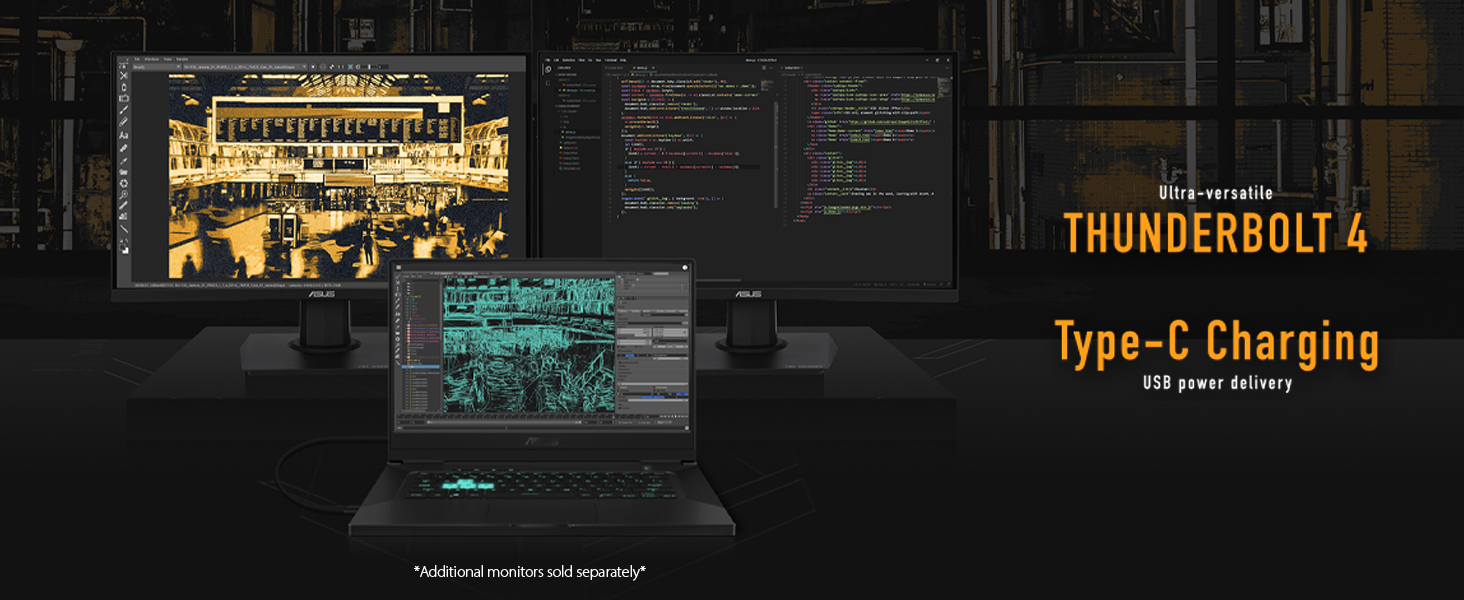
Image: The ASUS TUF Dash 15 connected to multiple external monitors, demonstrating its versatile connectivity options including Thunderbolt 4 and Type-C charging.
It-Tħaddim tal-Laptop Tiegħek
Karatteristiċi tal-Wiri
The laptop features a 15.6-inch 144Hz IPS-Type Full HD (1920x1080) display with Adaptive Sync technology for smooth visuals.
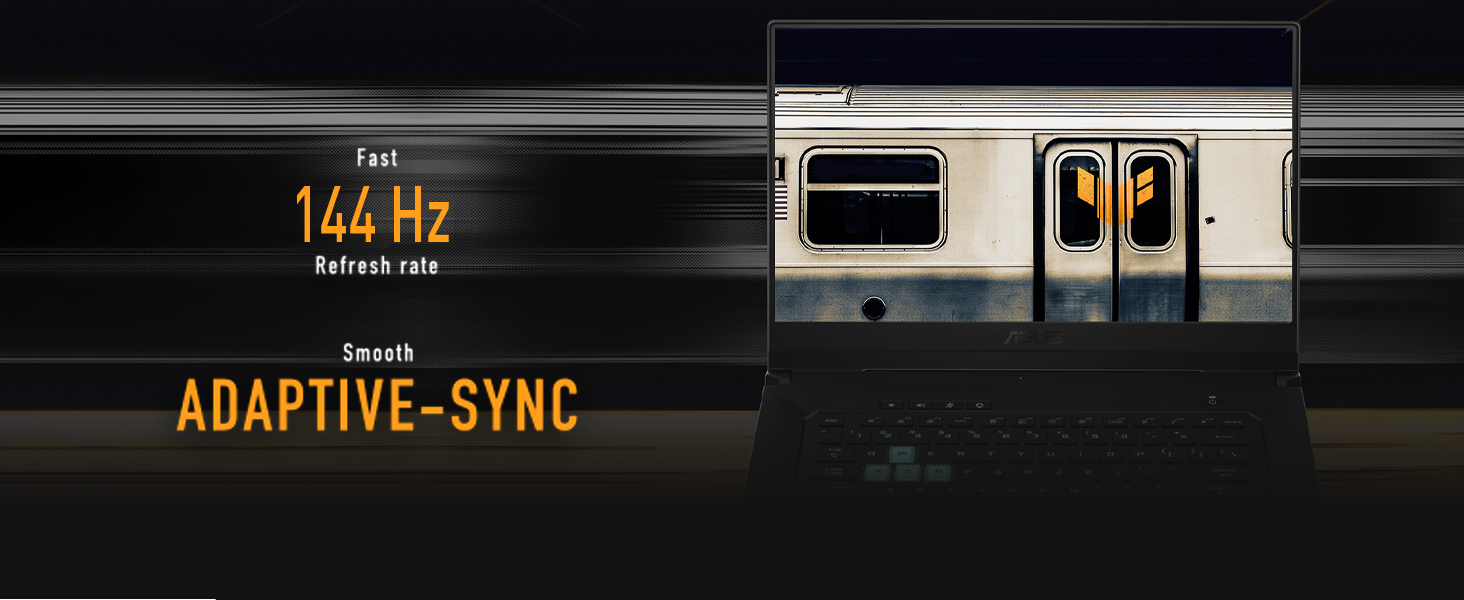
Image: The laptop screen highlighting its 144Hz refresh rate and Adaptive-Sync feature for fluid motion.
Tastiera u Touchpad
The backlit precision gaming keyboard offers a comfortable typing experience. Utilize the touchpad for navigation and gestures.
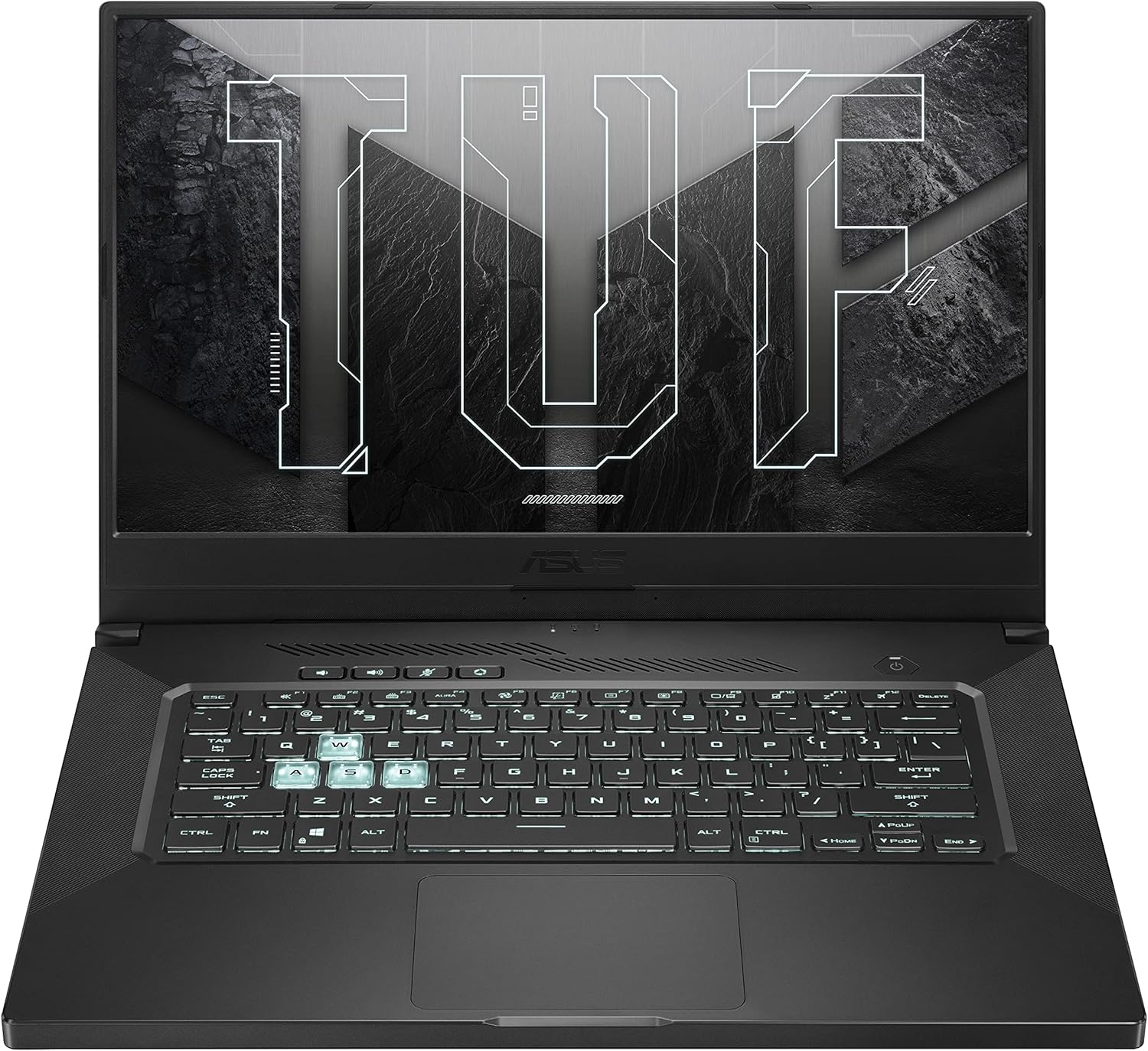
Immaġni: Minn fuq għal isfel view of the ASUS TUF Dash 15 keyboard, showing the layout and highlighted WASD keys for gaming.
Awdjo
The laptop incorporates two-way AI Noise Cancellation technology for clear audio communication.

Image: The laptop screen showing audio settings, emphasizing the AI Noise Cancellation feature.
Manutenzjoni
Sistema tat-tkessiħ
The TUF Dash 15 features an advanced cooling system with 4 fan outlets, 83-blade fans, enhanced self-cleaning cooling, and 5 heat pipes to manage CPU, GPU, VRM, and VRAM temperatures.

Image: An illustration of the laptop's underside, highlighting the cooling system with fan outlets and heat dissipation.
Aġġornamenti tal-Ħażna u l-Memorja
The laptop is designed for easy upgrades, featuring a pop-open screw for access to an additional M.2 SSD slot and SO-DIMM slots for memory expansion.

Image: The bottom panel of the laptop removed, revealing the additional M.2 SSD slot and SO-DIMM slot for memory upgrades.
Issolvi l-problemi
Kwistjonijiet Komuni u Soluzzjonijiet
- Ebda Qawwa: Kun żgur li l-adapter tal-enerġija huwa konness sew kemm mal-laptop kif ukoll ma' sokit tal-enerġija li jaħdem. Iċċekkja d-dawl indikatur tal-enerġija.
- Kwistjonijiet tal-Wiri: If the screen is blank, try connecting an external monitor to verify if the issue is with the laptop's display or graphics output. Ensure display drivers are updated.
- Tnaqqis fil-Prestazzjoni: Close unnecessary applications. Check for background processes consuming high CPU or RAM. Ensure cooling vents are clear and not obstructed.
- Batterija Mhux Iċċarġja: Verify the power adapter is functioning correctly. Try a different power outlet.
- Problemi ta' Konnettività Wi-Fi: Ensure Wi-Fi is enabled in Windows settings. Restart your router and the laptop. Update wireless drivers.
For more detailed troubleshooting, refer to the official ASUS support websit jew ikkuntattja lis-servizz tal-konsumatur.
Speċifikazzjonijiet
| Karatteristika | Dettall |
|---|---|
| Isem tal-Mudell | TUF516PE-AB73 |
| Proċessur | Intel Core i7-11370H (up to 4.8GHz) |
| Grafika | NVIDIA GeForce RTX 3050 Ti 4GB GDDR6 |
| Wiri | 15.6-inch FHD (1920x1080) IPS-Type, 144Hz, Adaptive Sync |
| RAM | 8GB DDR4 3200MHz |
| Ħażna | SSD ta' 512GB PCIe NVMe M.2 |
| Sistema Operattiva | Windows 10 Home (Free upgrade to Windows 11 eligible) |
| Konnettività bla fili | Wi-Fi 6 (802.11ax), Bluetooth |
| Portijiet | 4x USB 3.0, HDMI, Thunderbolt 4 (USB-C), Audio Combo Jack |
| Ħajja tal-batterija | Sa 16.6-il siegħa (daqq tal-vidjo) |
| Dimensjonijiet (LxWxH) | 9.9 x 14.2 x 0.78 pulzieri |
| Piż | 4.41 liri |
| Kulur | Eclipse Grey |
Garanzija u Appoġġ
Garanzija Standard
Every ASUS TUF laptop includes a 12-month warranty as standard. This warranty covers expert support, thorough diagnostics, and genuine parts if a repair is needed. A 90-day warranty is also provided on all warranty replacement parts.
Protezzjoni minn Ħsara Aċċidentali (ADP)
ASUS provides one year of free Accidental Damage Protection (ADP) against liquid spills, drops, and electrical surges on new laptops registered within 60 days of purchase. This protection ensures coverage for common accidents.
Image: Visual representation of accidental damage protection covering liquid spills, electrical surges, and accidental drops.
For warranty claims or technical assistance, please visit the official ASUS support websit jew ikkuntattja lis-servizz tal-konsumatur tagħhom.
Ask a question about this manual
Ask about setup, troubleshooting, compatibility, parts, safety, or missing instructions. Manuals+ will review the question and use this page’s manual context to help answer it.