
1. Introduzzjoni
This manual provides detailed instructions for the assembly, operation, and maintenance of your Antec NX410 ATX Mid-Tower Case. Please read this manual thoroughly before beginning installation to ensure proper setup and to maximize the performance and longevity of your system.

Figure 1.1: Antec NX410 ATX Mid-Tower Case (Black)
2. Karatteristiċi ewlenin
- Tkessiħ Avvanzat: Pre-installed with 2 x 140mm ARGB fans in the front and 1 x 120mm ARGB fan in the rear for efficient airflow.
- Pannell tal-ġenb tal-ħġieġ ittemprat: A full-side view tempered glass panel allows for showcasing internal components and RGB lighting.
- Fluss tal-Arja Ottimizzat: Features a grid front panel design to enhance air intake and maintain optimal temperatures.
- Appoġġ għall-Motherboard: Compatible with ATX, Micro-ATX, and ITX motherboard form factors.
- Ample Expansion: Supports various storage configurations and large graphics cards (up to 335mm) and CPU coolers (up to 168mm).
3. Setup u Installazzjoni
3.1 Tħejjija tal-Każ
Before installing components, ensure the case is placed on a stable, flat surface. The tempered glass side panel can be easily opened via a magnetic latch for access to the interior.

Figure 3.1: Internal Component Layout and Compatibility
3.2 Installazzjoni tal-Motherboard
The NX410 supports ATX, Micro-ATX, and ITX motherboards. Install standoffs as required by your motherboard's form factor before mounting the motherboard.
3.3 Appoġġ għall-Fann u r-Radjatur
The case comes with pre-installed ARGB fans. Additional fans or radiators can be installed as follows:
- Quddiem: Up to 3 x 120mm or 3 x 140mm fans (up to 360mm radiator).
- Fuq: Up to 2 x 120mm or 2 x 140mm fans (up to 280mm radiator).
- Wara: 1 x 120mm fan (up to 120mm radiator).
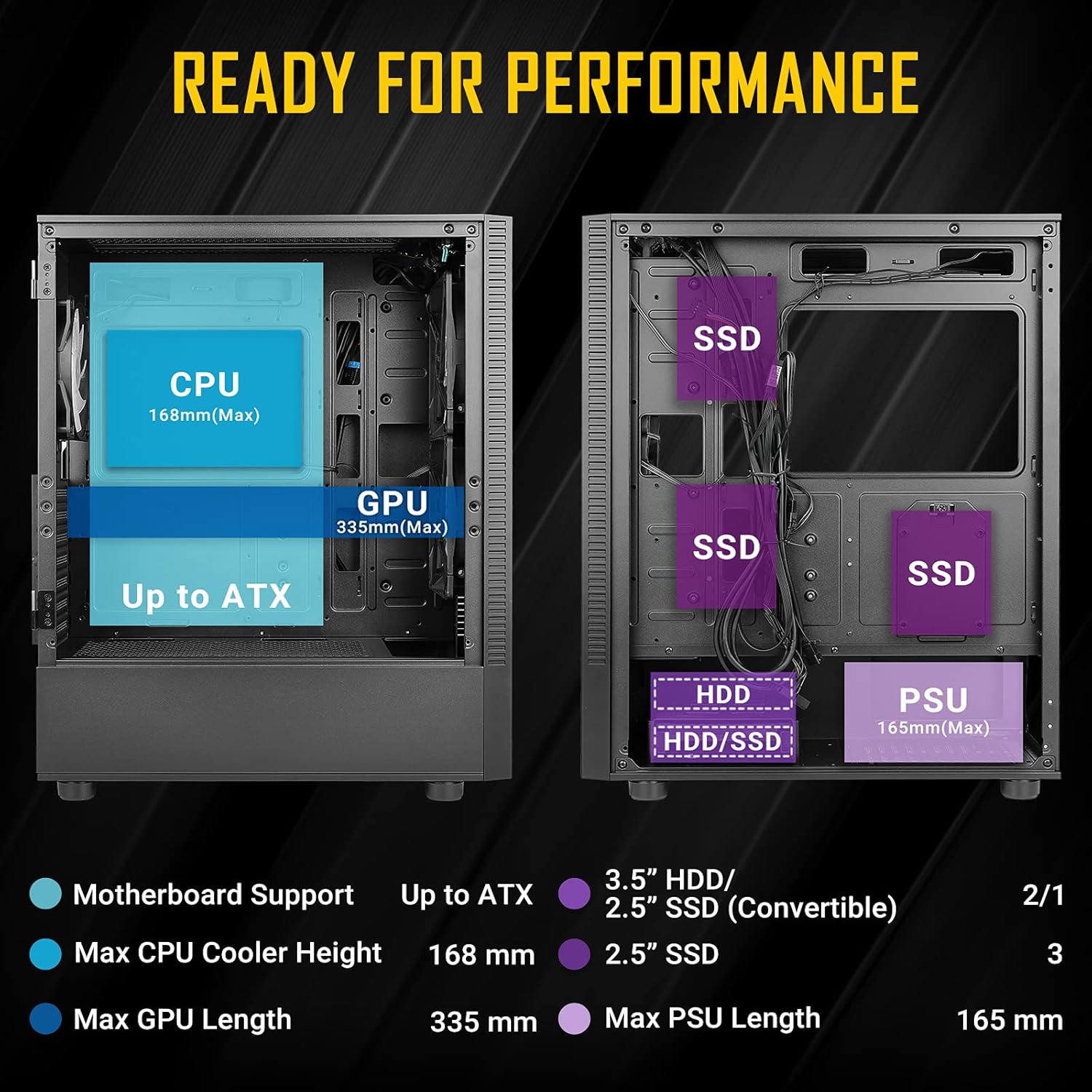
Figure 3.2: Fan and Radiator Configuration
Important Fan Connection Note:
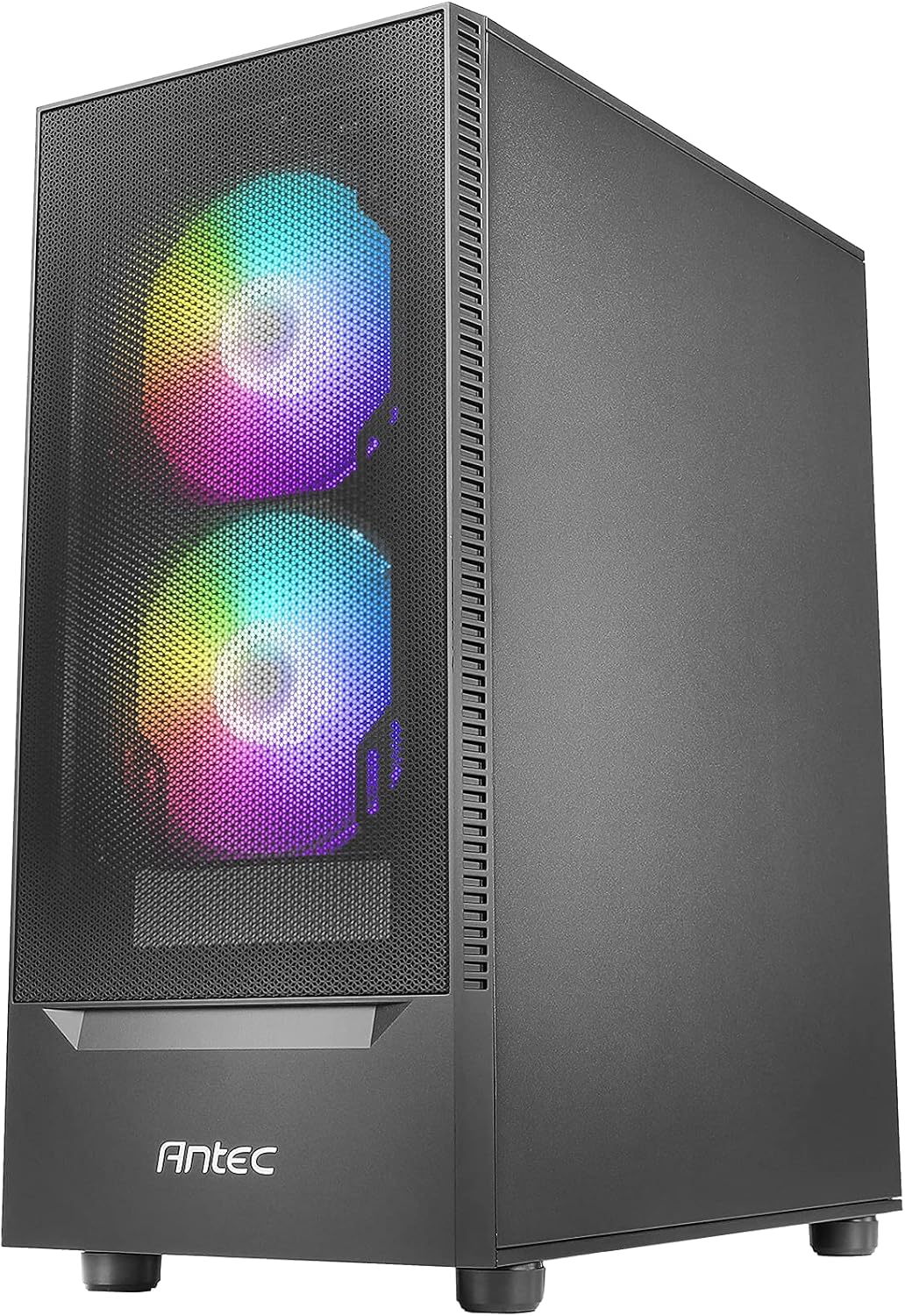
Figure 3.3: Fan Installation Warning
- If you connect the major fan and other fans but do not connect the major fan to the motherboard, other fans will not function.
- The fan kit does not work in sync with the motherboard ARGB function unless properly connected.
3.4 Installazzjoni tad-Drive tal-Ħażna
The case provides bays for 3.5-inch HDDs and 2.5-inch SSDs. Refer to the internal layout diagram (Figure 3.1) for specific mounting locations.
3.5 Installazzjoni tal-Unità tal-Provvista tal-Enerġija (PSU).
The PSU mounts at the rear bottom of the case. Ensure the PSU length does not exceed 165mm for optimal fit and cable management.
4. Tħaddim tal-Karatteristiċi tal-Kaxxa
4.1 Front Panel I/O Ports
The top front panel provides convenient access to essential ports and controls:
- Buttuna tal-Qawwa
- Buttuna ta 'Kontroll LED
- USB 3.0 x 1
- USB 2.0 x 2
- HD-AUDIO (Headphone and Microphone jacks)

Figura 4.1: Portijiet I/O tal-Pannell ta' Quddiem
4.2 Kontroll tad-Dawl ARGB
Use the dedicated LED Control Button on the front panel to cycle through various ARGB lighting effects and colors for the pre-installed fans. This allows for customization of your system's aesthetic.

Figure 4.2: LED Control Button
5. Manutenzjoni
5.1 Tindif tal-Filtri tat-Trab
The Antec NX410 features a fine mesh front panel and a magnetic dust filter on the top panel to prevent dust buildup. Regularly remove and clean these filters to maintain optimal airflow and cooling performance.
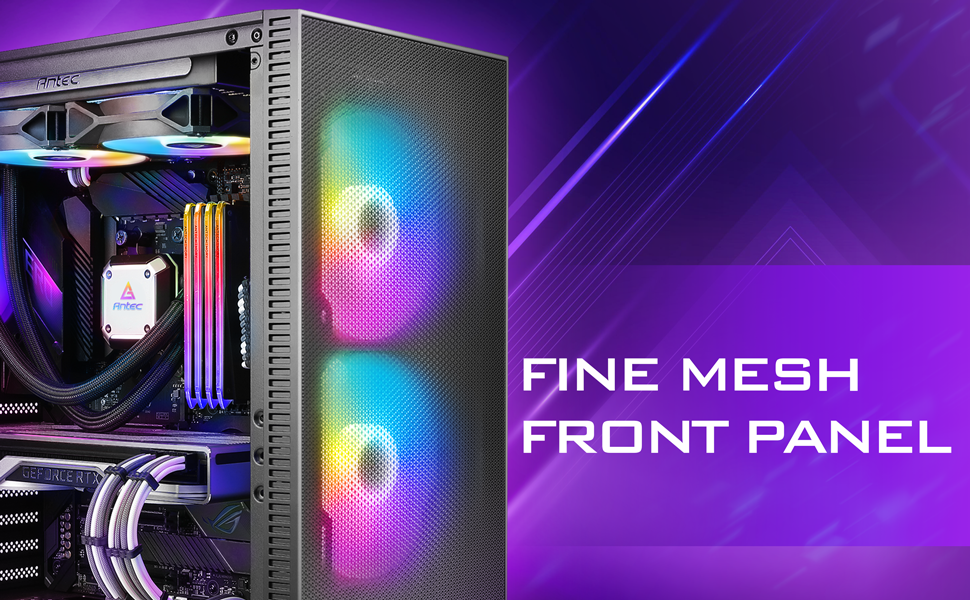
Figure 5.1: Fine Mesh Front Panel
5.2 Aċċess għall-Komponenti Interni
The tempered glass side panel is secured with a magnetic latch, allowing for tool-less access to the internal components for upgrades, cleaning, or troubleshooting. Gently pull the handle to open the panel.
6 Issolvi l-problemi
- Is-Sistema Mhux Tixgħel: Ensure all power cables (24-pin ATX, 8-pin CPU, GPU PCIe) are securely connected to the motherboard, graphics card, and power supply. Verify the power supply switch is in the 'ON' position.
- Il-Fannijiet Mhux Iduru/L-RGB Mhux Jaħdmu: Check fan connections to the motherboard or fan controller. Ensure the LED control button is pressed to cycle through modes. Refer to Figure 3.3 for proper fan wiring.
- Kwistjonijiet ta' sħana żejda: Confirm all case fans are installed correctly and spinning. Clean dust filters regularly. Ensure proper thermal paste application on the CPU cooler.
- Portijiet USB Mhux Jaħdmu: Verify the USB headers from the front panel are correctly connected to the motherboard.
7. Speċifikazzjonijiet
| Karatteristika | Dettall |
|---|---|
| Brand | Antec |
| Isem tal-Mudell | NX410 |
| Tip ta' Każ | Torri tan-Nofs |
| Kompatibbiltà tal-motherboard | ATX, Mikro-ATX, ITX |
| Dimensjonijiet (D x W x H) | 15.35"D x 8.27"W x 19.09"H |
| Materjal | Ħġieġ ittemprat, Azzar |
| Fannijiet installati minn qabel | 2 x 140mm ARGB (Front), 1 x 120mm ARGB (Rear) |
| Max CPU Cooler Għoli | 168mm |
| Max GPU Tul | 335mm |
| Max PSU Tul | 165mm |
| Slots ta 'Espansjoni | 7 |
| Portijiet I/O | Power, LED Control Button, USB 3.0 x 1, USB 2.0 x 2, HD-AUDIO |
| Fattur tal-Formola tad-Disk Ribd | 3.5 Pulzier |
| Internal Bays Quantity | 2 (3.5" HDD / 2.5" SSD Convertible), 3 (2.5" SSD) |
8. Garanzija u Appoġġ
The Antec NX410 ATX Mid-Tower Case comes with a garanzija ta 'sena. For technical support, troubleshooting assistance, or warranty claims, please visit the official Antec webis-sit jew ikkuntattja lid-dipartiment tas-servizz tal-konsumatur tagħhom. Żomm il-prova tax-xiri tiegħek għall-validazzjoni tal-garanzija.