
Introduzzjoni
This manual provides instructions for the safe and efficient use of your Car and Driver Dual-Port Car Charger, Model CAD-3175BK. This device is designed to provide fast charging for various electronic devices, including smartphones, tablets, and laptops, via your vehicle's cigarette lighter socket.
Karatteristiċi tal-Prodott
- Portijiet għall-Iċċarġjar Doppju: Equipped with one USB-A port and one USB-C (Power Delivery) port for versatile device compatibility.
- Kapaċità tal-Iċċarġjar Mgħaġġel: The USB-C Power Delivery port can charge compatible phones at up to three times the standard speed. The USB-A port also provides fast charging.
- Ħruġ ta' Enerġija Għolja: Offers a maximum total output of 48W. The USB-C port provides up to 30W, suitable for charging compatible laptops, while the USB-A port provides up to 18W.
- Indikatur LED: Features an LED light to indicate charging status (fully charged, active quick charging, or connection issues).
- Kompatibbiltà Wiesgħa: Supports a wide range of devices including iPhone models (16 and older), Samsung Galaxy S20/S10, Pixel phones, tablets, and laptops.
Setup u Installazzjoni
Follow these steps to install and begin using your car charger:
- Sib is-Sokit tal-Enerġija tal-Vettura: Identify the 12V cigarette lighter socket in your vehicle. Ensure the vehicle's engine is off before installation.
- Daħħal il-Ċarġer: Firmly insert the Car and Driver Dual-Port Car Charger into the 12V power socket. Push until it is securely seated.
- Ivverifika l-Enerġija: Once inserted, start your vehicle's engine. The LED indicator on the charger should illuminate, confirming it is receiving power.
- Qabbad Apparat: Use a compatible USB charging cable to connect your device to either the USB-A or USB-C port on the charger.

Image: The Car and Driver Dual-Port Car Charger installed in a car's console, actively charging a smartphone.
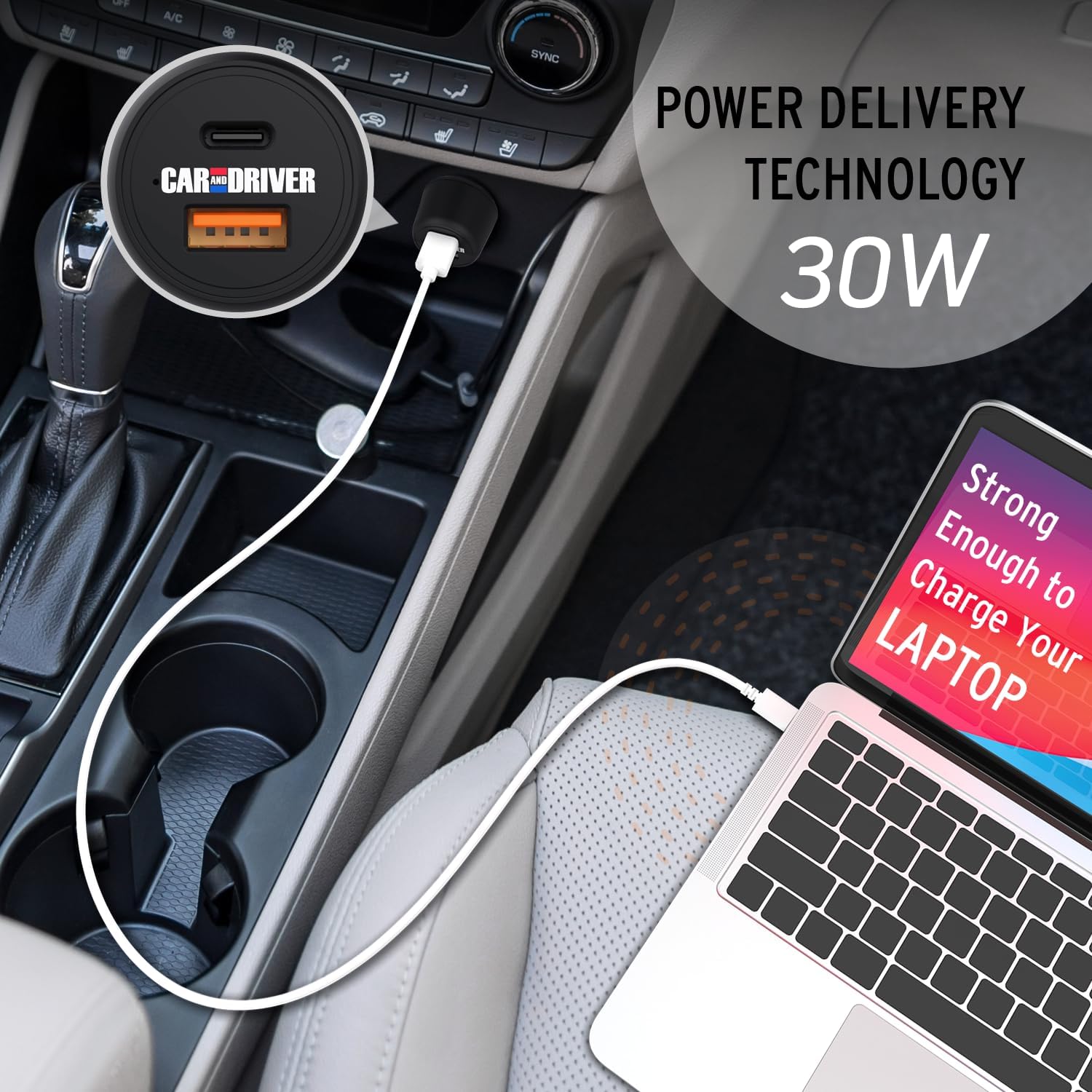
Image: A laptop being charged by the Car and Driver Dual-Port Car Charger through its USB-C port, demonstrating its capability to power larger devices.
Istruzzjonijiet Operattivi
The Car and Driver Dual-Port Car Charger is designed for simple operation:
- Iċċarġjar ta' Apparat Uniku: Connect your device to either the USB-A or USB-C port using a compatible cable. The charger will automatically detect your device and begin charging.
- Iċċarġjar ta' Apparat Doppju: You can charge two devices simultaneously by connecting one to the USB-A port and another to the USB-C port. The charger will distribute power efficiently between both devices.
- Status tal-Indikatur LED:
- Dawl Blu Solidu: Indicates the charger is powered on and ready to charge, or actively charging.
- Ebda Dawl: The charger is not receiving power, or there is an issue with the connection.
- Iċċarġjar ottimali: For best results and fastest charging, use high-quality charging cables that are compatible with your devices and the charger's output capabilities (e.g., USB-C Power Delivery compatible cables for the USB-C port).
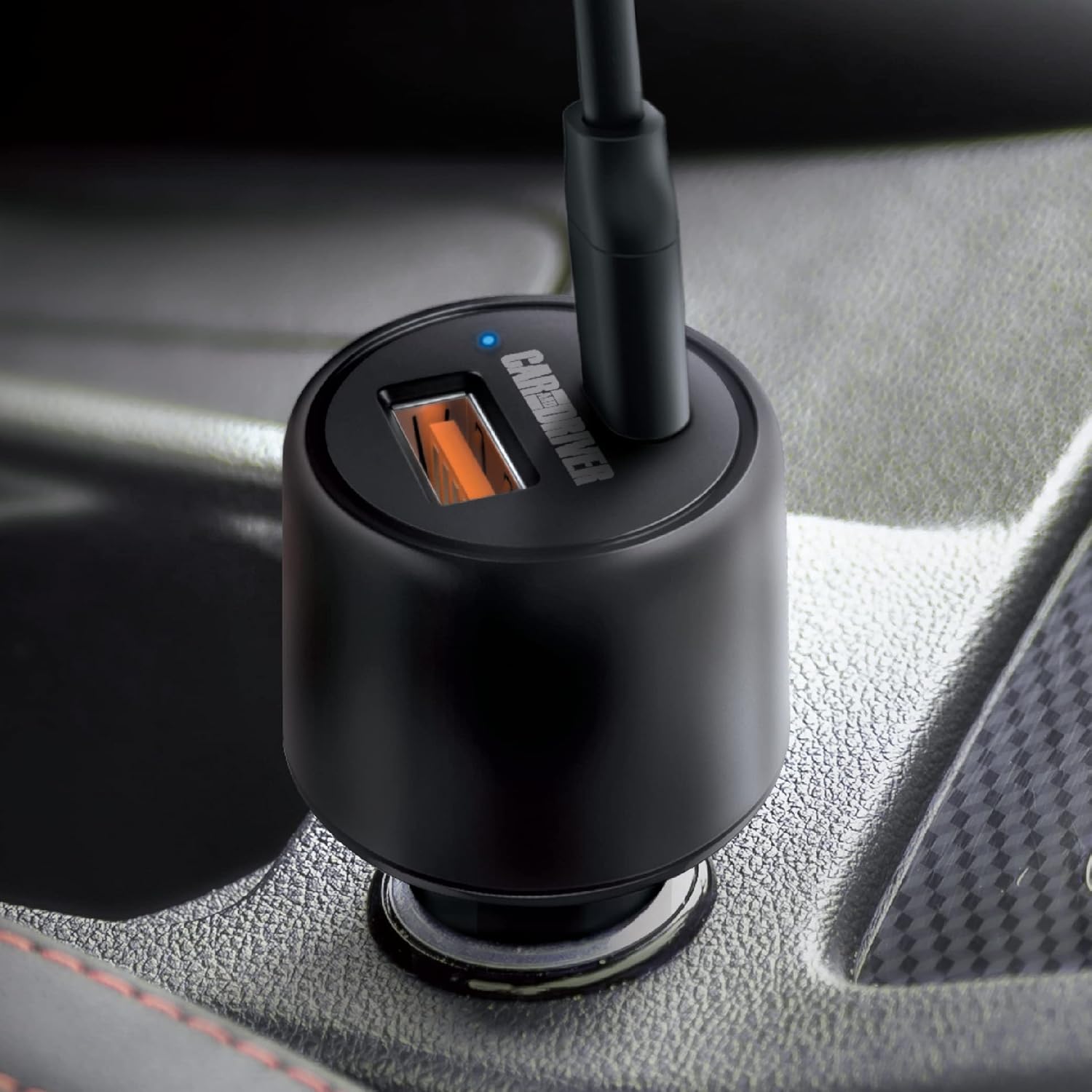
Immaġni: Close-up view of the charger's ports and the illuminated blue LED indicator, signifying active operation.

Image: A graphic detailing the power output of each port: 30W for the USB-C Power Delivery port and 18W for the USB-A port.
Manutenzjoni
To ensure the longevity and optimal performance of your Car and Driver Dual-Port Car Charger, follow these simple maintenance guidelines:
- Tindif: Use a soft, dry cloth to wipe the exterior of the charger. Do not use liquid cleaners or solvents, as they may damage the device.
- Ħażna: Meta ma tkunx qed tużah għal perjodi twal, aħżen il-ċarġer f'post frisk u niexef 'il bogħod mix-xemx diretta u minn temperaturi estremi.
- Immaniġġjar: Evita li twaqqa' l-ċarġer jew li tagħmillu impatti qawwija, għax dawn jistgħu jagħmlu ħsara lill-komponenti interni.
- Kura tal-Cable: Always unplug cables by gripping the connector, not the cable itself, to prevent damage to the cable and charger ports.
Issolvi l-problemi
If you encounter issues with your Car and Driver Dual-Port Car Charger, refer to the following common problems and solutions:
| Problema | Kawża Possibbli | Soluzzjoni |
|---|---|---|
| L-LED tal-ċarġer ma jixgħelx. |
|
|
| Device is not charging or charging slowly. |
|
|
| Il-ċarġer iħossu sħun waqt l-użu. | Normal operation under heavy load. | This is normal. If it becomes excessively hot or emits smoke/odor, disconnect immediately and cease use. |
Speċifikazzjonijiet
| Karatteristika | Dettall |
|---|---|
| Numru tal-Mudell | CAD-3175BK |
| Input Voltage | 12-24 Volts DC (from vehicle cigarette lighter) |
| USB-C Output (Power Delivery) | Sa 30W |
| Output USB-A | Sa 18W |
| Output Max Totali | 48W |
| Dimensjonijiet | 1.38 x 1.38 x 2.69 pulzieri |
| Piż | 2.4 uqija |
| Kulur | ISWED |
| Konnettività | USB Tip C, USB Tip A |
| Apparati Kompatibbli | Cellular Phones, Laptops, Tablets |
Vidjo Uffiċjali tal-Prodott
Video: This video demonstrates the installation and usage of the Car and Driver Dual-Port Car Charger, highlighting its fast-charging capabilities for various devices in a vehicle.
Garanzija u Appoġġ
For warranty information and customer support, please refer to the contact details provided with your product packaging or visit the official Car and Driver websit. Żomm l-irċevuta tax-xiri tiegħek għal pretensjonijiet ta' garanzija.
Manufacturer: Summit Electronics LLC