
1. Introduzzjoni
Thank you for choosing the MageGee G6 Wired Gaming Mouse. This ergonomic USB optical mouse is designed to enhance your gaming and work experience with its high precision sensor, adjustable speed levels, and vibrant LED backlighting. Please read this manual thoroughly to ensure proper setup and optimal performance.
2. Setup
2.1 Kontenut tal-Pakkett
- MageGee G6 Wired Gaming Mouse
- Manwal ta' Istruzzjoni
2.2 Rekwiżiti tas-Sistema
- Operating System: Windows 10, Windows 8, Windows 7, Windows XP, WinME, Vista, Linux, etc.
- Port USB Disponibbli
2.3 Konnessjoni tal-Maws
- Locate an available USB port on your computer (PC, Laptop, or Desktop).
- Plug the USB connector of the MageGee G6 mouse into the USB port.
- The mouse is plug-and-play; no additional drivers or software are required for basic functionality.
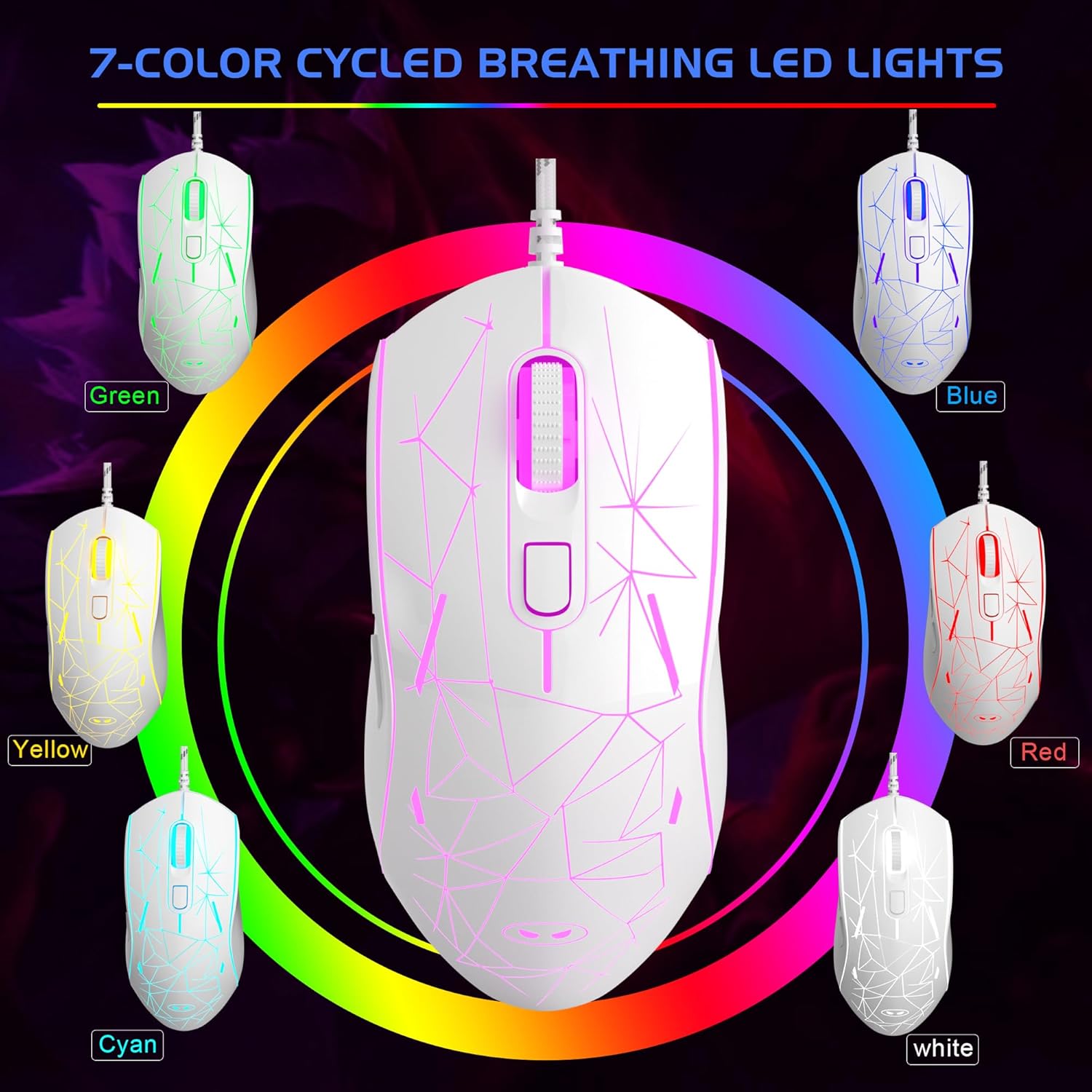
Image: The MageGee G6 Wired Gaming Mouse with its USB cable connected to a computer.
3. Istruzzjonijiet Operattivi
3.1 Funzjonijiet tal-buttuni
The MageGee G6 offers 6 flexible buttons for versatile control:
- Buttuna tax-Xellug: Funzjoni standard tal-ikklikkjar tax-xellug.
- Buttuna tal-lemin: Funzjoni standard tal-ikklikkjar tal-lemin.
- Scroll Wheel: Scrolls up/down, and acts as a middle-click button.
- Speed Button (DPI Button): Adjusts the DPI (Dots Per Inch) sensitivity.
- Buttuna 'l quddiem: Jinnaviga 'l quddiem ġewwa web browsers jew applikazzjonijiet.
- Buttuna Lura: Jinnaviga lura ġewwa web browsers jew applikazzjonijiet.
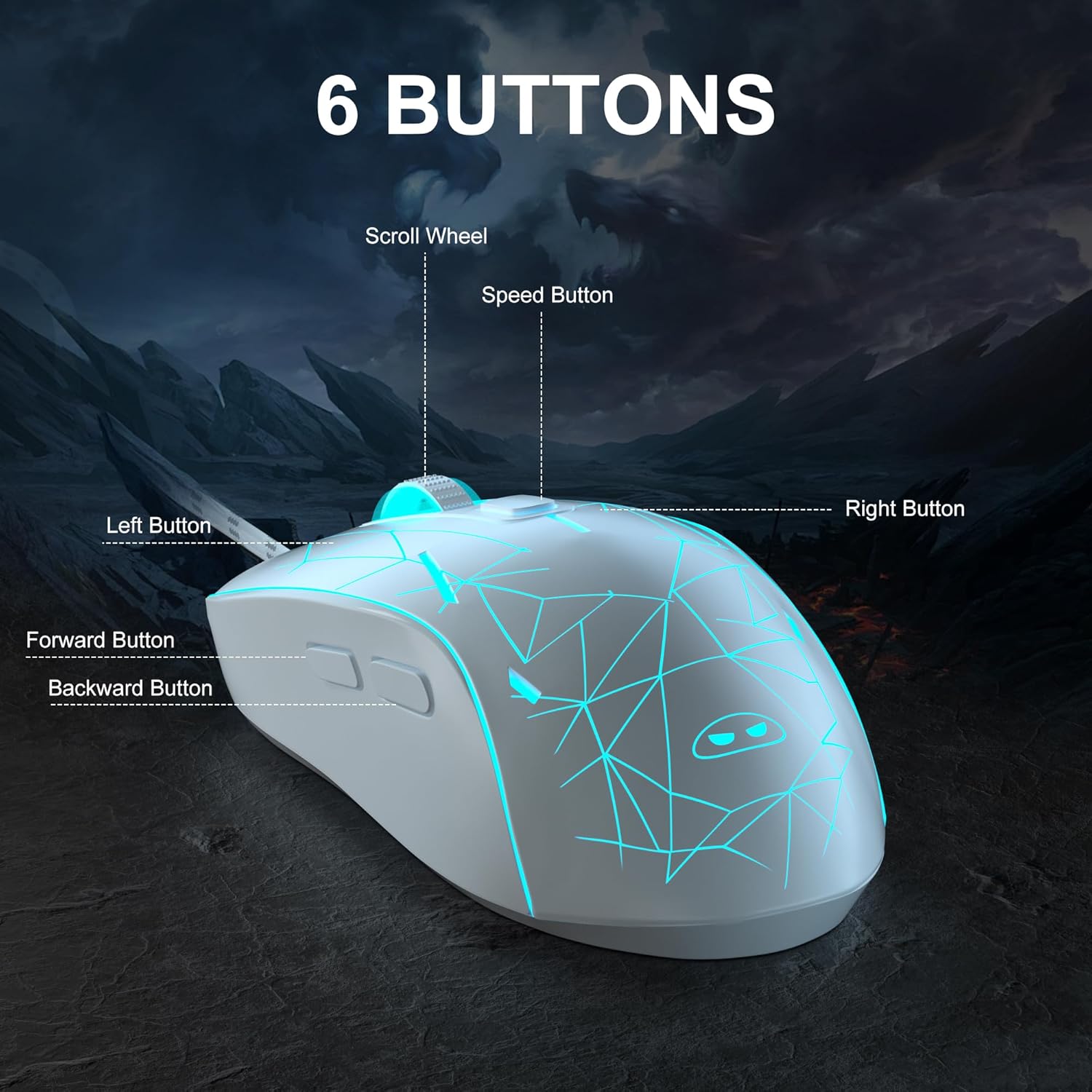
Immaġni: Dettaljata view of the MageGee G6 mouse highlighting the Left, Right, Scroll Wheel, Speed, Forward, and Back buttons.
3.2 Adjusting DPI Speed Levels
The MageGee G6 offers 6 adjustable DPI speed levels for precise cursor control:
- 600 DPI
- 800 DPI
- 1200 DPI
- 1600 DPI
- 2400 DPI
- 3200 DPI
Agħfas il- Buttuna tal-Veloċità (located below the scroll wheel) to cycle through the different DPI settings. Each press will change the sensitivity, allowing you to find the optimal speed for your tasks or games.
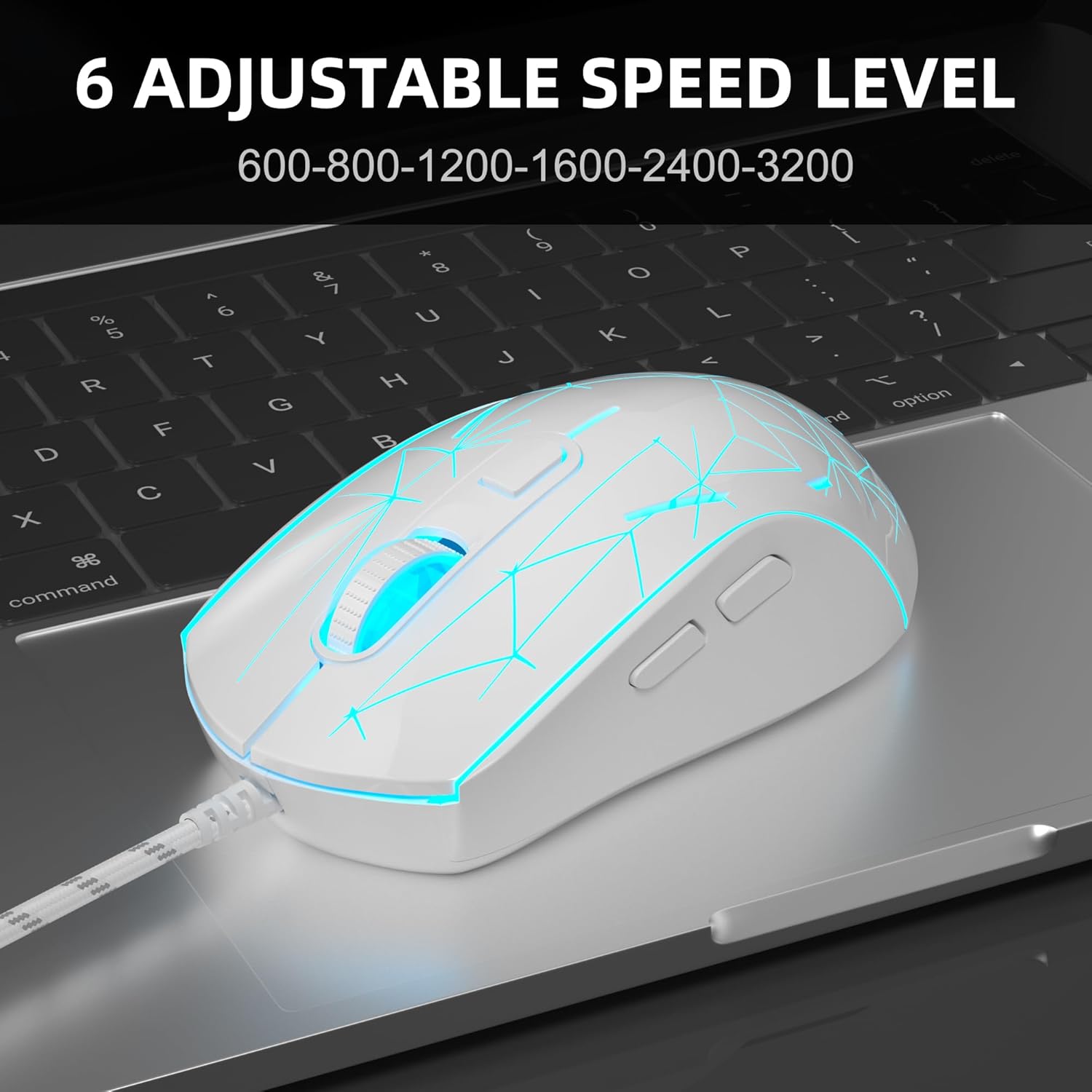
Image: The MageGee G6 mouse in use, demonstrating the adjustable DPI settings from 600 to 3200.
3.3 LED Backlight Control
The MageGee G6 features 7-color breathing LED backlighting. You can control the lighting as follows:
- Ibdel il-Kulur: Agħfas il- Buttuna tal-Veloċità u l- Buttuna 'l quddiem simultaneously to cycle through and lock a specific color.
- Ixgħel/Itfi Dwal: Agħfas u żomm il- Buttuna tal-Veloċità for 3 seconds to toggle the LED lights on or off.
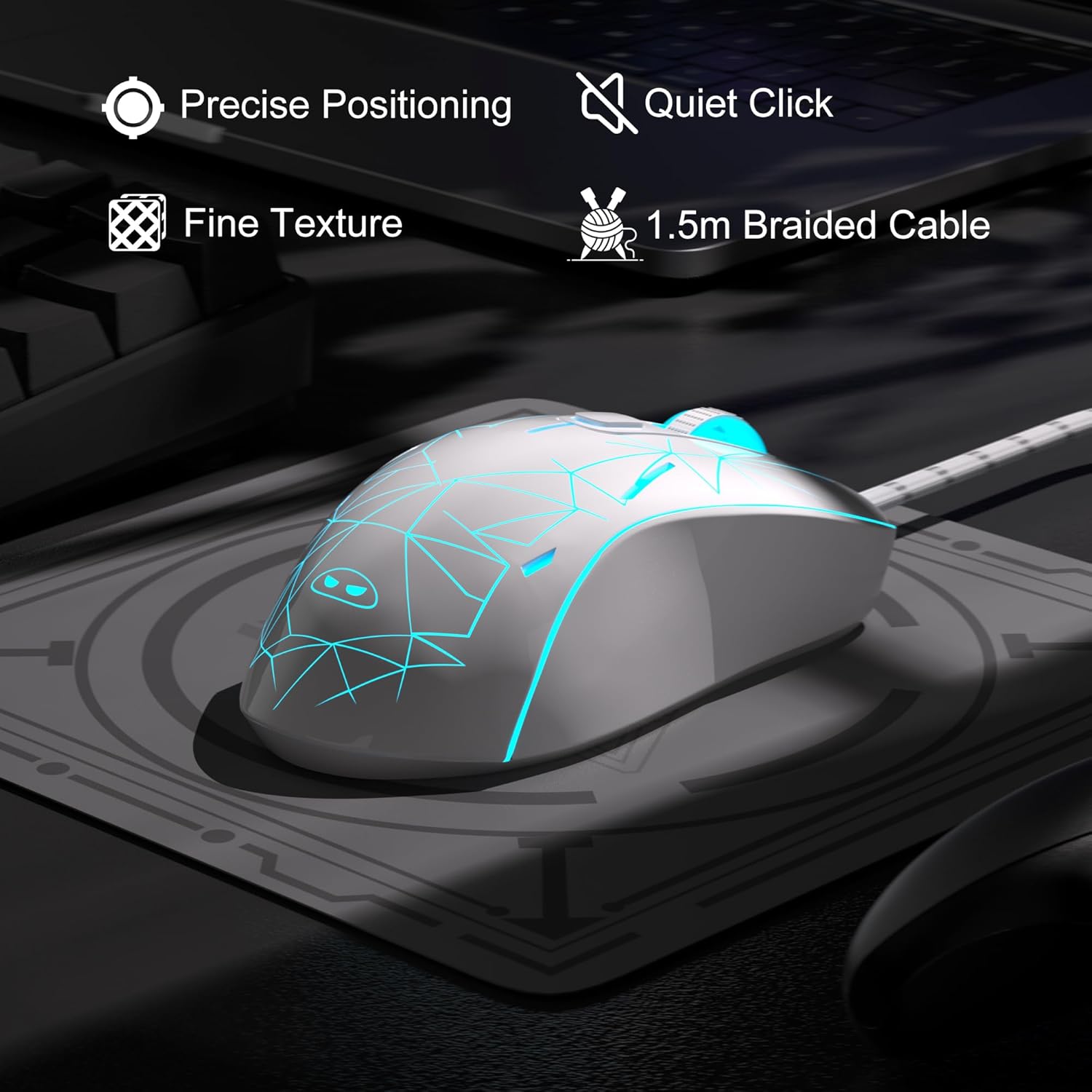
Image: The MageGee G6 mouse showcasing its 7-color breathing LED lights, including green, yellow, cyan, blue, red, and white.
4. Manutenzjoni
- Tindif: Uża drapp artab u niexef biex tnaddaf il-maws. Evita li tuża kimiċi ħarxa jew materjali li joborxu.
- Kura tal-Cable: Do not pull or twist the braided USB cable excessively to prevent damage.
- Ħażna: Store the mouse in a dry place away from extreme temperatures.
5 Issolvi l-problemi
5.1 Il-Maws Ma Jirrispondix
- Kun żgur li l-kejbil tal-USB huwa mdaħħal sew f'port USB li jaħdem fuq il-kompjuter tiegħek.
- Ipprova qabbad il-maws ma' port USB differenti.
- Ibda mill-ġdid il-kompjuter tiegħek.
5.2 Id-Dwal LED Ma Jaħdmux
- Kun żgur li l-maws huwa konness sew mal-kompjuter tiegħek.
- Agħfas u żomm il- Buttuna tal-Veloċità for 3 seconds to toggle the LED lights on or off.
5.3 Cursor Movement is Erratic
- Naddaf is-senser ottiku fil-qiegħ tal-maws b'ċarruta ratba.
- Kun żgur li qed tuża l-maws fuq wiċċ adattat (eż., mouse pad).
- Adjust the DPI sensitivity using the Buttuna tal-Veloċità.
6. Speċifikazzjonijiet
| Karatteristika | Dettall |
|---|---|
| Brand | MageGee |
| Mudell | G6 |
| Teknoloġija tal-Konnettività | USB, bil-fili |
| Teknoloġija ta 'Sejbien tal-Moviment | Ottiċi |
| Livelli DPI | 600/800/1200/1600/2400/3200 (Adjustable) |
| Buttuni | 6 (Left, Right, Scroll Wheel, Speed, Forward, Back) |
| LED backlight | 7 Colors Breathing LED (Blue, Red, Green, Purple, Cyan, Yellow, White) |
| Tul tal-Cable | 1.5 meters (Durable Braided Cable) |
| Ergonomija | Ergonomic Design with Comfortable Grip |
| Kompatibilità | Windows 10, 8, 7, XP, WinME, Vista, Linux, PC, Laptop, Desktop |
| Piż tal-oġġett | 5.6 uqija |
| Dimensjonijiet tal-Pakkett | 5.31 x 3.62 x 1.65 pulzieri |
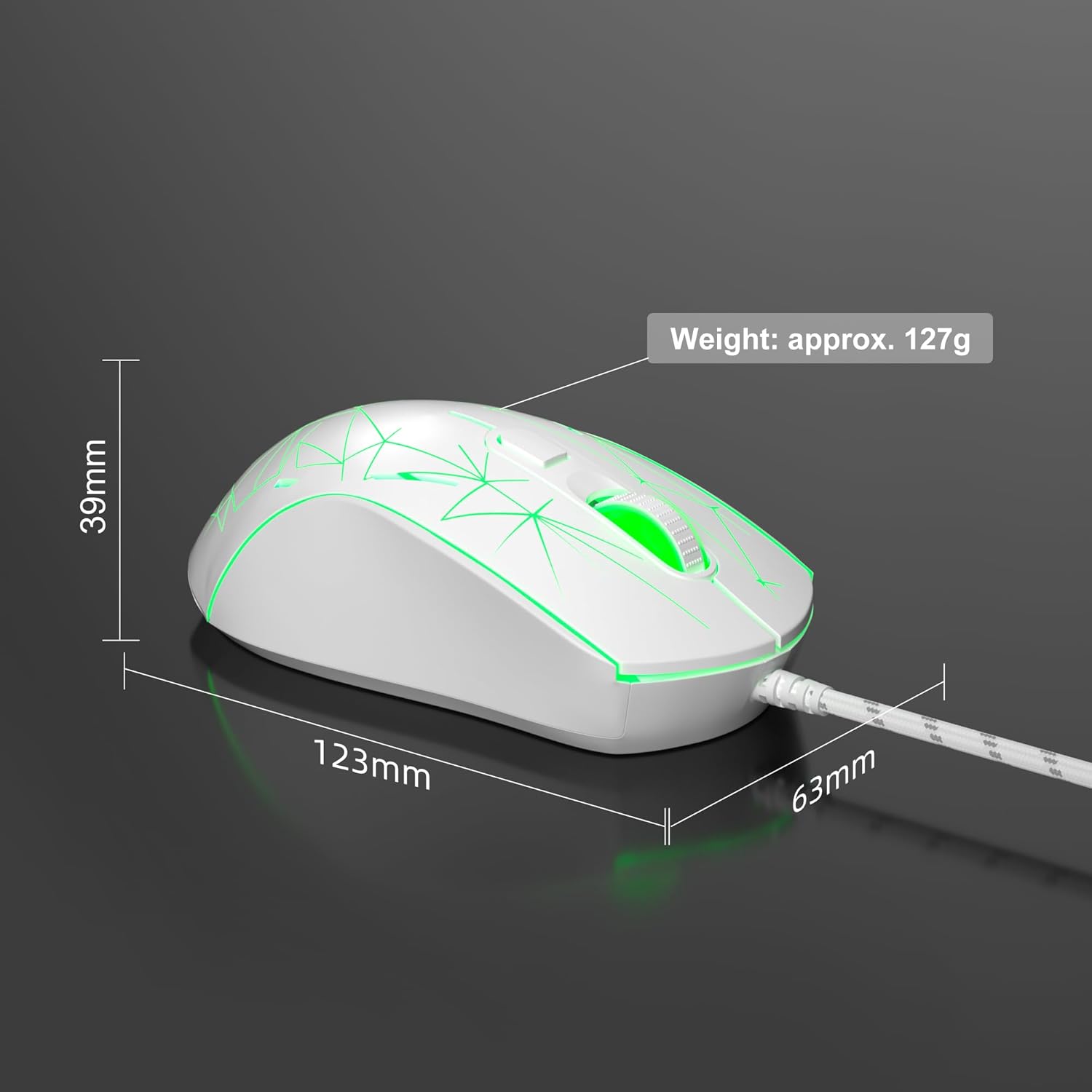
Image: Diagram illustrating the dimensions of the MageGee G6 Wired Gaming Mouse (123mm length, 63mm width, 39mm height, approx. 127g weight).
7. Garanzija u Appoġġ
For warranty information and customer support, please refer to the official MageGee webis-sit jew ikkuntattja lill-bejjiegħ tiegħek. Żomm l-irċevuta tax-xiri tiegħek għal talbiet ta' garanzija.
MageGee is committed to technological and product innovation, providing quality computer peripherals. Our after-sales team is available to promptly respond and solve your problems.
Żur il- MageGee Store għal aktar prodotti u informazzjoni.