
ThermoPro TP829
ThermoPro TP829 Wireless Laħam Termometru
Manwal ta' Istruzzjoni
Prodott Overview
The ThermoPro TP829 is a wireless meat thermometer designed for grilling and smoking, offering a reliable connection and easy monitoring of your food's temperature. It features four color-coded probes, preset temperature settings, and smart alarms to ensure perfectly cooked meals.

The ThermoPro TP829 system, including the main unit, remote receiver, and four color-coded temperature probes.

Enjoy monitoring your BBQ from up to 1,000 feet away thanks to advanced RF technology, providing a stable and reliable connection.
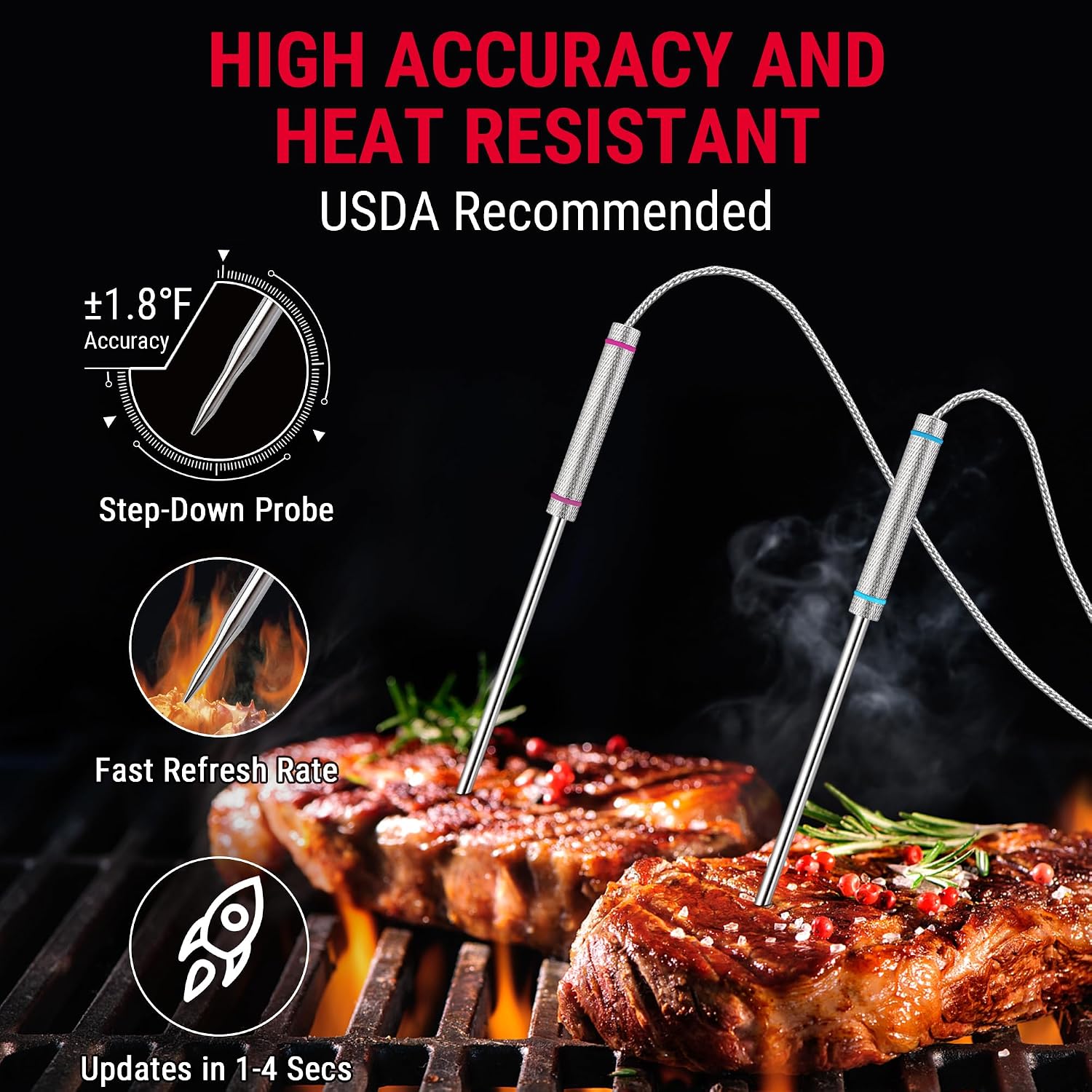
The four color-coded probes allow for simultaneous monitoring of different meats or sections, simplifying the cooking process.

High accuracy probes provide temperature updates in 1-4 seconds, ensuring precise cooking results.
Setup
The ThermoPro TP829 is designed for effortless setup, requiring no complex apps or pairing. Simply insert the batteries and connect the probes to begin monitoring your cook.
Installazzjoni tal-batterija
- Locate the battery compartments on both the transmitter and the receiver units.
- Daħħal żewġ batteriji AAA f'kull unità, waqt li tiżgura l-polarità korretta (+/-).
- Agħlaq l-għatu tal-batteriji sew.
Konnessjoni tas-Sonda
- Connect the color-coded probes to the corresponding numbered ports on the transmitter unit.
- Ensure the probe plugs are fully inserted into the ports for a secure connection.
Qawwa Inizjali Mixgħula
Press the power button on both the transmitter and receiver units to turn them on. The units will automatically synchronize.
Official ThermoPro TP829 Instruction Video: This video provides a comprehensive guide to setting up and operating your thermometer.
Istruzzjonijiet Operattivi
The TP829 offers intuitive controls for precise temperature monitoring and alerts.
Setting Temperature Presets
- Press the 'MEAT' button on the receiver to cycle through 10 USDA-recommended meat presets (Beef, Pork, Lamb, Chicken, Fish, Poultry, Veal, Ham, BBQ, PROG).
- Use the 'TASTE HI/LO' button to select the desired doneness level (Rare, Medium Rare, Medium, Medium Well, Well Done) for the selected meat type.
- The display will show the current temperature and the target temperature.

The receiver display allows easy selection of preset meat types and desired doneness levels.
Użu ta' Allarmi
- The thermometer features smart alarms that beep and flash when the temperature approaches or reaches your set target.
- You can set high and low temperature alarms in 'BBQ' mode to monitor ambient grill temperature or specific meat ranges.

Visual representation of the high and low temperature alarm functionality, indicating when the device will alert you.
Funzjoni Timer
- Press the 'PROBE/TIMER' button to switch to timer mode.
- Use the arrow buttons to set a countdown timer or use it as a count-up timer.
- Press 'S.S./CLEAR' to start/stop the timer or clear the setting.
Display u Backlight
- The large, backlit LCD screen displays current and target temperatures for all four probes simultaneously.
- Press the light bulb button to activate the backlight for easy reading in low-light conditions.

The backlit display ensures clear visibility of temperatures even during night grilling or smoking sessions.
Għażla tal-Unità tat-Temperatura
- Press the '°F/°C' button to switch between Fahrenheit and Celsius temperature readings.
Manutenzjoni
Proper care ensures the longevity and accuracy of your ThermoPro TP829 thermometer.
Istruzzjonijiet għat-Tindif
- Wipe the thermometer body and receiver with a damp cloth. Do not immerse the units in water.
- The probes are oven safe and can be wiped clean with a damp cloth after use. Avoid submerging the probe connectors in water.
Kura tas-Sonda
- Avoid exposing probe wires directly to flames, as this can damage the insulation.
- Store probes carefully to prevent kinking or bending of the wires.
Sostituzzjoni tal-batterija
When the battery indicator on either unit shows low power, replace all 4 AAA batteries in that unit to ensure optimal performance and range.
Issolvi l-problemi
If you encounter issues with your ThermoPro TP829, refer to the following common problems and solutions.
No Signal/Connectivity Issues
- Ensure both the transmitter and receiver units are powered on and within the 1000ft range.
- Check for significant obstructions (thick walls, large metal objects) between the units that might interfere with the RF signal.
- Replace batteries in both units if they are low.
Qari mhux eżatt tat-Temperatura
- Ensure probes are fully inserted into the meat and not touching bone or gristle.
- Verify that the probe plugs are securely connected to the transmitter unit.
- Test probes in boiling water (212°F/100°C) or ice water (32°F/0°C) to check their accuracy. If a probe consistently reads incorrectly, it may need replacement.
Display Mhux Jaħdem
- Iċċekkja l-installazzjoni tal-batterija u ibdel il-batteriji jekk meħtieġ.
- Ensure the unit has not been exposed to extreme temperatures or moisture beyond its operating limits.
Speċifikazzjonijiet
| Karatteristika | Dettall |
|---|---|
| Isem tal-Mudell | TP829 |
| Brand | ThermoPro |
| Karatteristika Speċjali | Alarm, Four Probes |
| Kulur | Oranġjo |
| Komponenti Inklużi | Thermometer body, probes, clip |
| Materjal ta 'barra | Plastik |
| Tip ta 'Wiri | LCD |
| Teknoloġija tal-Konnettività | RF (Frekwenza tar-Radju) |
| Istruzzjonijiet għall-Kura tal-Prodott | Forn Safe, Imsaħ Nadif |
| Sors tal-Enerġija | Li jaħdem bil-batterija (4 batteriji AAA inklużi) |
| Tul tal-Oġġett | 6.14 Pulzier |
| Klassifikazzjoni tat-Temperatura Għolja | 572 Grad Fahrenheit |
| Ħin ta' Rispons | 3 sekonda |
| Użabbiltà mill-ġdid | Li jistgħu jerġgħu jintużaw |
| Riżoluzzjoni | 0.1°F jew 0.1°C |
| Stil | Erba' Sondi |
| Użu fuq ġewwa/barra | Barra |
| Piż tal-oġġett | 1.3 liri |
| Pajjiż ta' Oriġini | Iċ-Ċina |
| Data L-Ewwel Disponibbli | 10 ta’ Ottubru, 2020 |
Garanzija u Appoġġ
ThermoPro products are designed for durability and performance. For any warranty claims or technical support, please contact ThermoPro customer service directly. Information regarding specific warranty periods and support channels can typically be found on the official ThermoPro webis-sit jew fl-imballaġġ tal-prodott.
The seller for this product is ThermoPro US. For assistance, please reach out to them through the platform where the purchase was made or via their official contact information.
Ask a question about this manual
Ask about setup, troubleshooting, compatibility, parts, safety, or missing instructions. Manuals+ will review the question and use this page’s manual context to help answer it.