
Introduzzjoni
The Razer Pro Glide is a soft mouse mat designed for enhanced office productivity. It features a thick, high-density rubber foam construction for comfort and durability, a textured micro-weave cloth surface for precise mouse movements, and an anti-slip base to ensure stability during use. This manual provides instructions for setting up, operating, and maintaining your Razer Pro Glide mouse mat.
Setup
- Unpack the Mouse Mat: Carefully remove the Razer Pro Glide mouse mat from its packaging.
- Flatten the Mat: If the mat is rolled, gently unroll it and allow it to lie flat on your desk surface. It may take a short period for the mat to completely flatten.
- Pożizzjonament: Place the mouse mat on a clean, dry, and flat surface where you intend to use your mouse. The anti-slip rubber base will help secure the mat in place.
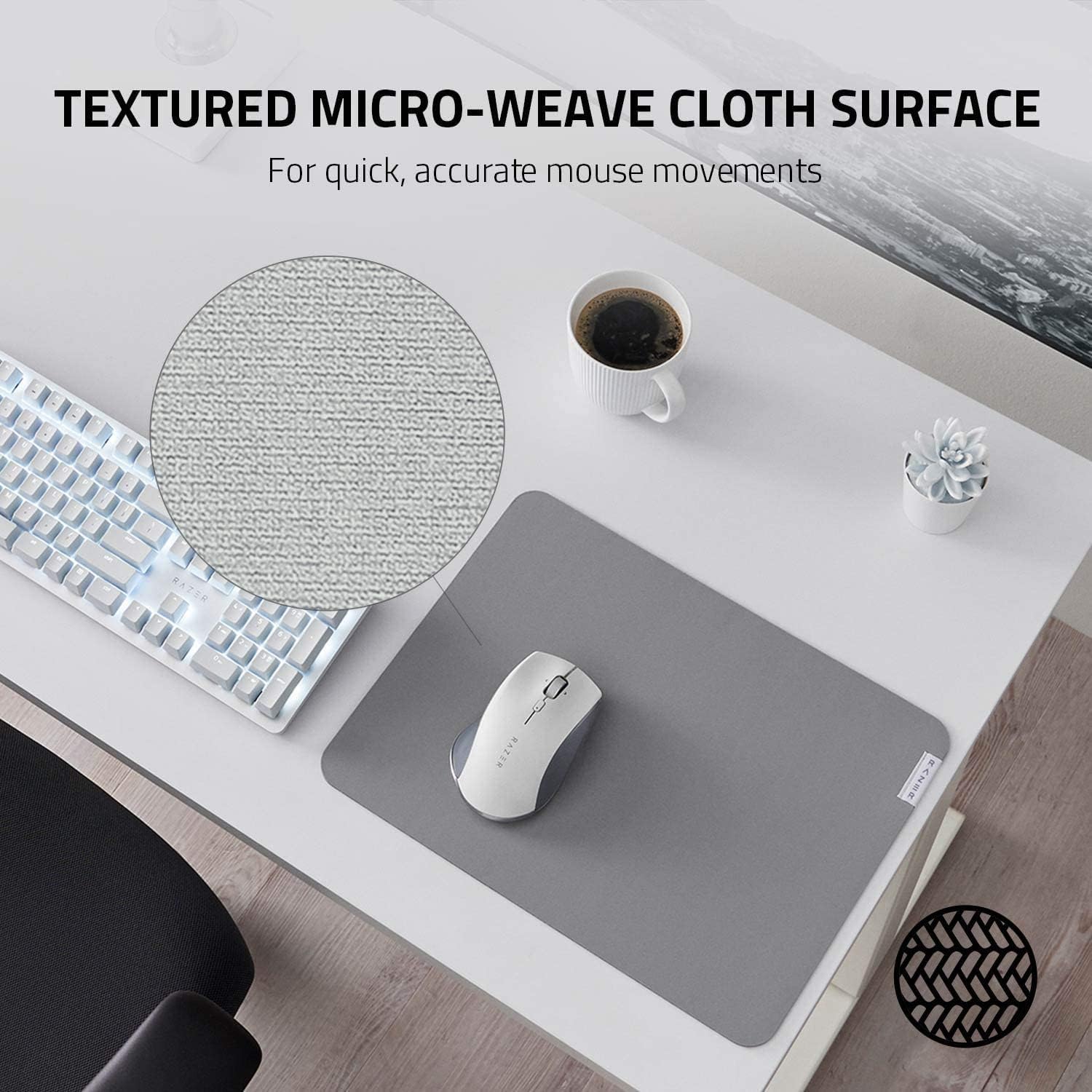
Image: The anti-slip base ensures the mat remains stable on your desk.
Operazzjoni
The Razer Pro Glide is designed for immediate use. Simply place your mouse on the mat and begin your work or gaming activities. The textured micro-weave cloth surface is optimized for all mouse sensors, providing precise tracking and smooth gliding for accurate and efficient movements.
- Kontroll Mtejjeb: The surface texture allows for quick and accurate mouse movements, crucial for productivity tasks.
- Kumdità: The 3mm thick, high-density rubber foam provides a comfortable cushioning effect for your hand and wrist during extended use.
- Stabbiltà: The anti-slip rubber base prevents the mat from shifting, ensuring consistent performance.

Image: The textured micro-weave cloth surface provides optimal tracking for your mouse.
Manutenzjoni
To ensure the longevity and optimal performance of your Razer Pro Glide mouse mat, follow these cleaning guidelines:
- Tindif tal-Post: For minor spills or dirt, use a soft, damp Ċarruta b'ammont żgħir ta' sapun ħafif. Imsaħ bil-mod iż-żona affettwata.
- Evita kimiċi ħorox: Do not use harsh detergents, bleach, or abrasive cleaners, as these can damage the mat's surface and materials.
- Nixxef bl-Arja: After cleaning, allow the mat to air dry completely before reuse. Do not machine wash or tumble dry.
- Tfarfir regolari: Periodically dust the surface with a dry, soft cloth to prevent dust buildup.
Issolvi l-problemi
- Mat Not Lying Flat: If the mat does not immediately lie flat after unrolling, place heavy, flat objects (like books) on the edges for a few hours to help it flatten.
- Kwistjonijiet ta' Traċċar tal-Maws: Ensure the mouse mat surface is clean and free of debris. If issues persist, try cleaning your mouse sensor.
- Mat Slipping: Verify that the desk surface beneath the mat is clean and dry. The anti-slip base requires a clean surface for optimal grip.
Speċifikazzjonijiet
| Karatteristika | Dettall |
|---|---|
| Numru tal-Mudell | RZ02-03331500-R3M1 |
| Dimensjonijiet (L x W) | 14.17" x 10.83" (360 mm x 275 mm) |
| Ħxuna | 3 mm |
| Materjal | High-density rubber foam (base), Textured micro-weave cloth (surface) |
| Kulur | Griż |
| Karatteristiċi Speċjali | Durability, Non-slip base |
| Piż | 290 Gramm |

Image: The thick, high-density rubber foam provides comfort and durability.
Garanzija u Appoġġ
Għal informazzjoni dwar il-garanzija u appoġġ tekniku, jekk jogħġbok irreferi għar-Razer uffiċjali website or contact Razer customer service directly. Keep your purchase receipt for warranty claims.
Uffiċjali ta' Razer Websit: www.razer.com