
1. Introduzzjoni
This manual provides detailed instructions for the installation, operation, and maintenance of your OWC 4TB Aura Ultra III PCIe 3.0 NVMe M.2 2280 Solid State Drive. Please read this manual thoroughly before installation and retain it for future reference.
2. Informazzjoni dwar is-Sigurtà
- Always handle the SSD by its edges to avoid touching the connectors or components.
- Ensure your system is powered off and unplugged before installing or removing the SSD.
- Discharge any static electricity from your body before handling the SSD by touching a grounded metal object.
- Żomm l-SSD 'il bogħod mill-umdità, temperaturi estremi, u kampi manjetiċi qawwija.
3. Kontenut tal-Pakkett
Ivverifika li l-oġġetti kollha huma preżenti fil-pakkett tiegħek:
- 1x OWC 4TB Aura Ultra III PCIe 3.0 NVMe M.2 2280 SSD
4. Setup u Installazzjoni
The OWC Aura Ultra III SSD is designed for installation in systems equipped with an M.2 2280 slot, x4/x8/x16 PCIe slots (with an appropriate adapter), or compatible external enclosures. The installation process may vary depending on your specific system or enclosure.
4.1. General M.2 SSD Installation
- Sistema ta' Mitfija: Shut down your computer completely and disconnect the power cable.
- Kawża Miftuħa: Iftaħ il-kaxxa tal-kompjuter tiegħek biex taċċessa l-motherboard.
- Sib is-Slott tal-M.2: Identify an available M.2 2280 slot on your motherboard. Consult your motherboard manual for exact location.
- Daħħal l-SSD: Gently insert the OWC Aura Ultra III SSD into the M.2 slot at a 30-degree angle. Push it down until it clicks into place.
- SSD Sikur: Secure the SSD with the screw provided with your motherboard or M.2 slot.
- Agħlaq il-Kaxxa u Ixgħel: Agħlaq il-kaxxa tal-kompjuter tiegħek, erġa' qabbad il-kejbil tal-enerġija, u ixgħel is-sistema tiegħek.
- Inizjalizza u Ifformattja: Once the system boots, you may need to initialize and format the new SSD through your operating system's Disk Management utility before it can be used.

4.2. External Enclosure Installation
For external use, insert the OWC Aura Ultra III SSD into a compatible M.2 NVMe external enclosure. Follow the enclosure's specific instructions for installation and connection to your computer via USB or Thunderbolt.
5. Istruzzjonijiet Operattivi
The OWC Aura Ultra III SSD provides high-speed storage for various applications, including operating systems, software, games, and large media files. Its advanced PCIe 3.0 NVMe technology ensures rapid data transfer rates.
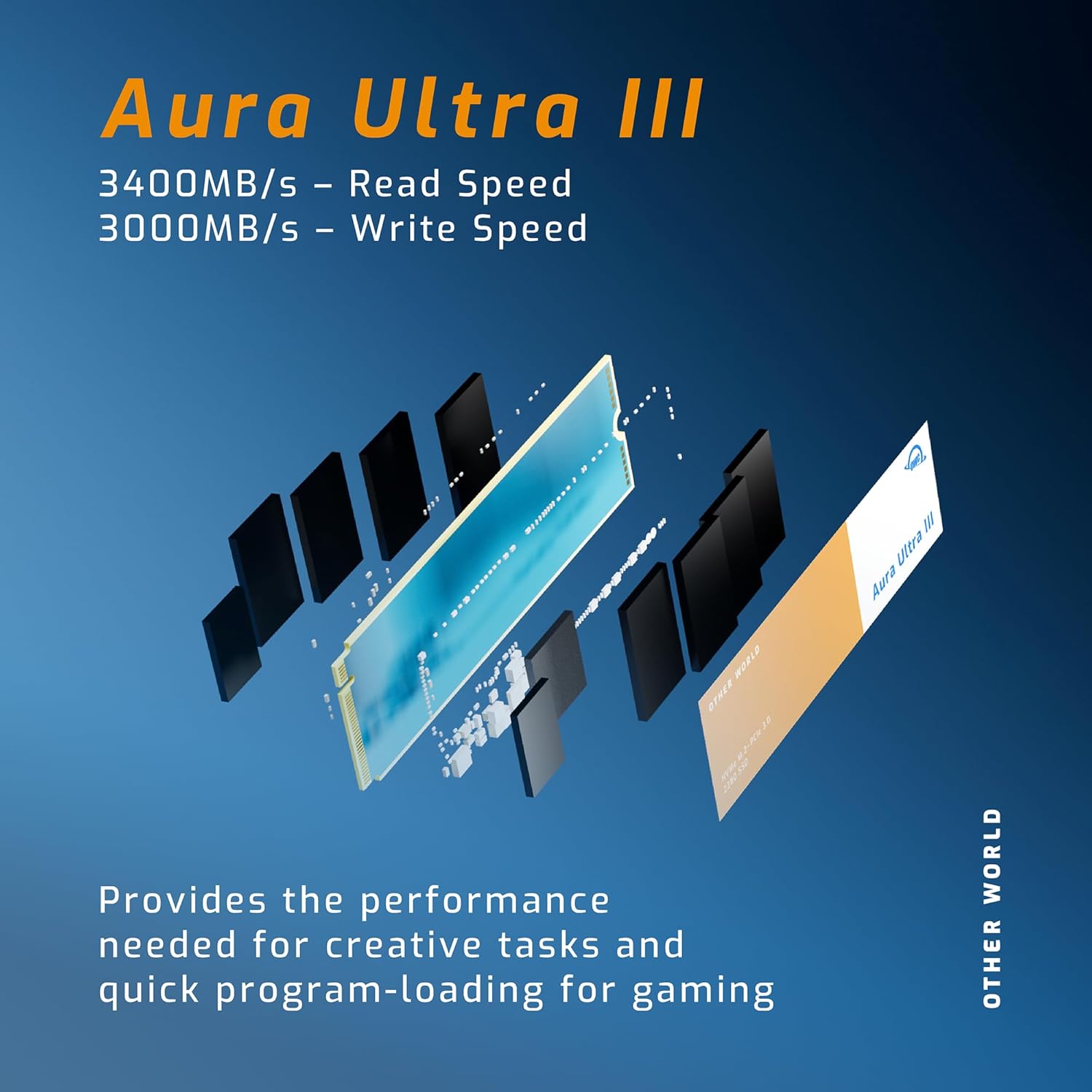
- Next Generation Performance: Experience significantly faster data access compared to previous generation SSDs, with read speeds up to 3400MB/s and write speeds up to 3000MB/s.
- Enhanced Workflows: Accelerate audio/video workflows, video streaming, system responsiveness, backups, and application/gaming load times.
- Ottimizzazzjoni tal-logħob: Game levels can load up to 35 times faster when upgrading from a traditional Hard Disk Drive (HDD) to the OWC Aura Ultra III.
- Kompatibbiltà Wiesgħa: Works seamlessly with both PC and Mac platforms, supporting direct motherboard installation or use with various PCIe M.2 SSD adapters and external enclosures.
- Kompatibbiltà b'lura: Fully compatible with PCIe Generation 2.0 devices, ensuring optimal performance even with older hardware.
6. Manutenzjoni
To ensure the longevity and optimal performance of your OWC Aura Ultra III SSD, consider the following maintenance tips:
- Aġġornamenti tal-Firmware: Periodically check the OWC website for any available firmware updates for your SSD. Firmware updates can improve performance, stability, and compatibility.
- Evita d-Deframmentazzjoni: Unlike traditional HDDs, SSDs do not benefit from defragmentation. It can actually reduce the lifespan of the drive. Ensure defragmentation is disabled for your SSD in your operating system.
- Appoġġ għat-TRIM: Ensure your operating system has TRIM enabled. TRIM helps the SSD manage its data blocks more efficiently, maintaining performance over time.
- Żomm Kessaħ: While the Aura Ultra III features thermal cooling, ensure adequate airflow around the drive, especially in high-performance scenarios or when used in an enclosure.
7 Issolvi l-problemi
If you encounter issues with your OWC Aura Ultra III SSD, refer to the following common troubleshooting steps:
- SSD Mhux Individwat:
- Check physical connections: Ensure the SSD is correctly seated in the M.2 slot or external enclosure.
- Verify BIOS/UEFI settings: Confirm that the M.2 slot is enabled in your system's BIOS/UEFI settings.
- Check Disk Management (Windows) or Disk Utility (macOS): The drive may need to be initialized and formatted.
- Prestazzjoni bil-mod:
- Ensure the SSD is installed in a PCIe 3.0 compatible slot or enclosure to achieve advertised speeds.
- Verify TRIM is enabled in your operating system.
- Check for background processes consuming resources.
- Kun żgur li s-sewwieqa tas-sistema tiegħek (chipset, NVMe) huma aġġornati.
- Instabbiltà/Ħsarat tas-Sistema:
- Ensure the SSD firmware is up to date.
- Iċċekkja t-temperaturi tas-sistema biex tevita li tissaħħan iżżejjed.
- Run a diagnostic tool (if available from OWC) to check the SSD's health.
If these steps do not resolve your issue, please contact OWC customer support for further assistance.
8. Speċifikazzjonijiet
| Karatteristika | Speċifikazzjoni |
|---|---|
| Hard Drive | Sewqan ta' Stat Solidu ta' 4 TB |
| Brand | OWC |
| Serje | Aura ULTRA III |
| Numru tal-mudell tal-oġġett | OWCS3DN3P2T40 |
| Pjattaforma tal-Ħardwer | Mac, PC |
| Piż tal-oġġett | 0.352 uqija |
| Dimensjonijiet tal-Prodott | 3.15 x 0.87 x 0.47 pulzieri |
| Tip ta' Memorja tal-Kompjuter | DIMM |
| Daqs tal-Memorja Flash | 4 TB |
| Hard Drive Interface | NVMe |
| Kapaċità tal-Ħażna Diġitali | 4000 GB |
| Teknoloġija tal-Konnettività | M.2 |
| Karatteristika Speċjali | Portabbli |
| Fattur tal-Formola tad-Disk Ribd | 2.5 Pulzier |
| Deskrizzjoni Hard Disk | Drive Stat solidu |
| Apparati Kompatibbli | Desktop |
| Tip ta' Installazzjoni | Hard Drive Intern |
| Daqs tal-Hard Disk | 4 TB |
9. Garanzija u Appoġġ
The OWC 4TB Aura Ultra III SSD comes with a Garanzija ta' Sostituzzjoni Limitata ta' Sena. This warranty covers defects in materials and workmanship under normal use. For warranty claims or technical support, please visit the official OWC webis-sit jew ikkuntattja lis-servizz tal-klijenti tagħhom direttament.
Għal aktar riżorsi u appoġġ, jekk jogħġbok żur il- OWC Store on Amazon.