
Introduzzjoni
Thank you for choosing the DEPSTECH D04 1080P HD Webcam. This manual provides essential information for setting up, operating, and maintaining your webcam to ensure optimal performance. The D04 webcam is designed to deliver sharp, crystal-clear video and natural audio for various applications, including video conferencing, online teaching, streaming, and gaming.
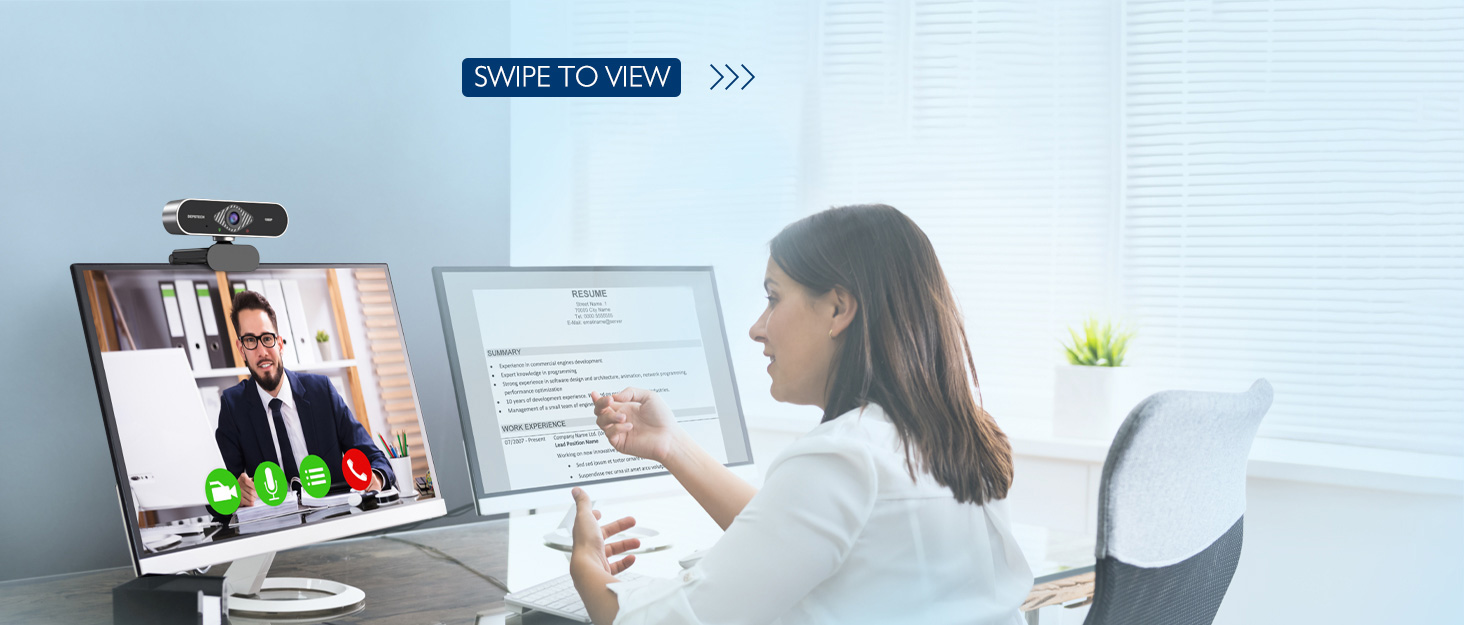
Image: DEPSTECH D04 Webcam in use for a video conference.
Karatteristiċi ewlenin:
- Vidjo Full HD 1080P: Delivers sharp and crystal-clear video at 30 frames per second with a 6-layer glass HD lens and 1/2.9” CMOS image sensor.
- Stereo Microphone with Noise Reduction: Features an automatic noise reduction function for clearer and more natural sound, even in noisy environments.
- Automatic Light Correction & HDR: Ensures excellent video quality even in dimly lit conditions.
- Plug-and-Play: No additional drivers or software required for most operating systems.
- Kompatibbiltà Wiesgħa: Works with MAC OS, Windows XP/7/8/10, and popular applications like Skype, YouTube, Yahoo!, and Zoom.
Kontenut tal-Pakkett
- DEPSTECH D04 Webcam
- Mini Tripod
- Kopertura tal-Privatezza
- Manwal għall-Utent
Setup Istruzzjonijiet
1. Placement of the Webcam
Il-DEPSTECH D04 webcam features a flexible mounting clip that allows it to be placed on various devices or surfaces.
- Fuq Skrin ta' Monitor/Laptop: Iftaħ il-klipp u poġġi l- webcam on top of your monitor or laptop screen. Adjust the angle so the camera is stable and facing you.
- Fuq Tripod: Waħħal il- webcam to the included mini tripod using the universal screw mount at the bottom of the clip. Place the tripod on a flat surface.
- Fuq wiċċ ċatt: The clip can also be folded to create a stand, allowing the webcam to sit directly on your desk or shelf.

Immaġni: Webcam mounted on a laptop screen.

Immaġni: Webcam mounted on a tripod.
2. Konnessjoni mal- Webcam
Il-DEPSTECH D04 webcam is a plug-and-play device, requiring no additional driver installation for most operating systems.
- Qabbad il-kejbil USB mill- webcam to an available USB port on your computer (desktop or laptop).
- Wait for your operating system to automatically detect and install the device. This usually takes a few seconds.
- Once detected, the webcam is ready for use with your preferred video communication or recording software.
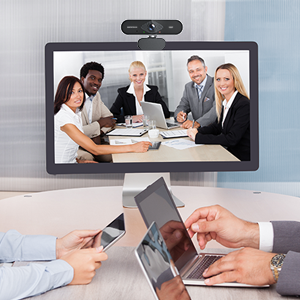
Image: USB connection for the webcam.
Istruzzjonijiet Operattivi
1. Bl-użu tal- Webcam with Software
After connecting, your DEPSTECH D04 webcam will be recognized as a standard video and audio input device by most applications.
- Open your desired video conferencing, streaming, or recording application (e.g., Zoom, Skype, OBS, YouTube, Facetime).
- Navigate to the application's settings or preferences, usually under 'Audio' and 'Video' sections.
- Select "DEPSTECH D04 Webcam" or "USB 2.0 Camera" as your video input device.
- Select "USB 2.0 Camera Audio" as your microphone input device.
- Aġġusta s-settings tal-vidjo u tal-awdjo kif meħtieġ fl-applikazzjoni.

Image: User engaged in a video call with the webcam.
2. Qoxra tal-Privatezza
Il- webcam includes a privacy cover for enhanced security and peace of mind. Slide the cover over the lens when the webcam is not in use to prevent accidental recordings or unauthorized access.

Immaġni: Webcam with the privacy cover closed.
3. Dwal Indikaturi
Il- webcam features indicator lights to show its status:
- Dawl aħdar: Indicates the camera is active and in use by an application.
- Dawl aħmar: Jindika l- webcam is powered on and connected.
Manutenzjoni
To ensure the longevity and optimal performance of your DEPSTECH D04 webcam, segwi dawn il-linji gwida tal-manutenzjoni:
- Tindif tal-Lenti: Imsaħ il-lenti bil-mod b'ċarruta ratba u mingħajr suf. Evita li tuża kimiċi ħarxa jew materjali li joborxu li jistgħu jigrif il-lenti.
- Tindif tal-ġisem: Uża drapp ratba u niexfa biex tnaddaf il-barra tal- webcam.
- Ħażna: Meta ma tkunx qed tużaha, speċjalment għal perjodi twal, aħżenha webcam in a clean, dry place. Use the privacy cover to protect the lens.
- Evita Kundizzjonijiet Estremi: Tesponix il- webespost għal temperaturi estremi, umdità, jew dawl tax-xemx dirett.
Issolvi l-problemi
If you encounter issues with your DEPSTECH D04 webcam, irreferi għas-soluzzjonijiet komuni li ġejjin:
- WebKamera Mhux Rilevata:
- Ipprova qabbad il- webcam ma' port USB differenti fuq il-kompjuter tiegħek.
- Ibda mill-ġdid il-kompjuter tiegħek.
- Kun żgur li l-kejbil USB huwa konness sew.
- Iċċekkja l-maniġer tal-apparat tas-sistema operattiva tiegħek (Windows) jew l-Informazzjoni tas-Sistema (Mac) biex tara jekk webIl-kamera hija elenkata.
- Ebda Vidjo/Skrin Iswed:
- Kun żgur li l-għatu tal-privatezza huwa miftuħ.
- Ivverifika li l- webcam is selected as the video input device in your application's settings.
- Agħlaq u erġa' iftaħ l-applikazzjoni.
- Ebda Awdjo/Kwalità tal-Awdjo Fqira:
- Ensure "USB 2.0 Camera Audio" is selected as the microphone input in your application's settings.
- Iċċekkja s-settings tal-ħoss tal-kompjuter tiegħek biex tiżgura li l-mikrofonu huwa attivat u mhux siekta.
- Adjust the microphone input volume in your application or system settings.
- Kwalità Fqira tal-Vidjo:
- Ensure you have adequate lighting in your environment. The webcam has auto light correction, but good ambient light helps.
- Naddaf il- weblenti tal-kam.
- Check your internet connection speed if streaming or video conferencing.
Speċifikazzjonijiet
| Brand | DEPSTECH |
| Numru tal-Mudell | D04 |
| Riżoluzzjoni tal-Qbid tal-Vidjo | 1080p |
| Veloċità tal-Qbid tal-Immaġni | 30 fps |
| Teknoloġija tas-Sensor tar-Ritratti | CMOS (1/2.9” CMOS image sensor) |
| Tip ta 'Focus | Focus Fiss |
| Tip ta' Lenti | Angolu Wide |
| Teknoloġija tal-Konnettività | USB |
| Format awdjo appoġġjat | Stereo |
| Karatteristiċi Speċjali | Auto Light Correction, Noise Canceling Microphone, Tripod and Privacy Cover Included |
| Kompatibilità tas-Sistema Operattiva | Mac OS, Windows XP/7/8/10 |
| Kulur | Iswed |
Informazzjoni dwar Garanzija
Il-DEPSTECH D04 Webkamera tiġi b' 1 Snin Garanzija from the date of purchase. This warranty covers manufacturing defects and ensures the product is free from defects in material and workmanship under normal use. Please retain your proof of purchase for warranty claims. The warranty does not cover damage caused by misuse, accident, unauthorized modification, or external causes.
Appoġġ
For further assistance, technical support, or warranty inquiries, please contact DEPSTECH customer service. You can typically find contact information on the official DEPSTECH webis-sit jew permezz tal-bejjiegħ bl-imnut minn fejn xtrajt il-prodott.
Please have your model number (D04) and proof of purchase ready when contacting support.