
1. Introduzzjoni
Thank you for choosing the Tribit FlyBuds C1 True Wireless Earbuds (Model BTH91). This manual provides essential information for setting up, operating, and maintaining your new earbuds. Please read it thoroughly to ensure optimal performance and longevity of your device.

Image: Tribit FlyBuds C1 Wireless Earbuds and Charging Case.
2. Informazzjoni dwar is-Sigurtà
To prevent damage to your earbuds or injury to yourself, please observe the following safety precautions:
- Tiżżarmax jew timmodifikax il-earbuds jew il-kaxxa tal-iċċarġjar.
- Żomm l-apparat 'il bogħod minn temperaturi estremi, dawl tax-xemx dirett, u fjammi miftuħa.
- Avoid exposing the earbuds to water for prolonged periods, despite their IPX8 rating. Ensure the charging port cover is securely closed before exposure to liquids.
- Tużax prodotti tat-tindif li joborxu jew kimiċi ħarxa biex tnaddaf l-apparat.
- Isma' b'volum moderat biex tevita ħsara fis-smigħ.
- Żomm fejn ma jintlaħaqx mit-tfal u l-annimali domestiċi.
3. Kontenut tal-Pakkett
The Tribit FlyBuds C1 package includes:
- Tribit FlyBuds C1 Earbuds (Model BTH91)
- Kawża tal-Iċċarġjar
- Cable tal-Iċċarġjar tal-USB-C
- Lanyard
- 6 Pairs of Silicone Ear Tips (various sizes)
- Manwal għall-Utent
- Karta ta' Garanzija ta' 18-il Xahar
Image: All items included in the Tribit FlyBuds C1 retail package.
4. Setup
4.1. Iċċarġjar tal-Earbuds u l-Kaxxa
Qabel l-ewwel użu, iċċarġja l-earbuds u l-kaxxa tal-iċċarġjar kompletament.
- Poġġi l-earbuds fil-kaxxa tal-iċċarġjar. Kun żgur li huma mqiegħda sew fl-islott rispettiv tagħhom.
- Connect the USB-C charging cable to the charging port on the case and to a power source. The LED indicators on the case will show charging status. A full charge takes approximately 1.5 hours.
- Il-kaxxa tal-iċċarġjar tappoġġja wkoll l-iċċarġjar mingħajr fili. Sempliċement poġġi l-kaxxa fuq bażi tal-iċċarġjar mingħajr fili kompatibbli.
The earbuds provide up to 5 hours of playback on a single charge, and the charging case extends total playtime to up to 100 hours.
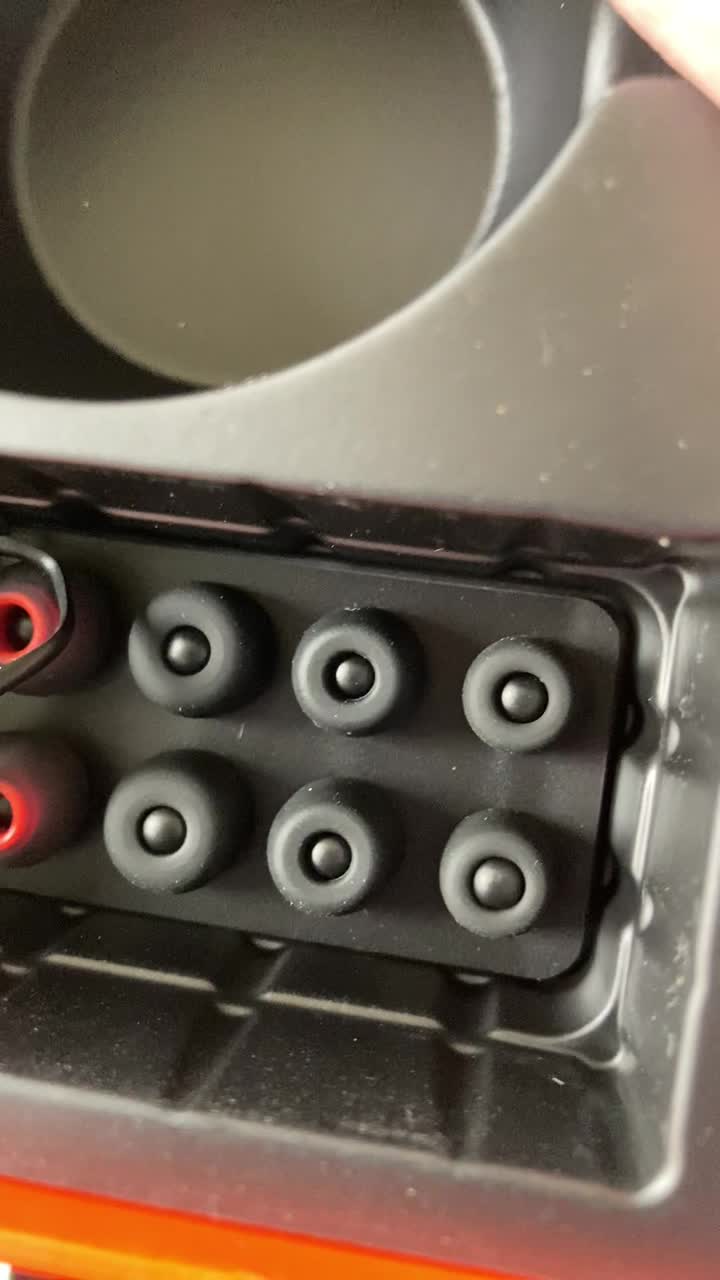
Image: Tribit FlyBuds C1 earbuds charging inside their case, with battery indicator lights visible.
4.2. It-tqabbil mat-Tagħmir Tiegħek
The Tribit FlyBuds C1 feature one-step pairing for convenience.
- Iftaħ il-kaxxa tal-iċċarġjar. Il-earbuds jidħlu awtomatikament fil-modalità ta' tqabbil.
- Fuq l-apparat tiegħek (smartphone, tablet, laptop), attiva l-Bluetooth u fittex apparati disponibbli.
- Select "Tribit FlyBuds C1" from the list of devices. Once connected, a voice prompt will confirm successful pairing.
- The earbuds will automatically connect to the last paired device when the case is opened. To unpair, press and hold the button on the charging case.
4.3. It-twaħħil tal-Earbuds
For optimal sound quality and comfort, choose the correct size ear tips.
- Experiment with the 6 included pairs of silicone ear tips to find the best fit for your ears. A snug fit ensures better bass response and noise isolation.
- Daħħal il-earbuds bil-mod fil-kanal tal-widna tiegħek u dawwirhom ftit biex twaħħalhom.
Image: Selection of silicone ear tips for personalized fit.
5. Istruzzjonijiet Operattivi
5.1. Power On/Off
- Qawwa Mixgħul: Iftaħ il-każ tal-iċċarġjar, u l-earbuds jinxtegħlu awtomatikament.
- Itfi: Poġġi l-earbuds lura fil-kaxxa tal-iċċarġjar u agħlaq l-għatu. Dawn jintfew awtomatikament u jibdew jiċċarġjaw.
5.2. Daqq tal-mużika
The Tribit FlyBuds C1 feature physical buttons for control:
- Play/Pawsa: Agħfas il-buttuna fuq kwalunkwe earbud darba.
- Track li jmiss: Agħfas darbtejn il-buttuna fuq il-earbud tal-lemin.
- Track preċedenti: Double-press the button on the left earbud.
Note: Volume control is not directly available on the earbuds. Please adjust volume via your connected device.
5.3. Ġestjoni tas-Sejħiet
- Tweġiba/Tmiem Sejħa: Agħfas il-buttuna fuq kwalunkwe earbud darba.
- Irrifjuta Sejħa: Press and hold the button on either earbud for 2 seconds.
- Activate Voice Assistant (Siri, Google Assistant): Triple-press the button on either earbud.
The earbuds feature 4 microphones with CVC 8.0 Call Noise Reduction for clear calls.
5.4. Modalità ta' Earbud Uniku
Kull earbud jista' jintuża waħdu. Sempliċement oħroġ earbud wieħed mill-kaxxa, u dan jikkonnettja awtomatikament mat-tagħmir tiegħek. L-earbud l-ieħor jista' jibqa' fil-kaxxa jew jintuża aktar tard.
5.5. IPX8 Waterproofing
The Tribit FlyBuds C1 are IPX8 rated, offering protection against sweat, splashes, and submersion in water up to 1 meter for 30 minutes. This makes them suitable for sports and exercise in various weather conditions.
- Ensure the USB-C charging port cover is securely closed before exposing the earbuds to water.
- Do not charge the earbuds if they are wet. Dry them thoroughly before placing them back in the charging case.
6. Manutenzjoni
Proper maintenance ensures the longevity and performance of your Tribit FlyBuds C1.
- Tindif: Regularly clean the earbuds and charging case with a soft, dry, lint-free cloth. For ear tips, remove them and wash with mild soap and water, then dry completely before reattaching.
- Ħażna: Meta ma tkunx qed tużahom, aħżen il-earbuds fil-kaxxa tal-iċċarġjar tagħhom biex tipproteġihom u żżommhom iċċarġjati. Aħżen f'post frisk u niexef 'il bogħod minn temperaturi estremi.
- Evita l-Ħsara: Do not drop, puncture, or expose the device to strong impacts.
7 Issolvi l-problemi
If you encounter issues with your Tribit FlyBuds C1, try the following solutions:
| Problema | Soluzzjoni |
|---|---|
| Earbuds ma jingħaqdux |
|
| L-ebda ħoss jew volum baxx |
|
| Earbuds ma jiċċarġjawx |
|
| Konnessjoni intermittenti |
|
8. Speċifikazzjonijiet
| Karatteristika | Dettall |
|---|---|
| Isem tal-Mudell | BTH91 (FlyBuds C1) |
| Teknoloġija tal-Konnettività | Wireless (Bluetooth) |
| Verżjoni Bluetooth | 5.2 |
| Medda Bluetooth | 10 Meters |
| Ħajja tal-Batterija (Earbuds) | Sa 5 sigħat għal kull ħlas |
| Ħin Totali tal-Logħob (bil-Kaxxa tal-Iċċarġjar) | Sa 100 sigħat |
| Ħin tal-Iċċarġjar | Madwar 1.5 sigħat (kaxxa) |
| Livell ta 'Reżistenza għall-Ilma | IPX8 (Li ma jgħaddix ilma minnha) |
| Karatteristiċi ta' Kontroll tal-Istorbju | CVC 8.0 Call Noise Reduction, Sound Isolation |
| Metodu ta' Kontroll | Buttuna Fiżika |
| Port tal-Iċċarġjar | USB-C, Wireless Charging (Qi-compatible) |
| Piż tal-oġġett | 2.4 uqija |
| Dimensjonijiet tal-Prodott | 2.4 x 2.4 x 1.2 pulzieri |
9. Garanzija u Appoġġ
Tribit provides an 18-month warranty for the FlyBuds C1 (Model BTH91) from the date of purchase. This warranty covers manufacturing defects and ensures your product is free from material and workmanship flaws under normal use.
For warranty claims, technical support, or any questions regarding your product, please contact Tribit customer service:
- Email: support@tribitaudio.com
- Biljett ta 'Appoġġ: Żur tribitaudio.com/support
- Telefon: 1-888-232-3138 (Mon-Fri, 9:00-6:00 PST [US])
Please have your purchase receipt and product model number (BTH91) ready when contacting support.