
Introduzzjoni
This manual provides essential instructions for the safe and efficient use of your MoKo Smart LED Light Bulb. This smart bulb offers customizable lighting with 16 million colors, adjustable brightness and color temperature, and convenient control via app or voice assistants like Alexa and Google Home. It operates on a 2.4GHz Wi-Fi network and does not require a separate hub.
Informazzjoni dwar is-Sigurtà
- Kun żgur li l-bozza tkun mitfija qabel ma tinstalla jew tneħħi l-bozza.
- Do not use in fully enclosed fixtures as this may shorten bulb life.
- Not suitable for dimmers other than those controlled by the app or voice assistant.
- Avoid exposing the bulb to water or high humidity.
- Dan l-apparat huwa għal użu fuq ġewwa biss.
Kontenut tal-Pakkett
- MoKo Smart LED Light Bulb (BR30, E26 Base) x 1
- Manwal għall-Utent x 1
Speċifikazzjonijiet
| Dimensjonijiet tal-Prodott | 14.48 x 10.16 x 10.16 ċm |
| Piż tal-oġġett | 153.09 g (5.4 Uqija) |
| Daqs tal-Forma tal-Bozza | BR30 |
| Bażi tal-Bozza | E26 |
| Wattage | 9 Watts |
| Tip Dawl | LED |
| Kulur Dawl | Multicolor (RGB), Warm White, Cool White |
| Karatteristika Speċjali | Dimmable |
| Teknoloġija tal-Konnettività | Wi-Fi (2.4GHz biss) |
| Metodu ta' Kontroll | App, Voice (Alexa, Google Home, SmartThings) |
Setup
- Installa l-Bozza: Screw the MoKo Smart LED Light Bulb into a standard E26 light socket. Ensure the power to the fixture is turned off before installation.
- Niżżel l-App: Niżżel l-app "Smart Life" mill-App Store (iOS) jew mill-Google Play Store (Android).
- Irreġistra/Idħol: Open the "Smart Life" app and register for a new account or log in if you already have one.
- Ipprepara għat-Tqabbil: Turn the light switch ON. The bulb should begin to blink rapidly. If it does not blink, manually turn the light switch OFF and ON repeatedly (typically 3-5 times) until the bulb starts blinking rapidly. This indicates it is in pairing mode.
- Żid Apparat fl-App: In the "Smart Life" app, tap the "+" icon in the top right corner to add a device. Select "Lighting" > "Light Source (Wi-Fi)".
- Qabbad mal-Wi-Fi: Confirm the bulb is blinking rapidly. Enter your 2.4GHz Wi-Fi network password. Nota: The bulb only supports 2.4GHz Wi-Fi networks; 5GHz networks are not compatible.
- Tqabbil: The app will begin connecting to the bulb. Once connected, you can rename the bulb for easier control.
- Integrate with Voice Assistants (Optional):
- Għal Amazon Alexa: Open the Alexa app, go to "Skills & Games," search for "Smart Life," enable the skill, and link your Smart Life account. Then, discover devices.
- Għal Google Home: Open the Google Home app, tap "+" > "Set up device" > "Works with Google," search for "Smart Life," link your account, and assign the bulb to a room.
- Għal SmartThings: Open the SmartThings app, tap "+" > "Device," search for "Smart Life," and follow the on-screen instructions to connect.

Immaġni: Fuqview of MoKo Smart LED Light Bulb features, including color options, connectivity, and control methods.
Istruzzjonijiet Operattivi
1. Kontroll tal-App
- Ixgħel/Itfi: Tap the bulb icon in the Smart Life app to toggle power.
- Dimming: Adjust the brightness slider within the app to set the desired light intensity.
- Bidla fil-Kulur: Select from 16 million colors using the color wheel or preset scenes.
- Temperatura tal-Kulur: Aġġusta d-dawl abjad minn sħun (2000K) għal kiesaħ (6500K).
- Skedar: Set schedules for the bulb to automatically turn on/off at specific times, or to change modes.
- Kontroll tal-Grupp: Create groups of multiple MoKo smart bulbs to control them simultaneously.
- Kondiviżjoni tal-Apparat: Share control of the bulb with family members through the app.
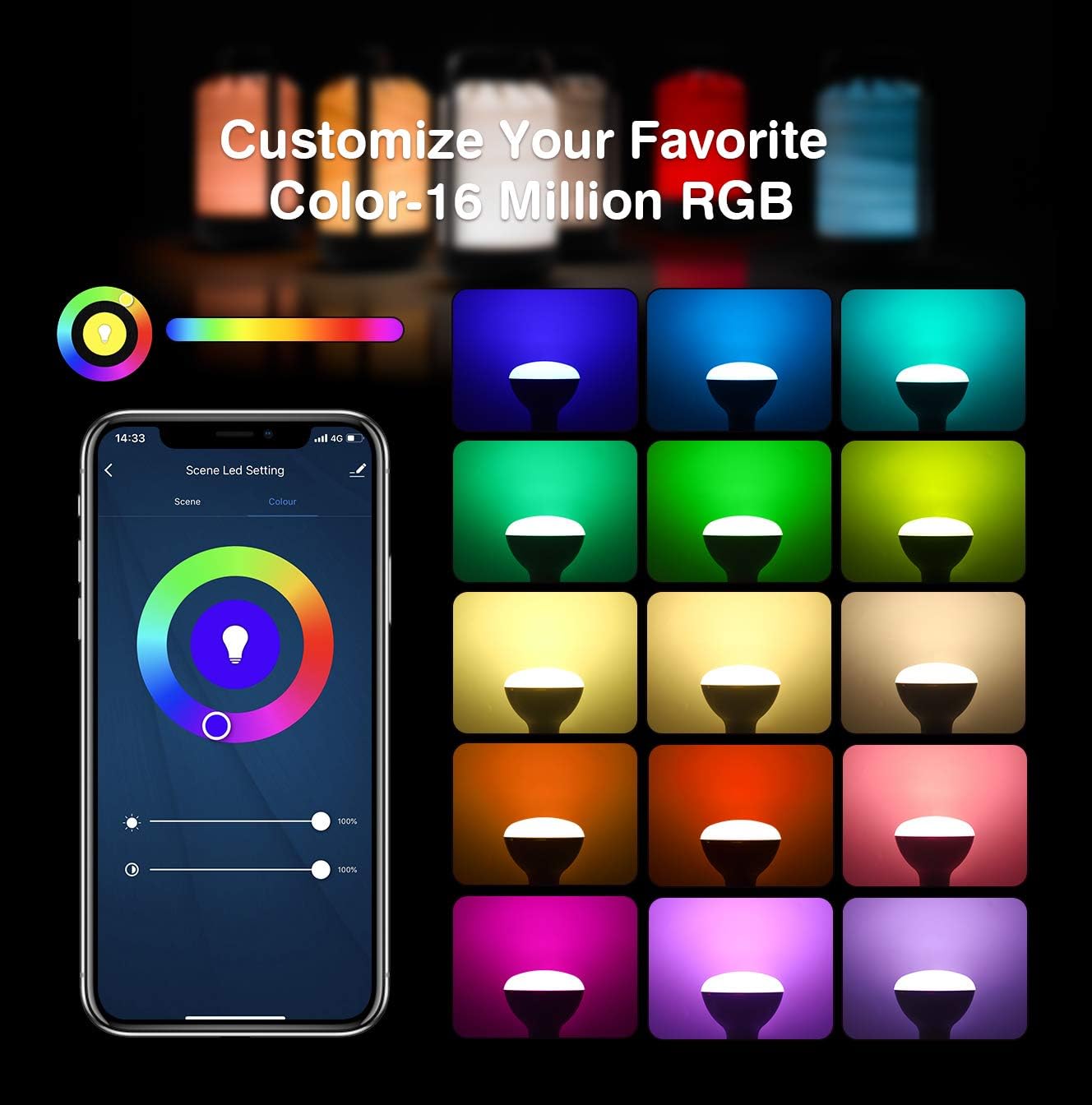
Image: App interface for customizing light color and brightness.

Image: App interface for adjusting color temperature and stepless dimming.
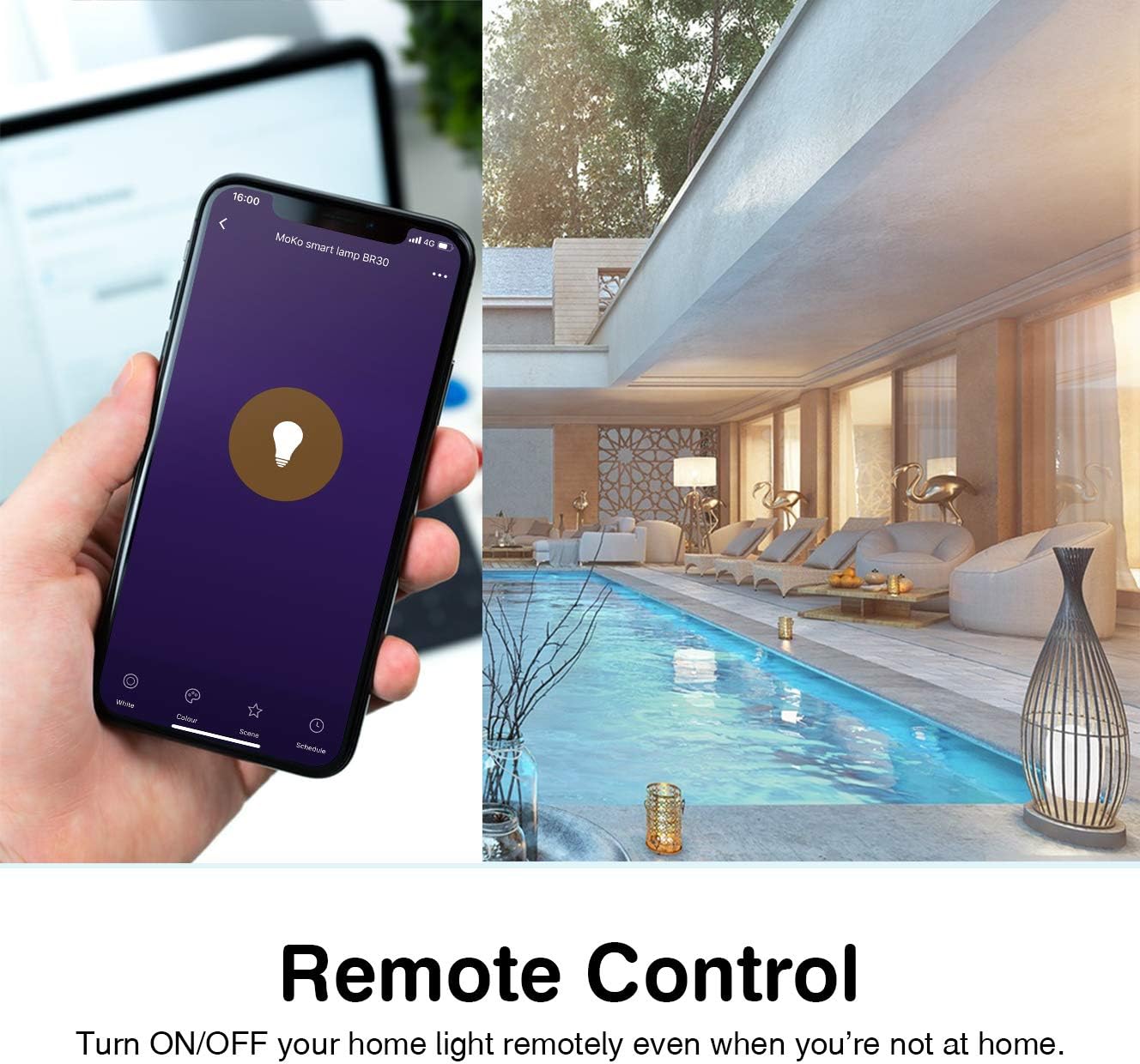
Image: Remote control functionality via the Smart Life app.

Image: Timing management and scheduling features.
2. Kontroll tal-Vuċi
Once integrated with Amazon Alexa or Google Assistant, you can control your bulb using voice commands. Ensure your voice assistant device is connected to the same Wi-Fi network as your smart bulb.
- "Alexa, turn on the [Bulb Name]."
- "Hey Google, dim the [Bulb Name] to 50%."
- "Alexa, issettja [Isem tal-Bozza] għal blu."
- "Hey Google, change [Bulb Name] to warm white."

Image: Voice control integration with Amazon Alexa and Google Assistant.
3. Group Control and Device Sharing
The Smart Life app allows you to group multiple bulbs for simultaneous control and share access with other users.
- Kontroll tal-Grupp: In the app, select multiple bulbs and create a group. You can then control the entire group with a single command or tap.
- Kondiviżjoni tal-Apparat: Navigate to the device settings in the app and select "Share Device" to invite family members to control the bulb.
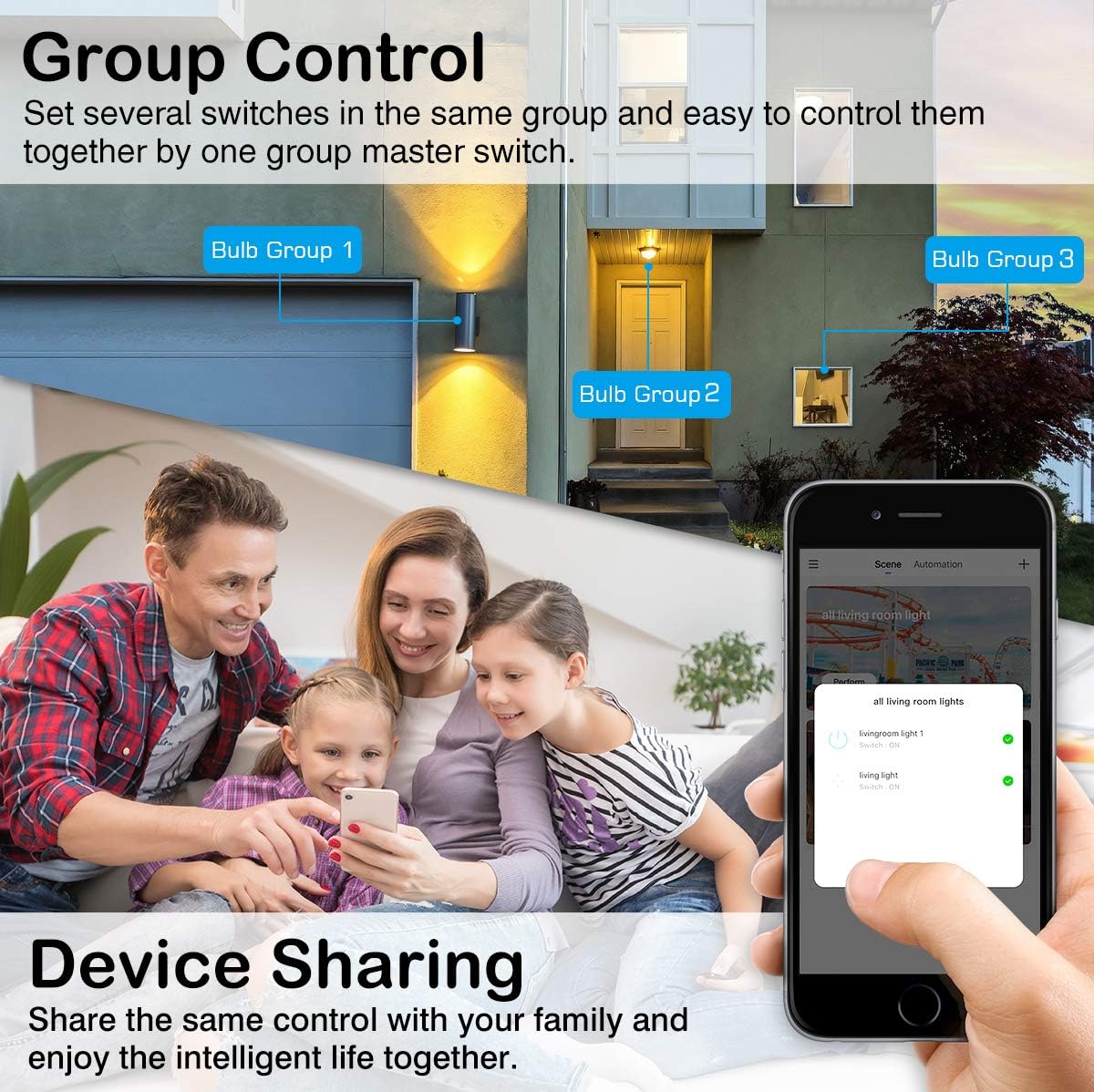
Image: Group control and device sharing features.
Manutenzjoni
- Tindif: Kun żgur li l-bozza tkun mitfija u berredha qabel ma tnaddafha. Imsaħ b'ċarruta ratba u niexfa. Tużax prodotti tat-tindif likwidi.
- Aġġornamenti tal-Firmware: Iċċekkja l-app Smart Life perjodikament għal aġġornamenti tal-firmware disponibbli biex tiżgura prestazzjoni u sigurtà ottimali.
- Ħażna: Jekk taħżen il-bozza għal perjodu twil ta' żmien, żommha f'post frisk u niexef 'il bogħod mix-xemx diretta.
Issolvi l-problemi
- Bulb not blinking for setup: Manually turn the light switch OFF and ON 3-5 times until the bulb starts blinking rapidly. This puts it into pairing mode.
- Ma tistax tikkonnettja mal-Wi-Fi:
- Ensure your Wi-Fi network is 2.4GHz. The bulb does not support 5GHz networks.
- Iċċekkja l-password tal-Wi-Fi tiegħek għall-eżattezza.
- Move the bulb closer to your Wi-Fi router during setup.
- Erġa' ibda r-router tiegħek u erġa' pprova l-proċess ta' tqabbil.
- Bulb loses connection:
- Verify your 2.4GHz Wi-Fi network is stable and active.
- Ensure the bulb is within range of your Wi-Fi router.
- Check for any obstructions or interference that might affect the Wi-Fi signal.
- Try resetting the bulb (turn OFF/ON 3-5 times) and re-pairing it with the app.
- Il-kontroll tal-vuċi mhux qed jaħdem:
- Kun żgur li l-ħila/servizz Smart Life huwa attivat u marbut b'mod korrett fl-app Alexa jew Google Home tiegħek.
- Verify the bulb's name in the Smart Life app matches the name you are using for voice commands.
- Ensure your voice assistant device is online and connected to the same network.
- Colors or brightness not responding:
- Check the app for any error messages or connection issues.
- Ensure the bulb is powered on and connected to Wi-Fi.
- Try closing and reopening the Smart Life app.
Garanzija u Appoġġ
For warranty information or technical support, please refer to the contact details provided on the product packaging or the official MoKo websit. Żomm l-irċevuta tax-xiri tiegħek bħala prova tax-xiri.