
1. Introduzzjoni
The Picun H12 Bluetooth Neckband Headset offers a comfortable and high-quality audio experience for various activities, including sports and daily use. Featuring Bluetooth 4.1 connectivity, a 13mm driver for clear sound, and IPX6 water resistance, these earphones are designed for durability and convenience. The magnetic earbuds and lightweight neckband design enhance portability and ease of use.
2. X'hemm fil-Kaxxa
- Picun H12 Bluetooth Neckband Headset
- Cable tal-Iċċarġjar tal-USB
- Earbuds Covers (various sizes)
- Manwal għall-Utent
3. Prodott Aktarview
The Picun H12 headset is engineered for superior sound and extended battery life, ensuring an immersive audio experience.

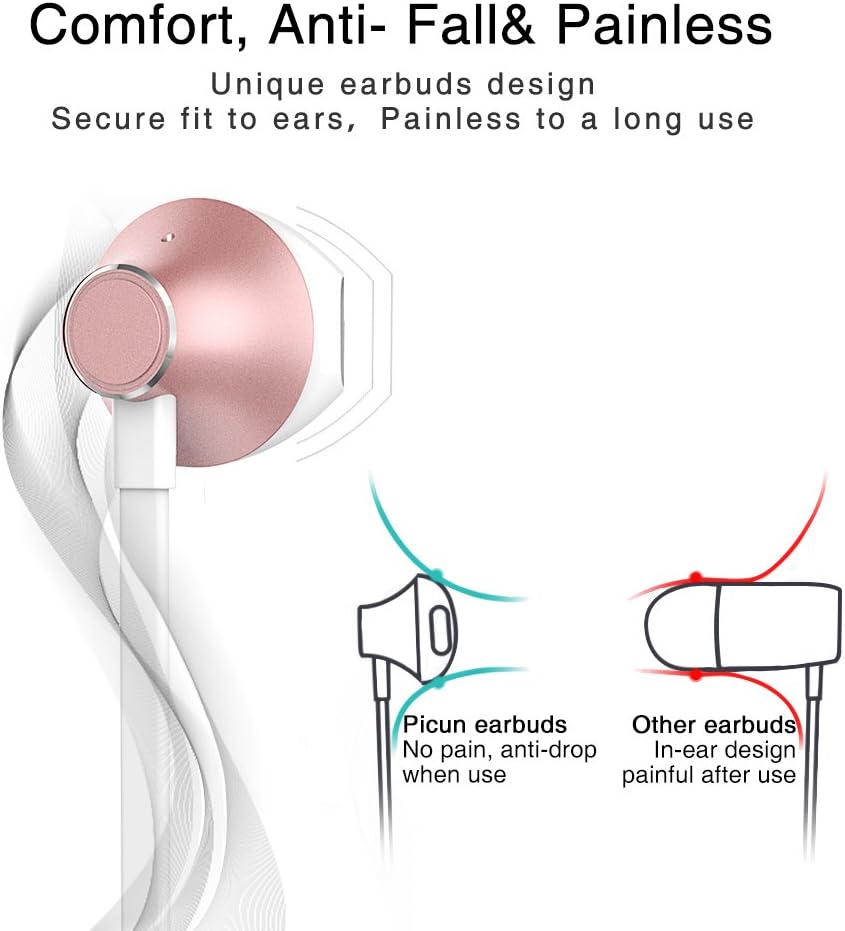
Designed for comfort, the unique earbud shape provides a secure fit without causing discomfort, even during prolonged use.
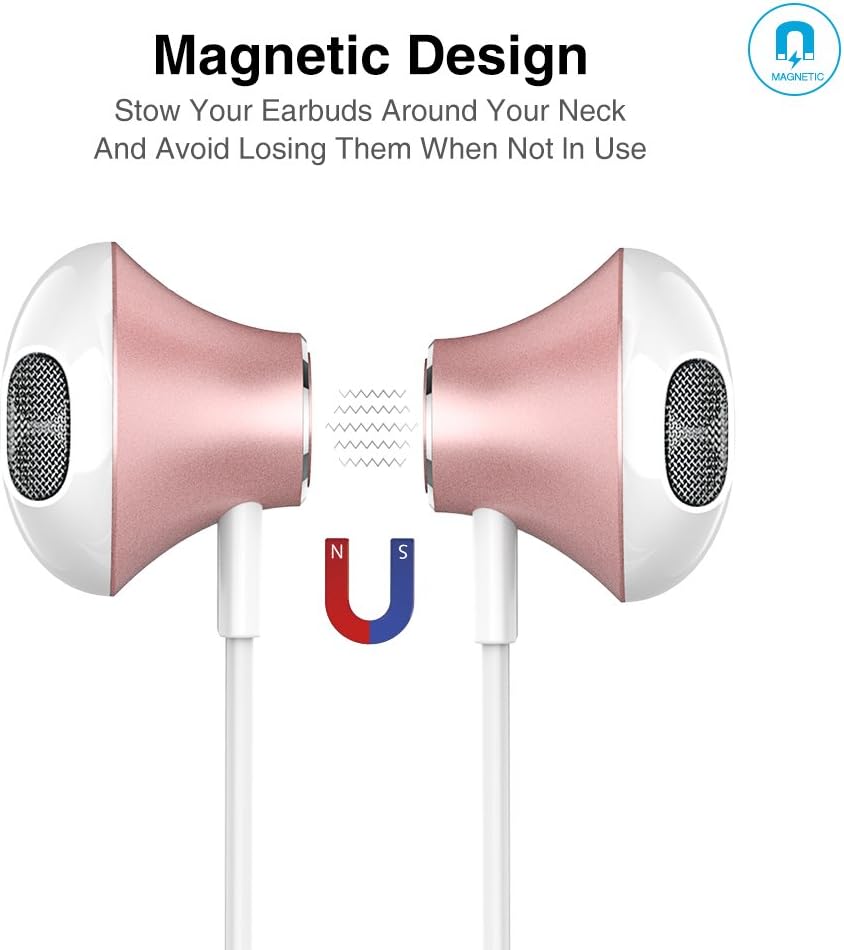
The magnetic design allows the earbuds to clip together when not in use, preventing tangles and making them easy to carry around your neck.
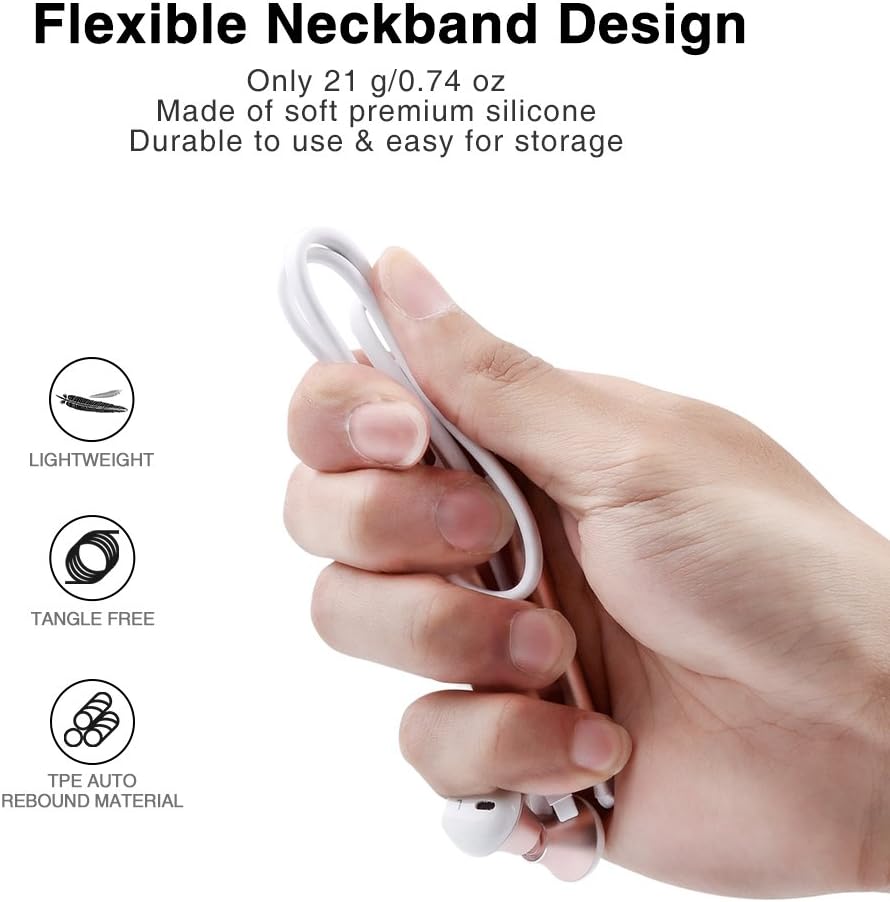
The flexible neckband is lightweight and made from TPE auto-rebound material, ensuring durability and tangle-free storage.
Control your audio and calls effortlessly with the integrated in-line remote and HD noise reduction microphone.

With an IPX6 water-resistant nano-coating, the headset is protected against sweat and rain, making it ideal for workouts.

Ara dan il-filmat għal idea viżwali aktar 'il fuqview of the Picun H12 Bluetooth Neckband Headset's features and design.
4. Setup
4.1 Iċċarġjar tal-Headset
- Connect the micro USB charging cable to the charging port on the headset.
- Qabbad it-tarf l-ieħor tal-kejbil ma 'sors ta' enerġija USB (eż., kompjuter, adapter tal-ħajt).
- The indicator light will show charging status. A full charge takes approximately 1 hour and provides up to 10 hours of playtime.
4.2 Tqabbil tal-Bluetooth
- Kun żgur li l-headset huwa kompletament iċċarġjat.
- Press and hold the multi-function button (usually the center button on the in-line remote) until the indicator light flashes red and blue, indicating pairing mode.
- Fuq l-apparat tiegħek (smartphone, tablet, eċċ.), attiva l-Bluetooth u fittex apparati disponibbli.
- Select "Picun H12" from the list of found devices.
- Once paired, the indicator light will typically turn solid blue or flash blue slowly. A voice prompt may confirm successful connection.
5. Istruzzjonijiet Operattivi
5.1 Power On/Off
- Qawwa Mixgħul: Press and hold the multi-function button for approximately 3 seconds until the indicator light flashes blue and a voice prompt confirms power on.
- Itfi: Press and hold the multi-function button for approximately 3-5 seconds until the indicator light flashes red and a voice prompt confirms power off.
5.2 Daqq tal-Mużika
- Play/Pawsa: Agħfas qasir il-buttuna b'ħafna funzjonijiet.
- Kanzunetta li jmiss: Long press the "V+" button.
- Kanzunetta ta' qabel: Long press the "V-" button.
- Volum 'il fuq: Short press the "V+" button.
- Volum 'l isfel: Short press the "V-" button.
5.3 Ġestjoni tas-Sejħiet
- Irrispondi Sejħa: Agħfas qasir il-buttuna multi-funzjoni meta tidħol telefonata.
- Tmiem Sejħa: Agħfas qasir il-buttuna multi-funzjoni waqt telefonata.
- Irrifjuta Sejħa: Long press the multi-function button when a call comes in.
- Isemmi mill-ġdid l-Aħħar Numru: Agħfas darbtejn il-buttuna multi-funzjoni.
6. Manutenzjoni
- Tindif: Uża drapp artab u niexef biex tnaddaf il-headset. Tużax prodotti tat-tindif jew solventi li joborxu.
- Reżistenza għall-Ilma: The headset is IPX6 water-resistant, meaning it can resist high-pressure, heavy sprays of water. It is not designed for submersion. Dry thoroughly if exposed to water or sweat.
- Ħażna: When not in use, store the headset in a cool, dry place. The magnetic earbuds help prevent tangling.
- Kura tal-batterija: Biex ittawwal il-ħajja tal-batterija, evita li tiċċarġja kompletament il-batterija ta’ spiss. Iċċarġja l-headset regolarment, anke jekk ma tkunx qed tużaha għal perjodi twal.
7 Issolvi l-problemi
| Ħruġ | Soluzzjoni Possibbli |
|---|---|
| Headset won't power on | Kun żgur li l-headset huwa ċċarġjat kompletament. Qabbad ma' sors ta' enerġija u erġa' pprova. |
| Ma tistax tqabbad mat-tagħmir | Ensure the headset is in pairing mode (flashing red and blue light). Turn off and on Bluetooth on your device. Move closer to the headset. |
| L-ebda ħoss jew volum baxx | Check volume levels on both the headset and your connected device. Ensure the headset is properly paired. Try re-pairing. |
| Konnessjoni intermittenti | Ensure no obstacles are between the headset and your device. Stay within the 33-foot (10-meter) Bluetooth range. Avoid strong electromagnetic interference. |
| Kwistjoni tal-iċċarġjar | Check the charging cable and USB power source. Try a different cable or power adapter. Ensure the charging port is clean and free of debris. |
8. Speċifikazzjonijiet
- Ditta: Picun
- Mudell: H12
- Teknoloġija tal-Konnettività: Wireless (Bluetooth)
- Verżjoni Bluetooth: 4.1
- Medda bla fili: Sa 33 pied (10 metri)
- Ħin tal-logħob: Sa 10 sigħat
- Ħin tal-Iċċarġjar: Madwar 1 siegħa
- Daqs tas-sewwieq: 13 MM Neodymium
- Rispons tal-Frekwenza: 20 Hz - 20 kHz
- Reżistenza għall-Ilma: IPX6 (Reżistenti għall-għaraq u għall-isprejjar)
- Tqegħid tal-widnejn: Fil-widnejn
- Fattur tal-Formola: Faxxa tal-għonq
- Tip ta' Kontroll: In-line Volume Control, Multi-function button
- Mikrofonu: Built-in HD noise reduction mic
- Piż: 0.05 Liri (madwar 21g)
- Materjal: Silicone, Thermoplastic Elastomer (TPE)
9. Garanzija u Appoġġ
The Picun H12 Bluetooth Neckband Headset comes with a 10-month guarantee period from the date of purchase. For any product-related inquiries, technical support, or warranty claims, please contact Picun customer service. Refer to the contact information provided on the product packaging or the official Picun websit għall-għajnuna.