
1. Introduzzjoni
This manual provides essential information for setting up, operating, maintaining, and troubleshooting your ASUS ROG Strix Hero II Gaming Laptop (Model GL504GM-DS74). Designed for high-performance gaming and demanding tasks, this laptop combines powerful hardware with a sleek design to deliver an exceptional user experience.
The ASUS ROG Strix Hero II features a 15.6-inch 144Hz IPS-Type display, an Intel Core i7-8750H processor, NVIDIA GeForce GTX 1060 graphics, and a dual storage solution for speed and capacity. Please read this manual thoroughly to ensure proper use and longevity of your device.
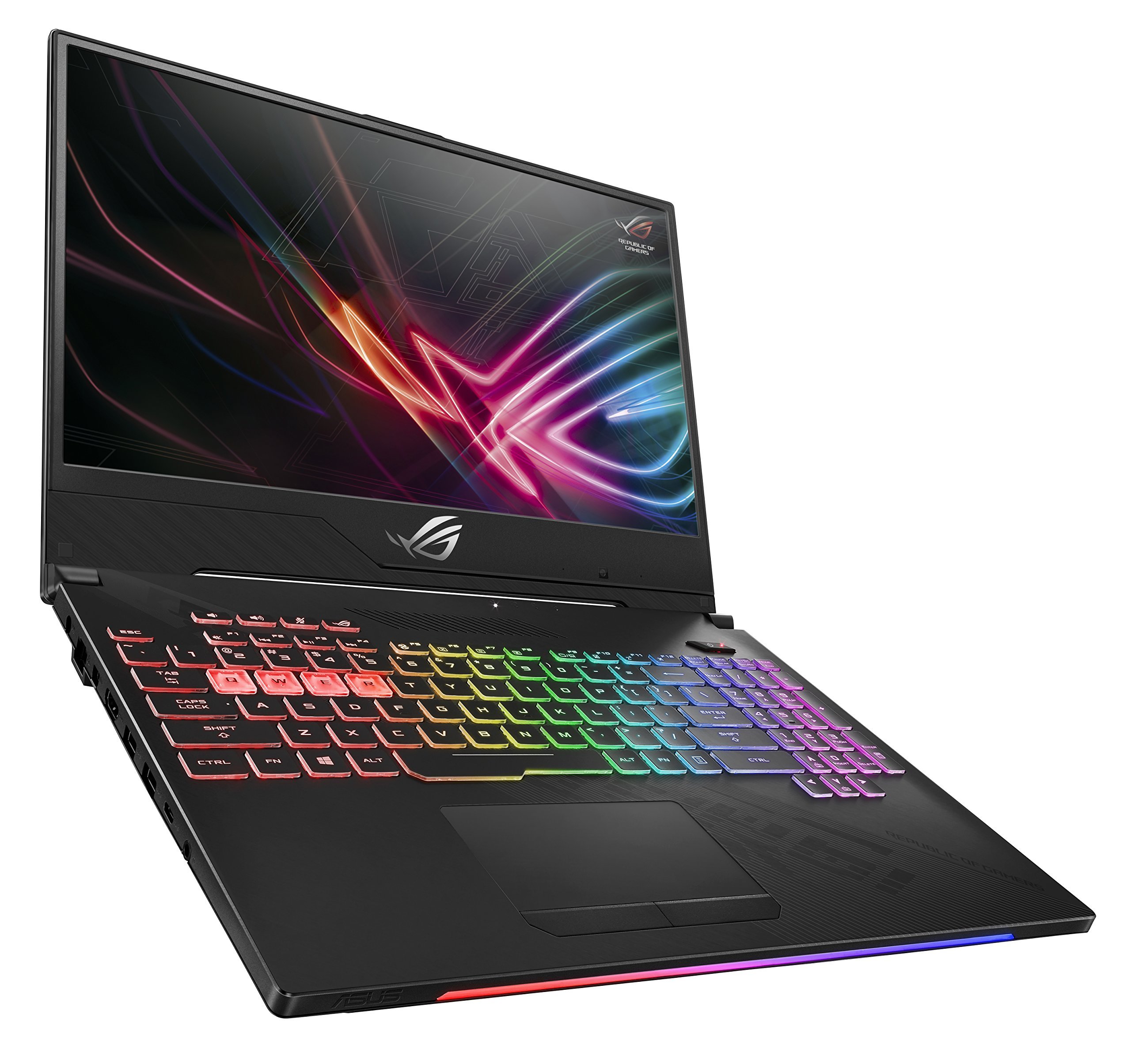
Figure 1: ASUS ROG Strix Hero II Gaming Laptop (GL504GM-DS74)
2. Setup
2.1 Tneħħija tal-kaxxa u Spezzjoni Inizjali
Neħħi l-komponenti kollha mill-imballaġġ bir-reqqa. Kun żgur li l-oġġetti li ġejjin huma preżenti:
- ASUS ROG Strix Hero II Laptop (GL504GM)
- Adapter tal-Enerġija & Kurdun
- User E-Manual (digital copy)
- Karta ta' Garanzija
Spezzjona l-laptop u l-aċċessorji għal kwalunkwe sinjal ta’ ħsara. Jekk xi oġġetti huma neqsin jew bil-ħsara, ikkuntattja lill-bejjiegħ tiegħek jew lill-appoġġ tal-ASUS immedjatament.
2.2 Qawwa tal-Konnessjoni
Qabbad l-adapter tal-enerġija mal-port tad-dħul tal-enerġija tal-laptop u mbagħad daħħal il-korda tal-enerġija f'sokit tal-ħajt. Huwa rakkomandat li tiċċarġja l-batterija kompletament qabel l-ewwel użu.
2.3 Initial Boot-up and Operating System Setup
Press the power button to turn on the laptop. Follow the on-screen instructions to complete the Windows 10 Home setup process. This includes setting up your user account, network connection, and basic preferences.
3. It-Tħaddim tal-Laptop
3.1 Karatteristiċi tal-Wiri
The ROG Strix Hero II is equipped with a 15.6-inch IPS-Type display ikkaratterizzata minn a Rata ta 'aġġornament ta' 144Hz u a Ħin ta 'rispons ta' 3ms. This combination ensures smooth visuals and reduced motion blur, crucial for fast-paced gaming. The slim bezel design maximizes screen real estate for an immersive viewing esperjenza.

Figure 2: Display with 144Hz Refresh Rate and 3ms Response Time
3.2 Keyboard and RGB Lighting
The laptop features a desktop-inspired keyboard bi a 20-million-keystroke lifespan, designed for durability and responsiveness. The integrated Dawl RGB can be customized through ASUS Aura Sync software, allowing you to personalize the keyboard's appearance to match your gaming setup or mood.
3.3 Prestazzjoni 'l fuqview
The GL504GM-DS74 is powered by an Proċessur Intel Core i7-8750H (up to 3.9GHz) and an NVIDIA GeForce GTX 1060 6GB GDDR5 graphics card. Coupled with 16GB DDR4 2666MHz RAM, this configuration provides ample power for running modern games at high settings and handling demanding applications like video editing or 3D rendering. Storage includes a fast SSD PCIe NVMe ta' 256GB for the operating system and frequently used applications, alongside a 1TB HDD for larger game libraries and data storage.
Video 1: Official ASUS ROG Strix Hero II Product Overview. This video highlights the laptop's design, display, keyboard, and internal components, demonstrating its capabilities for gaming and performance.
3.4 Konnettività
The laptop offers a comprehensive set of ports for various peripherals and external displays:
- 4 x Portijiet USB 3.0: For connecting external devices such as mice, keyboards, and external storage.
- 1 x USB 3.1 Type C Port: A versatile port for data transfer and display output.
- 1 x HDMI 2.0 PortGħall-konnessjoni ma' monitors jew televiżjonijiet esterni.
- 1 x Mini DisplayPort: Another option for connecting to external displays.
- 1 x Port Ethernet: For stable wired network connections.
Wireless connectivity is enhanced with RangeBoost Technology, providing wider Wi-Fi coverage and improved signal stability.
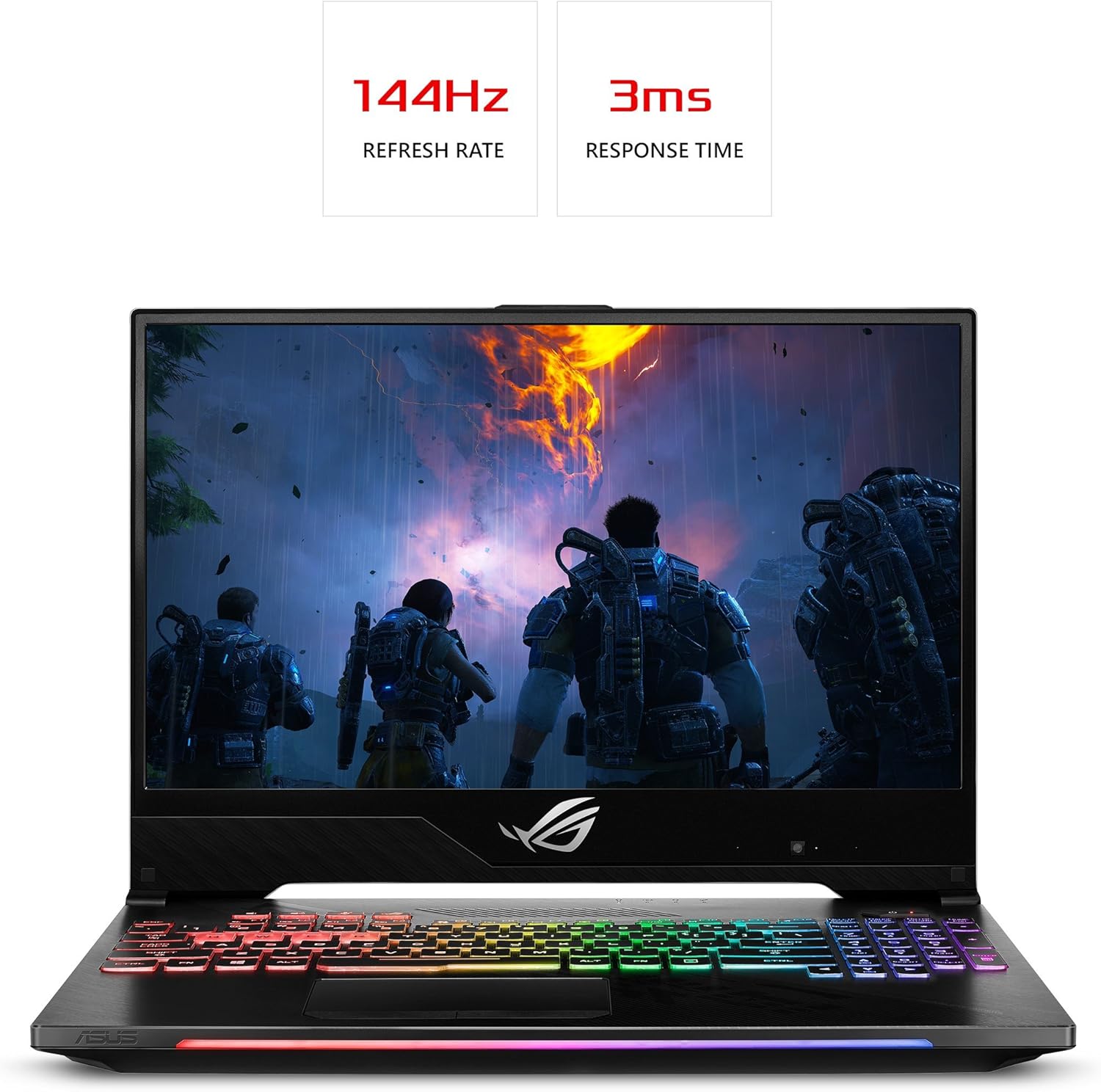
Figura 3: Il-ġenb tal-laptop View bil-Portijiet tal-Konnettività
4. Manutenzjoni
Regular maintenance helps ensure optimal performance and extends the lifespan of your laptop.
4.1 Tindif
- SkrinUża drapp artab u mingħajr suf imnixxef ftitampLaħlaħ bl-ilma jew b'tindif tal-iskrin. Evita kimiċi ħarxa.
- Keyboard and Chassis: Use a soft brush or compressed air to remove dust and debris. Wipe surfaces with a slightly damp drapp.
- Ventijiet li jkessħu: Periodically clean the cooling vents with compressed air to prevent dust buildup, which can hinder airflow and lead to overheating. The HyperCool Pro system benefits from clear vents.
4.2 Aġġornamenti tas-Software
Regularly update your Windows operating system, device drivers (especially graphics drivers), and ASUS utilities to ensure system stability, security, and performance. You can check for updates through Windows Update and the NVIDIA GeForce Experience application.
4.3 Kura tal-Batterija
To prolong battery life, avoid fully discharging the battery frequently. If you primarily use the laptop while plugged in, consider using battery care software (if provided by ASUS) to limit the charge level to around 80%.
5 Issolvi l-problemi
Jekk tiltaqa' ma' problemi bil-laptop tiegħek, ipprova l-passi bażiċi li ġejjin għas-soluzzjoni tal-problemi:
- Ebda Qawwa: Ensure the power adapter is securely connected to both the laptop and a working power outlet. Try a different outlet.
- Kwistjonijiet tal-Wiri: If the screen is blank, try connecting an external monitor to check if the issue is with the laptop's display. Ensure graphics drivers are up to date.
- Tnaqqis fil-Prestazzjoni: Close unnecessary applications, check for background processes, and ensure the cooling vents are clear. Update drivers and scan for malware.
- Instabbiltà tas-Sistema: Perform a system restart. If issues persist, check for recent software installations or updates that might be causing conflicts.
For more complex issues, refer to the comprehensive User E-Manual (digital copy) or visit the official ASUS support website for detailed troubleshooting guides and driver downloads.
6. Speċifikazzjonijiet
| Karatteristika | Speċifikazzjoni |
|---|---|
| Isem tal-Mudell | ROG Strix Hero II (GL504GM-DS74) |
| Daqs tal-Iskrin | 15.6 Pulzier |
| Riżoluzzjoni tal-Iskrin | 1920 x 1080 pixels (Full HD) |
| Proċessur | Intel Core i7-8750H (sa 3.9 GHz) |
| RAM | 16 GB DDR4 2666 MHz |
| Ħażna | 256GB PCIe NVMe SSD + 1TB HDD (5400 RPM) |
| Koproċessur tal-Grafika | NVIDIA GeForce GTX 1060 6GB GDDR5 |
| Sistema Operattiva | Windows 10 Home |
| Portijiet USB | 4 x USB 3.0, 1 x USB 3.1 Type C |
| Output tal-vidjo | HDMI 2.0, Mini DisplayPort |
| Tip bla fili | 802.11a/b/g/n/ac |
| Piż tal-oġġett | 5.29 liri |
| Dimensjonijiet tal-Prodott | 14.21 x 10.31 x 1.03 pulzieri |
| Batterija | 1 batterija tal-polimer tal-litju (inkluża) |
7. Garanzija u Appoġġ
Your ASUS ROG Strix Hero II Gaming Laptop comes with a manufacturer's warranty. Please refer to the included Karta ta' Garanzija for detailed terms and conditions, including coverage period and service procedures.
Għal assistenza teknika, downloads ta' sewwieqa, jew aktar appoġġ, jekk jogħġbok żur is-sit uffiċjali tal-appoġġ tal-ASUS website or contact their customer service. Keep your product's serial number (found on the bottom of the laptop or packaging) handy when seeking support.
For the most up-to-date information, please visit the official ASUS websit.