
1. Introduzzjoni
This manual provides instructions for the Symcode R40DB handheld barcode scanner. This device is designed for efficient and reliable scanning of both 1D and 2D barcodes, offering multiple connectivity options for various applications. Please read this manual thoroughly before using the product to ensure proper operation and to maximize its performance.
2. Prodott Aktarview
The Symcode R40DB is an ergonomically designed handheld barcode scanner, ensuring comfortable use even during extended periods. It is suitable for a wide range of environments, including manufacturing, inventory management, logistics, retail, office settings, and libraries. Its robust decoding capabilities allow it to read various barcode types efficiently.

Image: The Symcode R40DB handheld barcode scanner, showcasing id-disinn kompatt u ergonomiku tiegħu.
3. Kontenut tal-Pakkett
Jekk jogħġbok ivverifika li l-oġġetti kollha huma preżenti fil-pakkett:
- Symcode R40DB Barcode Scanner
- Charging/Receiver Stand
- Cable USB
- Dongle USB mingħajr fili ta' 2.4GHz
- Manwal tal-Utent (Ġappuniż)
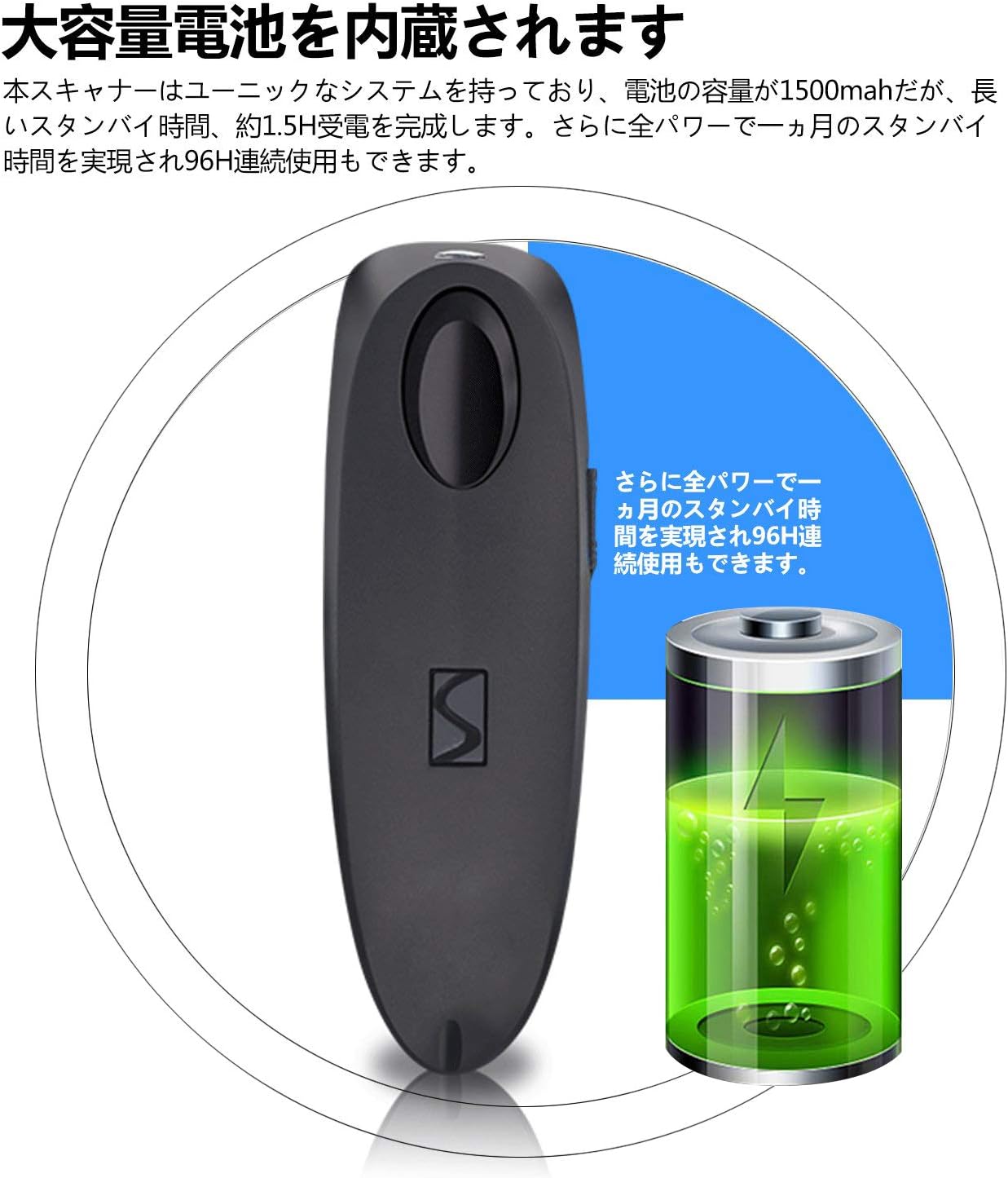
Image: Contents of the Symcode R40DB package, including the scanner, stand, USB cable, 2.4GHz dongle, and user manual.
4. Setup
The Symcode R40DB scanner features a plug-and-play design, eliminating the need for application downloads or software driver installations. For detailed setup instructions, refer to the included Japanese user manual, which contains specific configuration barcodes.
Qawwa Inizjali Mixgħula
- Ensure the scanner is charged.
- Press the trigger button to power on the device.
5. Konnettività
The Symcode R40DB offers three versatile connection methods:
- Bluetooth: Connects wirelessly to Bluetooth-enabled devices such as smartphones, tablets (iOS, Android), and computers.
- 2.4GHz Wireless: Utilizes the included USB dongle for wireless connection to computers.
- Kejbil USB: Provides a direct wired connection to a computer via the USB cable.
The scanner is compatible with Windows, Mac, iOS, and Android operating systems. For PCs without built-in Bluetooth, a separate Bluetooth receiver adapter may be required for Bluetooth connectivity.
Konnessjoni ma' Apparat
To set up a connection, scan the appropriate configuration barcode from the user manual. For example, to connect via Bluetooth, scan the 'Bluetooth Pairing' barcode. The device will automatically pair with your host system.

Image: Diagram illustrating the wired USB connection and wireless 2.4GHz and Bluetooth connection modes for the Symcode R40DB scanner.
Distanza tat-Trażmissjoni
The wireless transmission range varies depending on the connection type and environment:
- 2.4GHz Wireless: Up to 150m (492ft) in barrier-free environments; up to 30m (98ft) in environments with obstacles.
- Bluetooth: Up to 50m (164ft) in barrier-free environments; up to 15m (49ft) in environments with obstacles.

Image: Visual representation of the Symcode R40DB's wireless transmission distances for both 2.4GHz and Bluetooth connections, showing ranges in open and obstructed environments.
6. Istruzzjonijiet Operattivi
To scan a barcode, aim the scanner's light at the barcode and press the trigger button. The scanner will emit a confirmation sound or vibration upon successful decoding, depending on your settings.
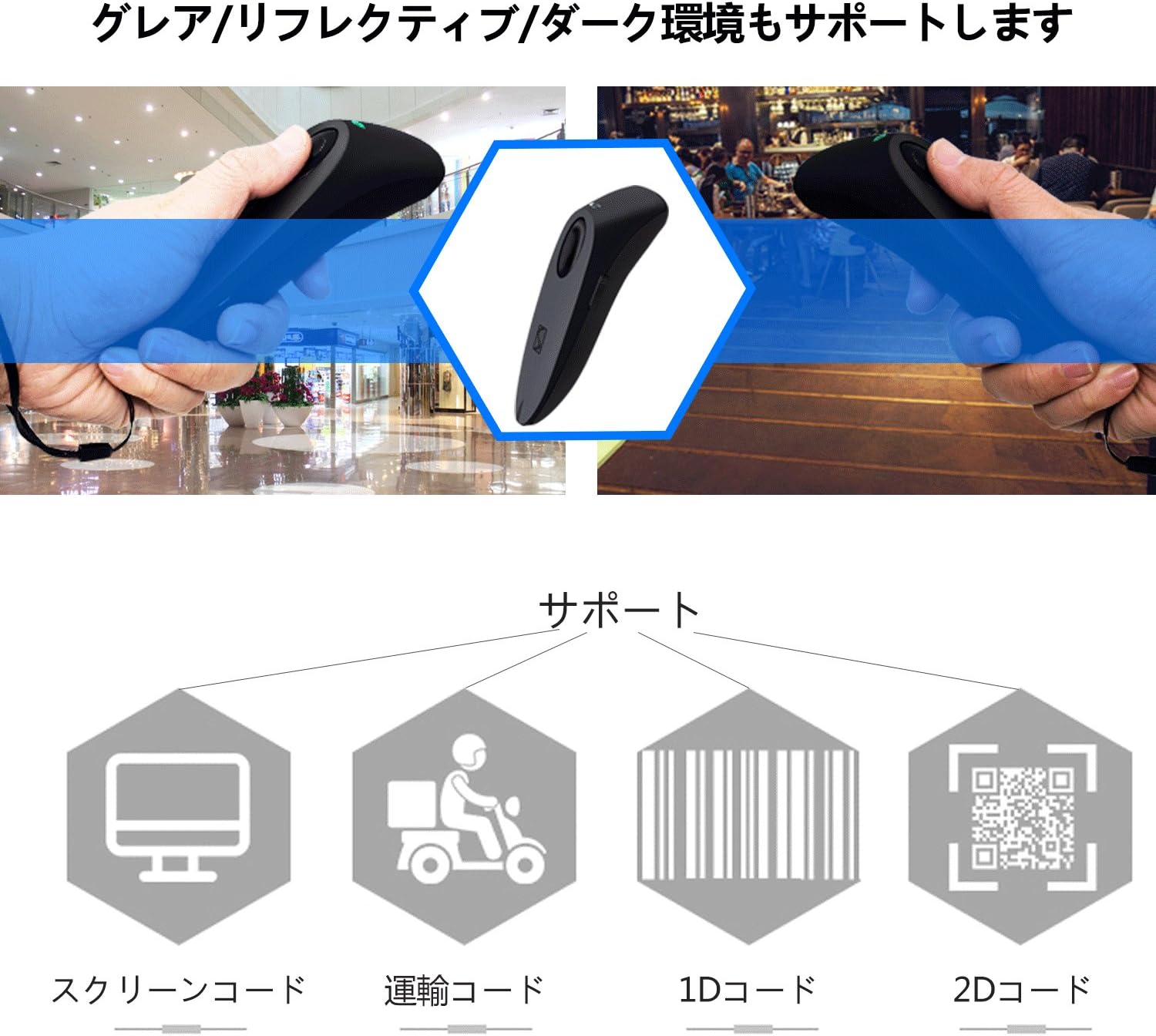
Image: The Symcode R40DB scanner actively decoding a QR code displayed on a smartphone screen, demonstrating its 1D and 2D scanning capability.
7. Decoding Capabilities
The Symcode R40DB scanner features excellent decoding capabilities, allowing it to recognize blurry or damaged barcodes even in weak or strong lighting conditions. It supports a wide array of 1D and 2D barcode symbologies:
Barcodes 1D Appoġġjati:
- JAN/EAN-13, JAN/EAN-8, UPC-A, UPC-E
- Code11, Code32, Code39, Code 39 Full ASCII, Code93, Code128
- Codabar (NW-7), Interleaved 2 of 5, Matrix 2 of 5, Industrial 2 of 5, Standard 2 of 5
- PLESSEY, MSI, ITF14, ISBN, ISSN
- GS1 Databar, GS1-128 (UCC/EAN128), ISBT-128
Barcodes 2D Appoġġjati:
- QR Code, Data Matrix, PDF417, kodiċi Aztec, Maxicode

Image: The Symcode R40DB scanner's ability to decode barcodes in challenging conditions, including glare, reflective surfaces, and dark environments.
8. Customizable Settings
The scanner offers various customizable settings to suit different operational needs:
- Modi ta' Skennjar: Choose between Trigger Mode (scan upon button press), Continuous Scan Mode (scans continuously), and Auto-Sensing Mode (scans when a barcode is detected).
- Trażmissjoni tad-Data: Configure for instant data transmission or batch transmission after temporarily storing up to approximately 50,000 barcode data entries in memory.
- Feedback: Toggle sound and vibration feedback on or off according to preference.
Refer to the detailed instructions in the product manual for specific barcodes to configure these settings.
9. Manutenzjoni
To ensure the longevity and optimal performance of your Symcode R40DB scanner, follow these maintenance guidelines:
- Żomm l-iskaner nadif billi timsaħ b'ċarruta ratba u niexfa. Evita prodotti tat-tindif jew solventi li joborxu.
- Ipproteġi t-tieqa tal-iskannjar mill-grif u l-ħmieġ.
- Aħżen l-apparat f'post frisk u niexef 'il bogħod mix-xemx diretta u minn temperaturi estremi.
- Evita li twaqqa' l-iskaner jew li tissottomettih għal impatti qawwija.
Kura tal-batterija
The scanner is equipped with a large-capacity 1500mAh Lithium-Ion battery. To maintain battery health:
- Iċċarġja l-batterija kompletament qabel l-ewwel użu.
- Evita li tiċċarġja l-batterija kompletament ta' spiss.
- If storing the scanner for an extended period, charge it to about 50% capacity.

Image: Illustration of the Symcode R40DB's internal battery, highlighting its large capacity and extended standby/continuous use times.
10 Issolvi l-problemi
If you encounter issues with your Symcode R40DB scanner, consider the following common troubleshooting steps:
- L-iskaner mhux qed jikkonnettja: Ensure the scanner is powered on and fully charged. Verify that the correct connection mode (Bluetooth, 2.4GHz, or USB) is selected and properly configured according to the manual. For 2.4GHz, ensure the USB dongle is securely inserted. For Bluetooth, ensure your host device's Bluetooth is enabled and the scanner is in pairing mode.
- Barcodes mhux qed jiġu skennjati: Check if the barcode is clean and undamaged. Ensure the scanner's window is clean. Adjust the distance and angle of the scanner to the barcode. Confirm that the barcode type is supported by the scanner (refer to Decoding Capabilities section).
- No feedback (sound/vibration): Check the scanner's settings to ensure sound and/or vibration feedback is enabled.
- Data transmission issues: Verify the connection is stable. If using batch mode, ensure data is being transmitted from the scanner's memory.
For persistent issues, consult the detailed troubleshooting section in the included user manual or contact customer support.
11. Speċifikazzjonijiet
| Karatteristika | Speċifikazzjoni |
|---|---|
| Brand | symcode |
| Numru tal-Mudell | R40-2D |
| Teknoloġija tal-Konnettività | Bluetooth, Wireless 2.4GHz, Kejbil USB |
| Sors tal-Enerġija | Mħaddma bil-batterija |
| Tip ta 'batterija | Batterija tal-jone tal-litju waħda (inkluża) |
| Kapaċità tal-batterija | 1500mAh |
| Ħin ta' Standby | Approx. 1 month (full power) |
| Ħin ta 'Użu Kontinwu | Appross. 96 sigħat |
| Scan Rata | 100 fps |
| Supported 1D Codes | JAN/EAN-13, JAN/EAN-8, UPC-A, UPC-E, Code11, Code32, Code39, Code 39 Full ASCII, Code93, Code128, Codabar (NW-7), Interleaved 2 of 5, Matrix 2 of 5, Industrial 2 of 5, Standard 2 of 5, PLESSEY, MSI, ITF14, ISBN, ISSN, GS1 Databar, GS1-128 (UCC/EAN128), ISBT-128 |
| Supported 2D Codes | QR Code, Data Matrix, PDF417, kodiċi Aztec, Maxicode |
| Ħażna tad-Data | Approx. 50,000 barcode entries |
| UPC | 889489266233 |
12. Garanzija u Appoġġ
Symcode Technology, established in 2009, specializes in the development and manufacturing of barcode scanners. We are committed to providing high-quality products and comprehensive customer support. If you have any questions, require assistance, or are interested in bulk purchases or customized products, please do not hesitate to contact us via Amazon's messaging system.