
Introduzzjoni
Welcome to your new Targus Compact Wireless Mouse. This manual provides essential information for proper setup, operation, and maintenance of your device. Please read these instructions carefully before use.
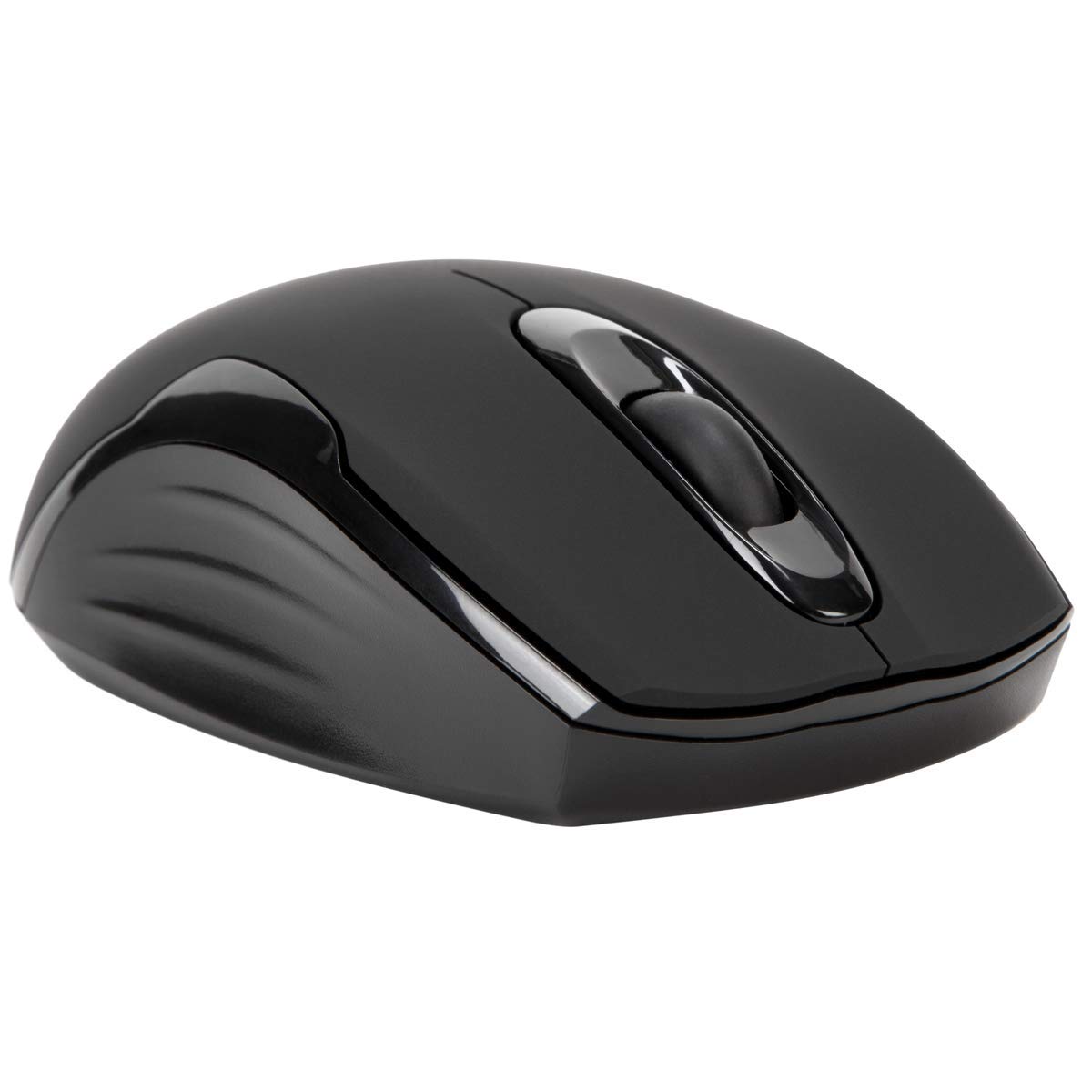
Kontenut tal-Pakkett
- Targus Compact Wireless Mouse
- Riċevitur USB
- 1 x AA Battery
- Manwal ta 'Istruzzjoni (dan id-dokument)
Setup
1. Installa l-Batterija
Locate the battery compartment on the underside of the mouse. Insert the provided 1 x AA battery, ensuring correct polarity (+/-). Close the battery compartment cover securely.

2. Qabbad ir-Riċevitur USB
Remove the USB receiver from its storage compartment, typically located near the battery. Plug the USB receiver into an available USB port on your computer.


3. Ixgħel
Turn on the mouse using the power switch, usually located on the underside. The mouse should automatically connect to the receiver, and you can begin using it.
Operazzjoni
Funzjonijiet Bażiċi
- Ikklikkja Xellug: Use for primary selection, opening items, and activating functions.
- Ikklikkja bil-lemin: Access contextual menus and additional options.
- Scroll Wheel: Innaviga dokumenti u web pages vertically. Pressing the scroll wheel typically functions as a middle-click.
Blue Trace Technology
The Targus Compact Wireless Mouse features Blue Trace Technology, which allows it to track accurately on a wider variety of surfaces compared to standard optical mice, including glass, granite, and wood.
Sensittività DPI
The mouse is equipped with a 1,600 DPI (Dots Per Inch) optical sensor, providing a precise and responsive cursor movement for various tasks.
Manutenzjoni
Sostituzzjoni tal-batterija
When the mouse performance degrades or if it stops responding, it may be time to replace the AA battery. The average battery life is approximately 6 months, but this can vary based on usage.
Tindif
Biex tnaddaf il-maws, uża drapp artab u niexef. Għal ħmieġ iebes, uża drapp ħafif.amp cloth can be used, ensuring no moisture enters the internal components. Avoid using harsh chemicals, solvents, or abrasive cleaners, as these can damage the mouse's surface or internal parts.
Ħażna tar-Riċevitur USB
For convenient transport or storage, the USB receiver can be securely stored inside a dedicated compartment within the mouse itself. This helps prevent loss of the small receiver.
Issolvi l-problemi
Il-maws ma jirrispondix
- Ensure the mouse is powered on using the switch on its underside.
- Check the battery level and replace the AA battery if necessary.
- Iċċekkja li r-riċevitur tal-USB huwa mdaħħal sew f'port USB li jaħdem fuq il-kompjuter tiegħek.
- Ipprova qabbad ir-riċevitur USB ma' port USB differenti fuq il-kompjuter tiegħek.
- Restart your computer to refresh the connection.
Moviment Erratiku tal-Kursur
- Naddaf is-senser ottiku fuq in-naħa ta’ taħt tal-maws b’ċarruta ratba u niexfa.
- Ensure the surface you are using the mouse on is clean, flat, and suitable for optical tracking. Avoid highly reflective or transparent surfaces.
- Move the mouse closer to the USB receiver to reduce potential wireless interference.
Kwistjonijiet ta' Konnettività
The mouse uses 2.4 GHz wireless technology designed for stable connection. If you experience persistent connectivity issues, try to minimize other wireless devices operating in close proximity that might cause interference.
Speċifikazzjonijiet
| Brand | Targus |
| Isem tal-Mudell | AMW575TT |
| Teknoloġija tal-Konnettività | USB (Wireless 2.4 GHz) |
| Sejbien tal-Moviment | Optical (Blue Trace Technology) |
| Kwantità tal-Buttuni | 3 |
| Orjentazzjoni tal-Idejn | Ambidestru |
| Apparati Kompatibbli | Universal (Windows® 10/8.1/8/7/Vista/XP/2000, Mac OS® X 10.6-10.12.4) |
| Sors tal-Enerġija | Battery Powered (1 AAA battery required, included) |
| Mouse Maximum Sensitivity | 1600 Dots per Inch (DPI) |
| Firxa Wireless | 33.0 pied (10 metri) |
| Ħajja Medja tal-Batterija | 6 xhur |
| Piż tal-oġġett | 0.14 Liri |
| Dimensjonijiet tal-oġġett (L x W) | 4.4"T x 2.3"W |
| Materjal tal-għeluq | Plastik |
| Karatteristiċi Addizzjonali | 128-bit AES-CCM encryption |
Garanzija u Appoġġ
Informazzjoni dwar Garanzija
This Targus product is covered by a Garanzija tal-Manifattur ta' senaJekk jogħġbok żomm il-prova tax-xiri tiegħek għal kwalunkwe talba taħt garanzija. Il-garanzija tkopri difetti fil-materjali u x-xogħol taħt użu normali.
Appoġġ għall-Klijent
For further assistance, technical support, or to inquire about warranty services, please visit the official Targus website or contact their customer service department. Contact information can typically be found on the Targus websit.
Nota: Twissija tal-Proposta 65: Dan il-prodott jista' jkun fih kimiċi magħrufa mill-Istat ta' California li jikkawżaw kanċer u difetti fit-twelid jew ħsara riproduttiva oħra.