
1. Introduzzjoni
The Tenda SG108 is an unmanaged 8-Port Gigabit Ethernet Switch designed to expand your network with high-speed wired connections. This device offers a simple plug-and-play solution, requiring no configuration or software installation. It is suitable for various environments, including home, surveillance systems, school dormitories, and small businesses, providing stable and lossless data transmission.
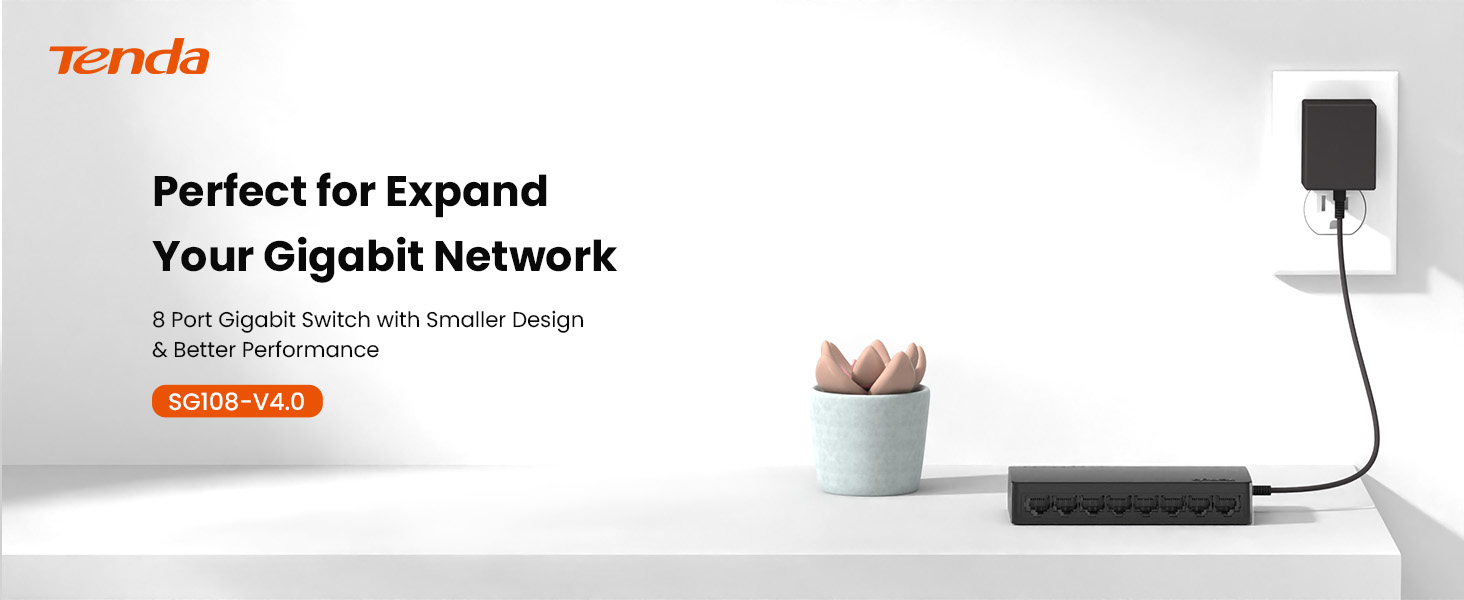
Image 1.1: Tenda SG108 8-Port Gigabit Ethernet Switch, highlighting its role in expanding a gigabit network.
2. Prodott Aktarview
2.1 Karatteristiċi ewlenin
- Plug and Play: Easy setup with no configuration or software required.
- Veloċità tal-Gigabits: Provides 8 10/100/1000Mbps adaptive ports for wire-speed forwarding up to 1000 megabits per second.
- Stable Lossless Transmission: Adopts store-and-forward mode, automatically learns and updates MAC addresses, ensuring stable data transmission for 7x24 hours without dropping connections.
- Espansjoni tan-Netwerk: Offers additional wired connections for devices like laptops, gaming consoles, and printers.
- Rikonoxximent Intelliġenti: Ports automatically identify parallel and intersecting lines, simplifying network setup.
- Disinn kompatt: Small form factor suitable for desktop or wall-mount installation.

Image 2.1: The Tenda SG108 switch highlighting its stable connection, high speed, stylish design, and power-saving features.
2.2 Kontenut tal-Pakkett
Ivverifika li l-pakkett tiegħek fih l-oġġetti li ġejjin:
- 1 x Tenda SG108 8-Port Gigabit Ethernet Switch
3. Istruzzjonijiet ta' Setup
The Tenda SG108 switch is designed for easy installation. Follow these steps to set up your device:
3.1 Konnessjoni tal-Adapter tal-Enerġija
- Connect the provided power adapter to the power input port on the rear panel of the SG108 switch.
- Ipplaggja t-tarf l-ieħor tal-adapter tal-enerġija f'sokit elettriku standard.
- The power LED indicator on the switch will illuminate, indicating that the device is powered on.

Image 3.1: Easy setup guide for the Tenda SG108, illustrating power and device connections.
3.2 Konnessjoni ta' Apparati tan-Netwerk
- Connect an Ethernet cable from your router or modem to any of the 8 RJ45 ports on the SG108 switch. This port will automatically function as the uplink.
- Connect your network devices (e.g., computers, gaming consoles, IP cameras, printers) to the remaining RJ45 ports using Ethernet cables.
- The corresponding LED indicators for each connected port will light up, indicating an active connection.

Image 3.2: Illustrates how to connect various devices to the Tenda SG108 switch to expand your network.
3.3 Għażliet ta 'Immuntar
The SG108 supports both desktop placement and wall-mounting.
- Poġġiment fuq id-Desktop: Simply place the switch on a flat, stable surface. Ensure adequate ventilation around the device.
- Immuntar mal-ħajt: The switch features mounting slots on its underside. Use appropriate screws (not included) to secure the switch to a wall.

Image 3.3: The Tenda SG108 switch demonstrating both desktop and wall-mounted installation options.
4. Istruzzjonijiet Operattivi
The Tenda SG108 is an unmanaged switch, meaning it operates automatically without requiring user configuration. Once powered on and connected to your network devices, it will begin functioning immediately.
4.1 Indikaturi LED
The front panel of the SG108 features LED indicators for each port, providing visual feedback on network activity:
- Aħdar Solidu: Indicates a stable link connection at Gigabit speed.
- Aħdar li jteptep: Indicates data activity on the port.
- Mitfi: L-ebda apparat mhu konness, jew l-apparat konness huwa mitfi.

Image 4.1: The Tenda SG108 is designed for continuous, stable operation, ensuring connectivity for 7x24 hours.
4.2 Karatteristiċi Awtomatiċi
- MDI/MDIX Awtomatiku: Eliminates the need for crossover cables. The switch automatically detects the cable type.
- Awto-Negozjar: Each port automatically detects the link speed of a connected network device (10, 100, or 1000 Mbps) and intelligently adjusts for compatibility and optimal performance.
- Full-Duplex/Half-Duplex: Supports full-duplex mode for 2000Mbps data transfer per port.
5. Manutenzjoni
To ensure optimal performance and longevity of your Tenda SG108 switch, follow these maintenance guidelines:
- Pjazzament: Place the switch in a cool, dry, and well-ventilated area. Avoid direct sunlight, heat sources, and areas with high humidity.
- Tindif: Uża drapp artab u niexef biex tnaddaf il-barra tas-swiċċ. Tużax prodotti tat-tindif likwidi jew aerosol.
- Ventilazzjoni: Kun żgur li t-toqob tal-ventilazzjoni fuq l-apparat mhumiex imblukkati biex tevita li jisħon iżżejjed.
- Provvista tal-Enerġija: Uża biss l-adapter tal-enerġija pprovdut mal-apparat.
- Ġestjoni tal-Kejbil: Organize network cables to prevent strain on the ports and ensure proper airflow.
6 Issolvi l-problemi
If you encounter issues with your Tenda SG108 switch, refer to the following common troubleshooting steps:
6.1 Ebda Qawwa
- Kun żgur li l-adapter tal-enerġija huwa konness sew mas-swiċċ u ma' sokit elettriku li jaħdem.
- Ivverifika li s-sokit tal-enerġija qed jaħdem billi tqabbad apparat ieħor.
6.2 No Link/Activity LED
- Check that the Ethernet cable is securely plugged into both the switch port and the connected device.
- Kun żgur li l-apparat imqabbad ikun mixgħul u qed jaħdem sew.
- Try using a different Ethernet cable to rule out cable defects.
- Test with a different port on the switch.
6.3 Veloċità baxxa tan-Netwerk
- Kun żgur li l-apparati u l-kejbils kollha konnessi jappoġġjaw Gigabit Ethernet (kejbils Cat5e jew ogħla huma rakkomandati għal veloċitajiet Gigabit).
- Iċċekkja għal traffiku eċċessiv tan-netwerk jew applikazzjonijiet li jużaw ħafna bandwidth u li jaħdmu fuq in-netwerk tiegħek.
- Erġa' ibda s-swiċċ u l-apparati konnessi.
7. Speċifikazzjonijiet
| Karatteristika | Speċifikazzjoni |
|---|---|
| Brand | Tenda |
| Numru tal-Mudell | SG108 |
| Numru ta' Portijiet | 8 |
| Tip ta' Swiċċ | Mhux immexxi |
| Interface | RJ45 |
| Rata ta' Trasferiment tad-Data | 2000 Megabits Per Second (Full-Duplex) |
| Voltage | 9 Volts |
| Klassifikazzjoni kurrenti | 5 Amps |
| Klassifikazzjoni tat-Temperatura Għolja | 40 Grad Celsius |
| Tip ta' Materjal tal-Kaxxa | Plastik |
| Piż tal-oġġett | 159 Gramm |
| Apparati Kompatibbli | Router, Mesh, IP devices, Laptop, gaming console, printer, etc. |
8. Garanzija u Appoġġ
8.1 Informazzjoni dwar Garanzija
The Tenda SG108 8-Port Gigabit Ethernet Switch comes with a Garanzija ta' 3 snin mill-manifattur.
8.2 Appoġġ Tekniku
Tenda provides FREE lifetime 24/7 dedicated technical support. For assistance, please contact Tenda's support team via phone or email.