
Introduzzjoni
Dan il-manwal jipprovdi informazzjoni essenzjali għall-installazzjoni, it-tħaddim u l-manutenzjoni xierqa tas-SIMPLEX 4010-9818 Wired Network Media Card. Jekk jogħġbok aqra dawn l-istruzzjonijiet bir-reqqa qabel ma tipproċedi b'xi proċeduri ta' installazzjoni jew immaniġġjar biex tiżgura użu sikur u korrett.

Figura 1: SIMPLEX 4010-9818 Wired Network Media Card kif ippakkjata, inkluża l-borża antistatika, il-kit tal-ferrite bead, u l-folja tal-istruzzjonijiet tal-installazzjoni.
Informazzjoni dwar is-Sigurtà
AQRA U SSEJVA DAWN L-ISTRUZZJONIJIET.
Din it-taqsima tiddeskrivi l-prekawzjonijiet kritiċi ta' sigurtà u l-informazzjoni regolatorja. L-aderenza għal dawn il-linji gwida hija obbligatorja biex tiġi evitata ħsara lill-prodott, tiġi żgurata s-sigurtà personali, u tinżamm il-konformità.
- Integrità tal-Prodott: Tinstallax xi prodott SIMPLEX li jidher bil-ħsara. Jekk ikun hemm ħsara apparenti, immedjatament file talba mat-trasportatur tat-tbaħħir u avża lill-fornitur lokali tal-prodott SIMPLEX tiegħek.
- Periklu Elettriku: Skonnettja l-enerġija tal-kamp elettriku meta tagħmel aġġustamenti jew tiswijiet biex tevita xokk elettriku. Dawn il-kompiti għandhom isiru biss minn persunal kwalifikat.
- Periklu Statiku: L-elettriku statiku jista' jagħmel ħsara lill-komponenti elettroniċi sensittivi. Immaniġġja l-prodott kif ġej:
- Ipproteġi lilek innifsek mill-art qabel ma tiftaħ jew tinstalla l-prodott.
- Żomm il-prodott fil-borża protetta mill-elettriku statiku sakemm ikun lest għall-installazzjoni.

Figura 2: Il-prodott huwa magħluq f'borża protetta kontra l-elettriku statiku, indikata bit-tikketta "ATTENTION Static Sensitive". Immaniġġja b'attenzjoni biex tevita ħsara minn skariku elettrostatiku.
- Periklu għas-Sigurtà tal-Għajnejn: Taħt ċerti kundizzjonijiet ta' applikazzjoni tal-fibra ottika, l-output ottiku ta' dan l-apparat jista' jaqbeż il-limiti tas-sigurtà tal-għajnejn. Tużax apparati ottiċi li jkabbru (eż. mikroskopji jew apparati oħra) viewtagħmir tal-ing) meta viewl-output ta' dan l-apparat.
- Regoli u Regolamenti tal-FCC - Parti 15: Dan it-tagħmir ġie ttestjat u nstab li jikkonforma mal-limiti għal apparat diġitali tal-Klassi A, skont il-Parti 15 tar-Regoli tal-FCC. Dawn il-limiti huma mfassla biex jipprovdu protezzjoni raġonevoli kontra interferenza dannuża meta t-tagħmir jitħaddem f'ambjent kummerċjali.
Setup u Installazzjoni
Il-Karta tal-Midja tan-Netwerk bil-Fili SIMPLEX 4010-9818 hija ddisinjata għal installazzjoni interna f'sistemi kompatibbli. Segwi dawn il-passi bir-reqqa għal setup xieraq.
1. Spakkjar u Spezzjoni
Neħħi bir-reqqa l-karta tal-midja tan-netwerk mill-imballaġġ tagħha. Spezzjona l-karta għal kwalunkwe sinjal viżibbli ta' ħsara. Kun żgur li l-komponenti kollha, inkluż il-kit tal-installazzjoni tal-ferrite bead, huma preżenti.

Figura 3: Il-prodott tipikament jintbagħat f'kaxxa tal-kartun protettiva, ittikkettjata bid-deskrizzjoni tal-prodott "WIRED NETWORK MEDIA CARD" u n-numru tal-parti 0742100.
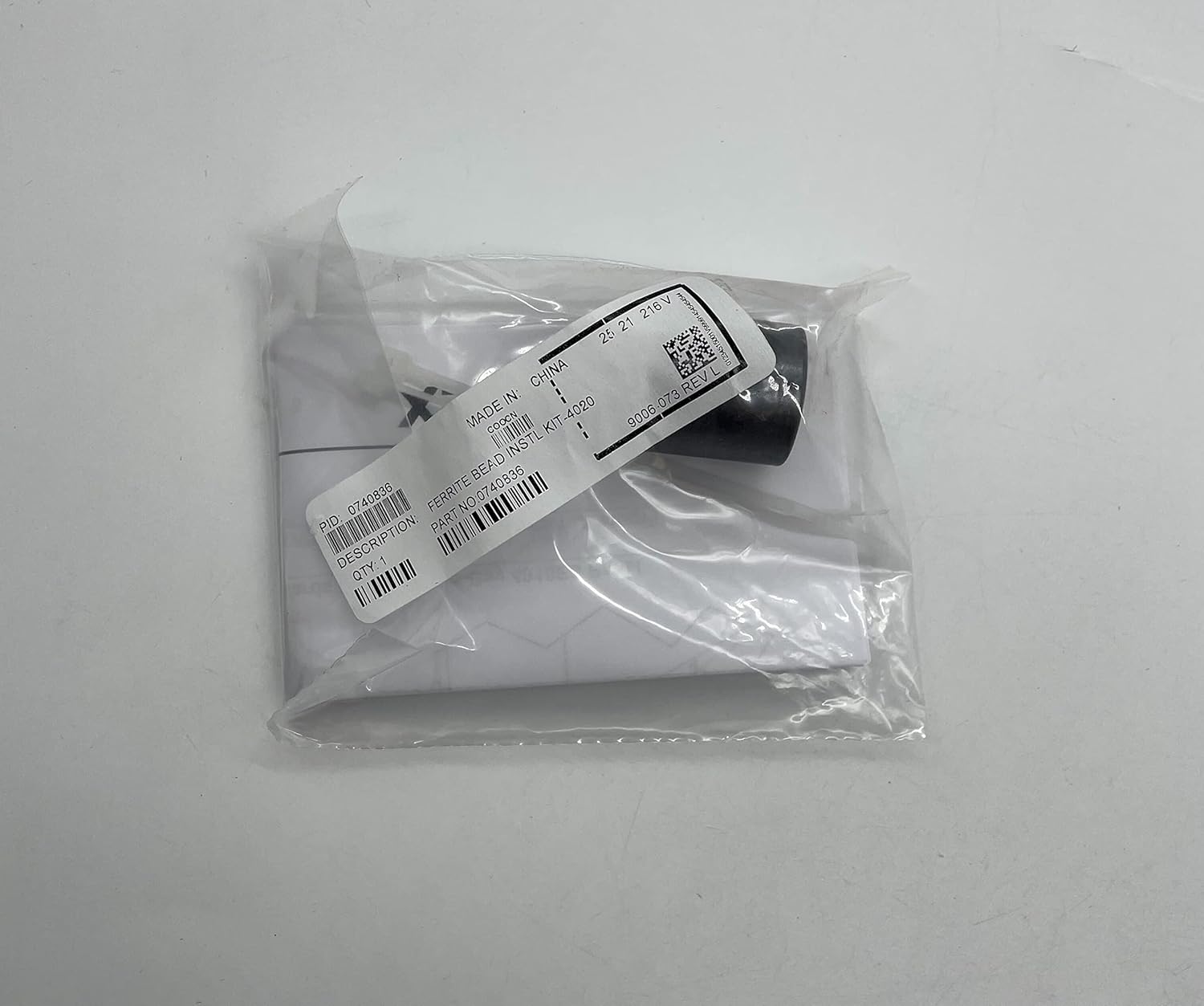
Figura 4: Il-kit tal-installazzjoni tal-ferrite bead, numru tal-parti 9006-073 REV L, huwa inkluż għal soppressjoni xierqa tal-interferenza elettromanjetika.
2. Preparazzjoni għall-Installazzjoni
- Kun żgur li s-sistema ospitanti (Desktop jew Laptop) tkun mitfija u skonnettjata mis-sorsi kollha tal-enerġija.
- Iftaħ il-kaxxa tal-kompjuter biex taċċessa s-slots tal-komponenti interni.
- Skont il-linji gwida tas-sigurtà, qabbad lilek innifsek mal-art biex tneħħi kwalunkwe elettriku statiku qabel ma timmaniġġja l-kard.
3. Installazzjoni tal-Karta
- Oħroġ bir-reqqa l-kard SIMPLEX 4010-9818 mill-borża protetta mill-elettriku statiku tagħha.
- Allinja l-kard ma' slott intern kompatibbli disponibbli (eż., PCI, PCIe, skont l-interfaċċja tal-kard).
- Agħfas il-kard bil-mod iżda sew fl-islott sakemm tkun f'postha għalkollox. Tisforzax il-kard.
- Waħħal il-kard b'xi klipps jew viti li jżommu pprovduti mill-kaxxa tal-kompjuter tiegħek.

Figura 5: In-naħa ta' wara tal-borża antistatika tikkonferma l-prodott bħala "WIRED MEDIA MODULE," numru tal-mudell 4010-9818.
4. Installazzjoni taż-Żibeġ tal-Ferrite (jekk applikabbli)
Irreferi għall-istruzzjonijiet speċifiċi pprovduti mal-kit tal-ferrite beads għal installazzjoni xierqa. Il-ferrite beads tipikament jiġu installati fuq il-kejbils biex titnaqqas l-interferenza elettromanjetika.
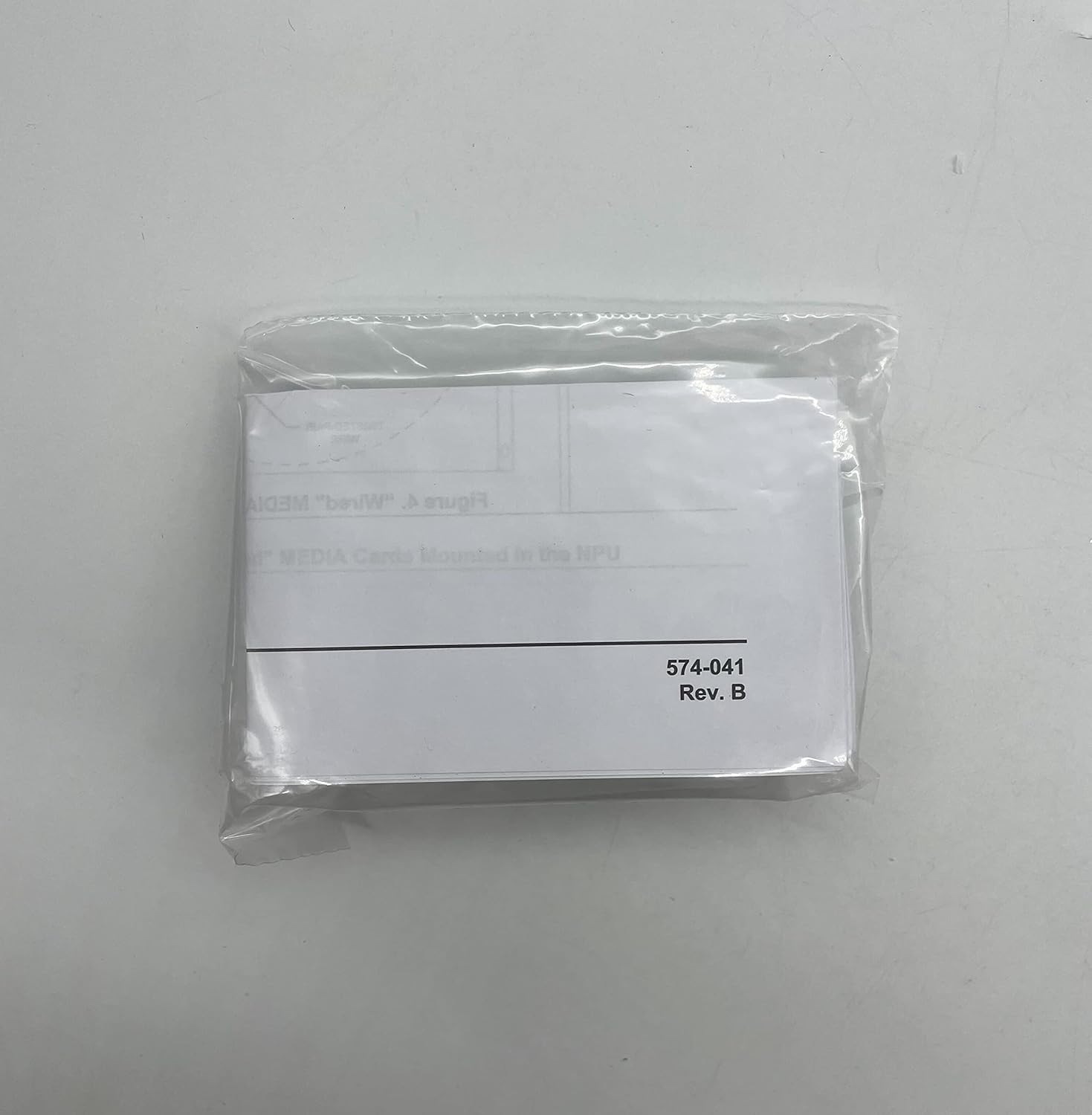
Figura 6: Borża żgħira tal-plastik li fiha komponenti addizzjonali, possibbilment relatati mal-installazzjoni jew konfigurazzjonijiet speċifiċi, ittikkettata "574-041 Rev. B."
5. L-Għeluq tas-Sistema
Ladarba l-kard tkun installata sew, agħlaq il-kaxxa tal-kompjuter u erġa' qabbad il-periferali u l-kejbils tal-enerġija kollha.
Istruzzjonijiet Operattivi
Wara installazzjoni b'suċċess, is-SIMPLEX 4010-9818 Wired Network Media Card se tiffunzjona bħala parti integrali mill-kapaċitajiet tan-netwerk tas-sistema tiegħek.
- Qawwa Mixgħul: Ixgħel is-sistema tal-kompjuter tiegħek. Is-sistema operattiva għandha tiskopri l-ħardwer il-ġdid.
- Installazzjoni tas-sewwieq: Fil-biċċa l-kbira tas-sistemi operattivi moderni, is-sewwieqa għall-kards tan-netwerk standard jiġu installati awtomatikament. Jekk tintalab, segwi l-istruzzjonijiet fuq l-iskrin għall-installazzjoni tas-sewwieq. Jekk l-installazzjoni awtomatika tfalli, irreferi għad-dokumentazzjoni tas-sistema tiegħek jew għall-appoġġ SIMPLEX. websit għal downloads ta' sewwieqa speċifiċi.
- Konnessjoni tan-Netwerk: Qabbad kejbil Ethernet mal-port tan-netwerk fuq il-kard SIMPLEX 4010-9818 u mar-router jew is-swiċċ tan-netwerk tiegħek.
- Konfigurazzjoni: Ikkonfigura s-settings tan-netwerk (indirizz IP, DNS, eċċ.) permezz tal-interfaċċja tas-settings tan-netwerk tas-sistema operattiva tiegħek kif meħtieġ mill-ambjent tan-netwerk tiegħek.
Manutenzjoni
Il-Karta tal-Midja tan-Netwerk bil-Fili SIMPLEX 4010-9818 hija ddisinjata għal tħaddim affidabbli u fit-tul b'manutenzjoni minima. Madankollu, kontrolli perjodiċi jistgħu jgħinu biex jiżguraw prestazzjoni ottimali.
- Tneħħija tat-Trab: Perjodikament, meta s-sistema tintefa u tiġi skonnettjata, iftaħ il-kaxxa tal-kompjuter u neħħi bil-mod kwalunkwe trab akkumulat mill-kard u l-komponenti tal-madwar billi tuża arja kkompressata jew pinzell artab. L-akkumulazzjoni tat-trab tista' tfixkel il-fluss tal-arja u twassal għal sħana żejda.
- Konnessjonijiet tal-kejbil: Kun żgur li l-konnessjonijiet kollha tal-kejbil tan-netwerk mal-kard huma siguri u ħielsa minn ħsara.
- Aġġornamenti tas-sewwieq: Għalkemm mhux meħtieġ ta' spiss, kultant iċċekkja l-appoġġ SIMPLEX websit għal sewwieqa aġġornati li jistgħu joffru titjib fil-prestazzjoni jew tiswija ta' żbalji.
Issolvi l-problemi
Jekk tiltaqa' ma' problemi bil-Karta tal-Midja tan-Netwerk bil-Wajer SIMPLEX 4010-9818 tiegħek, ikkunsidra l-passi komuni li ġejjin għas-soluzzjoni tal-problemi:
- Ebda Konnettività man-Netwerk:
- Ivverifika li l-kejbil tal-Ethernet huwa konness sew kemm mal-kard kif ukoll mal-apparat tan-netwerk (router/swiċċ).
- Iċċekkja d-dwal tal-istatus tan-netwerk fuq il-kard u l-apparat tan-netwerk. Irreferi għall-manwal tal-apparat tan-netwerk tiegħek għall-indikazzjonijiet tad-dwal.
- Erġa' ibda l-kompjuter u t-tagħmir tan-netwerk tiegħek.
- Kun żgur li d-drajvers tan-netwerk huma installati u aġġornati b'mod korrett fil-Maniġer tal-Apparat tas-sistema operattiva tiegħek.
- Veloċità baxxa tan-Netwerk:
- Iċċekkja għal apparati oħra li qed jikkunsmaw bandwidth fuq in-netwerk tiegħek.
- Kun żgur li l-kejbil Ethernet tiegħek mhuwiex imħassar u li huwa kklassifikat għall-veloċità xierqa (eż., Cat5e jew Cat6 għal Gigabit Ethernet).
- Aġġorna s-sewwieqa tal-kard tan-netwerk.
- Karta Mhux Misjuba:
- Kun żgur li l-kard tkun imdaħħla sew fl-islott tagħha. Itfi s-sistema, iftaħ il-kaxxa, u erġa' poġġi l-kard.
- Iċċekkja s-settings tal-BIOS/UEFI tas-sistema tiegħek biex tiżgura li s-slott PCI/PCIe huwa attivat.
- Ittestja l-kard fi slott kompatibbli differenti jekk disponibbli.
Jekk il-problemi jippersistu wara li tipprova dawn il-passi, ikkuntattja l-appoġġ għall-klijenti ta' SIMPLEX għal aktar assistenza.
Speċifikazzjonijiet
Speċifikazzjonijiet tekniċi ewlenin għall-Karta tal-Midja tan-Netwerk bil-Fili SIMPLEX 4010-9818:
| Attribut | Dettall |
|---|---|
| Manifattur | SEMPLIĊI |
| Numru tal-Parti | S40109818 |
| Piż tal-oġġett | 2 liri |
| Dimensjonijiet tal-Prodott | 6 x 6 x 6 pulzieri |
| Kwantità tal-Pakkett tal-Oġġett | 1 |
| Interface tal-Ħardwer | Ethernet |
| Apparati Kompatibbli | Desktop, Laptop |
| UPC | 647358696747 |
| Data L-Ewwel Disponibbli | 7 ta’ Settembru, 2016 |
Garanzija u Appoġġ
Għal informazzjoni dwar il-garanzija, appoġġ tekniku, jew kwalunkwe mistoqsija dwar is-SIMPLEX 4010-9818 Wired Network Media Card tiegħek, jekk jogħġbok ikkuntattja lis-servizz tal-klijenti ta' SIMPLEX.
SIMPLEX hija impenjata li tipprovdi servizz tal-konsumatur dedikat biex tassisti bi kwalunkwe mistoqsija rigward il-prodotti u l-ordnijiet tagħhom.
Jekk jogħġbok irreferi għas-SIMPLEX uffiċjali webis-sit jew id-dokumentazzjoni tax-xiri tiegħek għall-aktar informazzjoni ta' kuntatt aġġornata u termini dettaljati tal-garanzija.