
Kirisun KSPL-08
Kirisun KSPL-08 USB Programming Cable User Manual
Model: KSPL-08
Introduzzjoni
This manual provides instructions for the proper setup, operation, and maintenance of the Kirisun KSPL-08 USB Programming Cable. This cable is specifically designed to facilitate programming and configuration of Kirisun PT7200 series two-way radios via a computer.
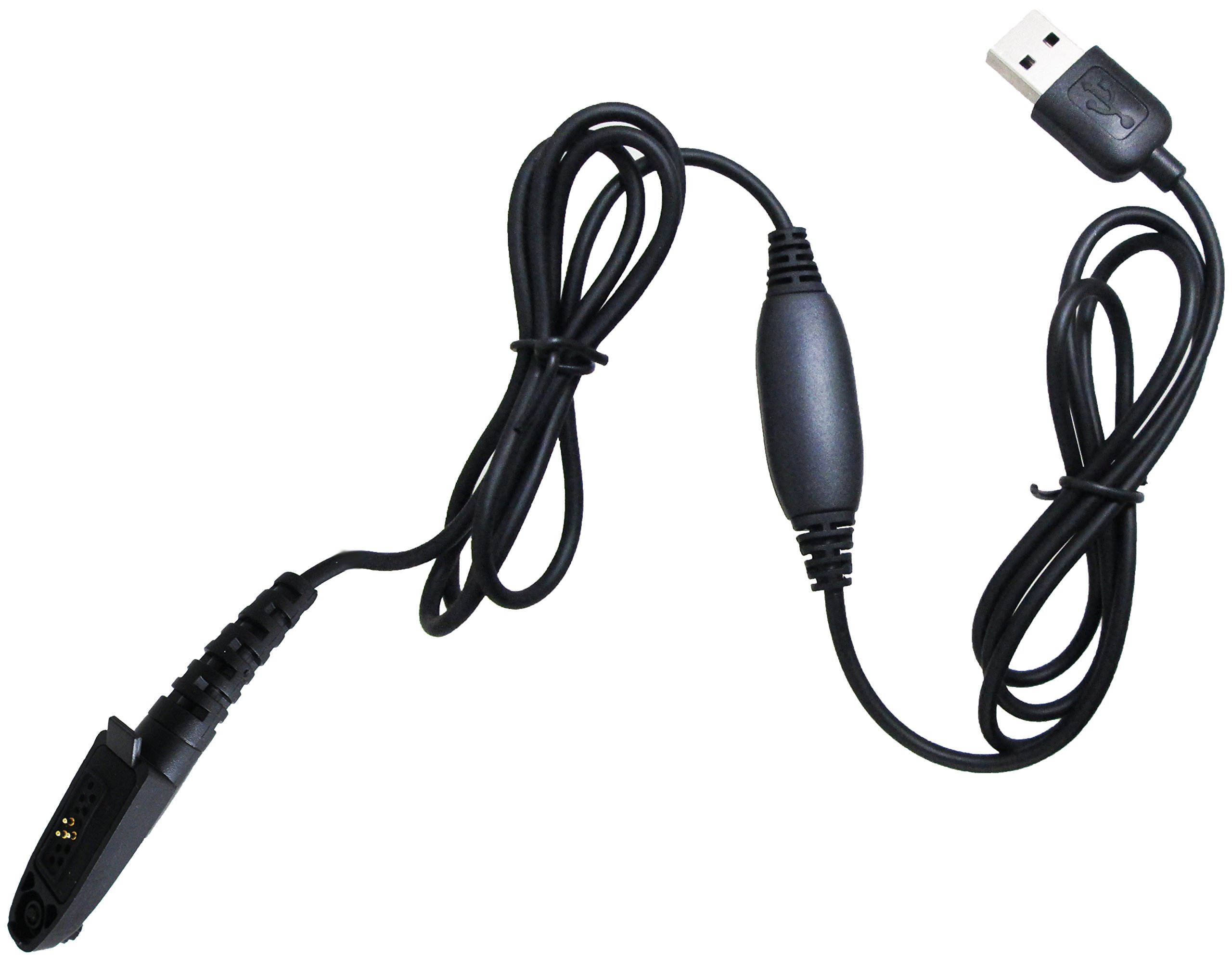
Image: The Kirisun KSPL-08 USB programming cable, featuring a standard USB-A connector on one end and a multi-pin connector designed for Kirisun PT7200 radios on the other. An inline cylindrical component is visible along the cable length.
Setup
Before using the KSPL-08 programming cable, ensure you have the necessary drivers and programming software installed on your computer.
- Installazzjoni tas-sewwieq: Connect the USB-A end of the KSPL-08 cable to an available USB port on your computer. The operating system may attempt to install drivers automatically. If not, locate and install the appropriate USB driver for the KSPL-08 cable, typically provided by Kirisun or found on their official support websit.
- Installazzjoni tas-Softwer: Install the specific programming software compatible with your Kirisun PT7200 radio model. Refer to your radio's documentation for software requirements and installation instructions.
- Qabbad mar-Radju: With the radio powered off, connect the multi-pin connector of the KSPL-08 cable to the programming port on your Kirisun PT7200 radio. Ensure a secure connection.
- Ixgħel ir-Radju: Once the cable is securely connected, power on your Kirisun PT7200 radio.
Istruzzjonijiet Operattivi
Follow these steps to program your Kirisun PT7200 radio using the KSPL-08 cable:
- Tnedija tas-Softwer tal-Ipprogrammar: Open the Kirisun programming software on your computer.
- Select Communication Port: Within the software, navigate to the communication settings or port selection. Choose the correct COM port assigned to the KSPL-08 USB cable. This is typically identified in your computer's Device Manager.
- Aqra d-Data tar-Radju: Use the software's