
1. Introduzzjoni
This manual provides essential information for the safe and efficient installation, operation, and maintenance of the Wolf HPM Control Board, model 2744777. Please read this manual thoroughly before attempting any installation or operation to ensure proper function and to prevent damage or injury.
2. Informazzjoni dwar is-Sigurtà
TWISSIJA: Electrical shock hazard. Always disconnect power before installing, servicing, or removing this device. Installation should only be performed by a qualified electrician in accordance with all local and national electrical codes.
- Żgura li l-provvista tal-enerġija taqbel mal-voltage requirements of the control board.
- Tħaddimx l-apparat jekk jidher li hu bil-ħsara.
- Żomm 'il bogħod mill-ilma u umdità eċċessiva.
- Use only original Wolf replacement parts if servicing is required.
3. Kontenut tal-Pakkett
Ivverifika li l-oġġetti kollha huma preżenti u bla ħsara malli tiftaħ il-pakkett:
- Wolf HPM Control Board (Model 2744777)
- Manwal ta 'Istruzzjoni (dan id-dokument)
- Mounting Screws (quantity may vary)
4. Setup u Installazzjoni
The Wolf HPM Control Board is designed for screwed installation. Follow these steps carefully:
- Skonnettjar tal-Enerġija: Ensure all power to the installation area is disconnected at the main circuit breaker before beginning.
- Post tal-Immuntar: Select a suitable, dry, and secure location for mounting the control board. Ensure adequate ventilation and clearance for wiring.
- Immuntar Sikur: Position the control board and mark the mounting points. Drill pilot holes if necessary. Secure the board firmly using the provided mounting screws.
- Konnessjonijiet tal-Wiring: Connect all necessary electrical wiring to the control board terminals according to the system's wiring diagram. Pay close attention to polarity and voltage requirements. If unsure, consult a qualified electrician.
- Spezzjoni Finali: Double-check all connections for tightness and correctness. Ensure no bare wires are exposed.
- Restawr tal-Enerġija: Ladarba l-installazzjoni tkun tlestiet u vverifikata, erġa' daħħal l-enerġija fis-sistema.
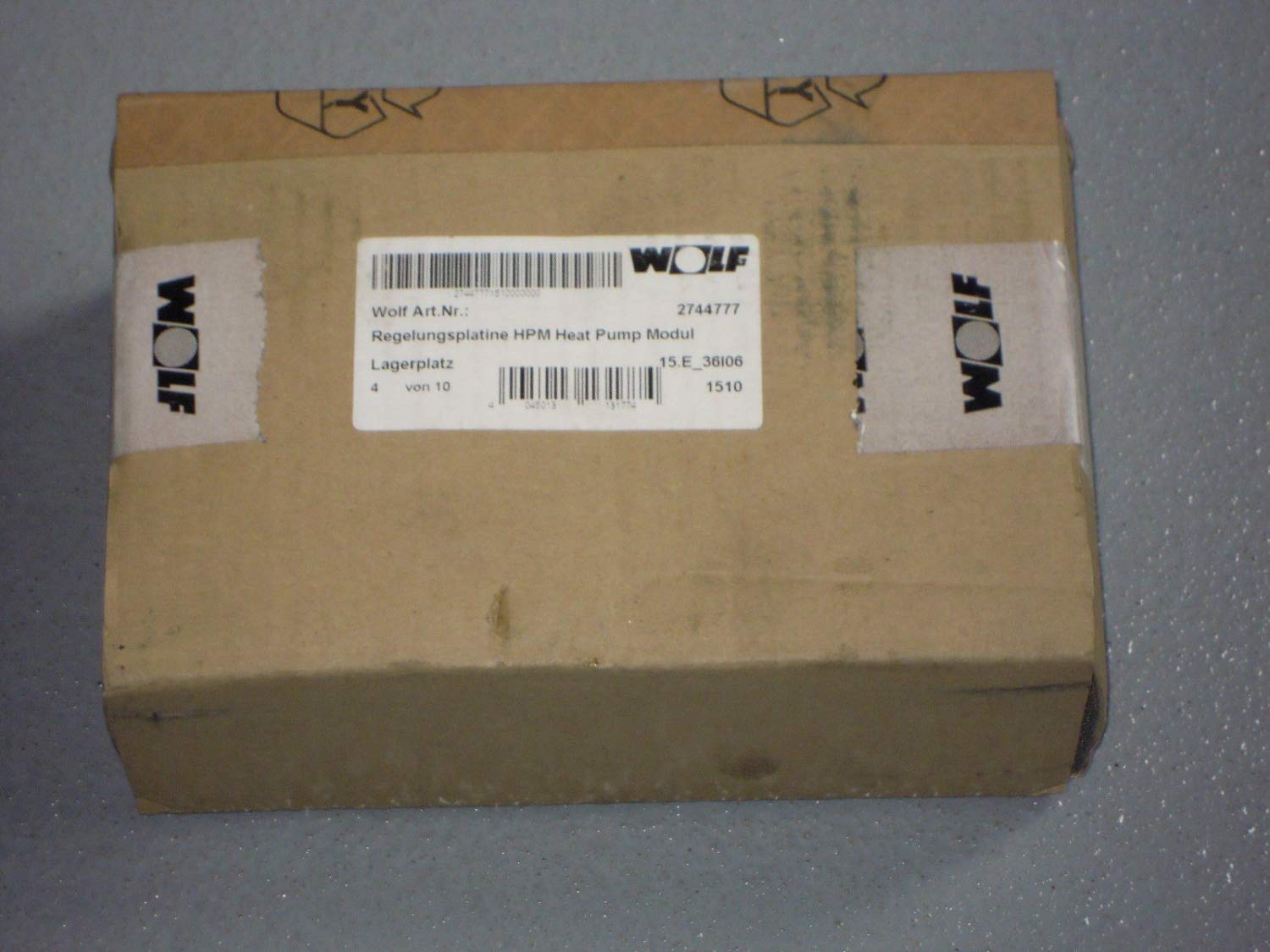
Image 1: Wolf HPM Control Board 2744777. This image shows the control board, highlighting its compact design and connection terminals, ready for screwed installation.
5. Istruzzjonijiet Operattivi
The Wolf HPM Control Board typically functions as an interface or control unit within a larger system. Its primary interaction method is via a push-button mechanism.
- Qawwa Mixgħul: After successful installation and power restoration, the board will initialize.
- Push Button Functionality: The push button(s) on the board are used to activate specific functions or navigate menus within the connected system. Refer to the main system's manual for detailed button assignments and operational sequences.
- Dwal indikaturi: Observe any indicator lights (LEDs) on the board. These typically provide status feedback, such as power, operational mode, or error conditions.
6. Manutenzjoni
The Wolf HPM Control Board requires minimal maintenance to ensure long-term reliability.
- Tindif: Periodically clean the exterior of the board with a soft, dry cloth. Do not use liquid cleaners or solvents.
- Spezzjoni: Annually inspect all wiring connections for tightness and signs of wear or corrosion. Ensure the board is securely mounted.
- Kundizzjonijiet Ambjentali: Kun żgur li l-ambjent operattiv jibqa' fil-firxiet speċifikati tat-temperatura u l-umdità biex tevita l-ħsara.
7 Issolvi l-problemi
If the control board is not functioning as expected, refer to the following common issues and solutions:
| Problema | Kawża Possibbli | Soluzzjoni |
|---|---|---|
| No power/indicator lights off | No power supply; loose connection; faulty board | Check circuit breaker. Verify all wiring connections. If power is present and connections are secure, the board may be faulty and require replacement. |
| Buttuni ma jirrispondux | Incorrect wiring; software issue in connected system; faulty button | Verify wiring to the main system. Consult the main system's manual for troubleshooting software issues. If buttons are physically damaged, the board may need replacement. |
| System not responding to board commands | Communication error; incorrect configuration | Ensure proper communication wiring. Refer to the main system's manual for configuration settings. |
If troubleshooting steps do not resolve the issue, contact Wolf customer support or a qualified service technician.
8. Speċifikazzjonijiet
- Ditta: Lupu
- Numru tal-Mudell: 1903
- Numru tal-Parti tal-Manifattur: 1903
- ASIN: B00NEY4ZQ4
- Tip ta' Installazzjoni: Invitat
- Tip ta' swiċċ: Imbotta buttuna
- L-Ewwel Data Disponibbli: 31 ta’ Awwissu, 2020
9. Garanzija u Appoġġ
Wolf products are manufactured to high-quality standards and are backed by a manufacturer's warranty. For specific warranty terms and conditions, please refer to the documentation included with your purchase or visit the official Wolf website. For technical support, service, or replacement parts, please contact Wolf customer service.