
1. Introduzzjoni
This manual provides essential instructions for the proper use, setup, operation, maintenance, and troubleshooting of your SanDisk Ultra 8GB SDHC Class 10/UHS-1 Flash Memory Card. Please read this manual thoroughly before using the product to ensure optimal performance and longevity.
2. Prodott Aktarview
The SanDisk Ultra 8GB SDHC Class 10/UHS-1 Flash Memory Card is designed for reliable storage in compatible devices, primarily cameras. It offers a storage capacity of 8 gigabytes and features Class 10 speed rating, ensuring efficient data capture and transfer.
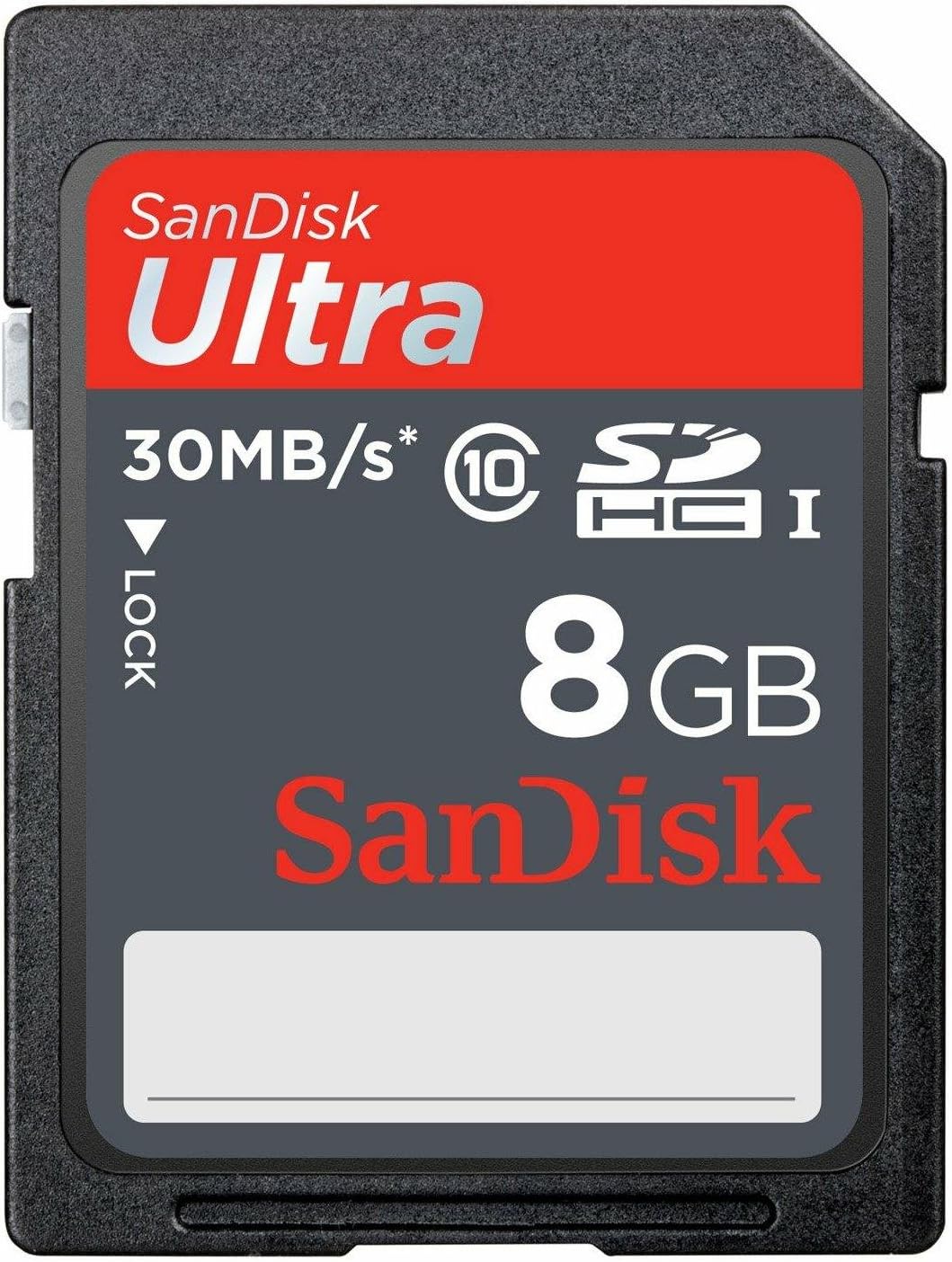
Figura 2.1: Quddiem view of the SanDisk Ultra 8GB SDHC Class 10 Memory Card.
- Kapaċità: 8 GB
- Tip: SDHC (Secure Digital High Capacity)
- Klassi tal-Veloċità: Class 10 / UHS-I
- Veloċità tal-qari: Sa 30 MB/s
- Kompatibilità: Designed for devices supporting SDHC cards, such as digital cameras.
- Durabilità: Water-proof.
3. Setup
- Daħħal il-Karta: Locate the SD card slot on your compatible device (e.g., digital camera). Gently insert the SanDisk Ultra SDHC card into the slot with the label facing the correct direction, usually indicated by an icon or diagram near the slot. Ensure it clicks into place.
- Format the Card: It is highly recommended to format the memory card using the device it will be primarily used with. This ensures optimal compatibility and performance.
- Ixgħel it-tagħmir tiegħek.
- Navigate to the device's menu settings.
- Find the "Format Card" or "Erase Card" option.
- Ikkonferma l-proċess tal-ifformattjar. Twissija: Formatting will erase all data on the card. Back up any important files qabel ma tipproċedi.
4. Istruzzjonijiet Operattivi
4.1. Storing Data
Once formatted, the SanDisk Ultra SDHC card is ready to store data from your device. For cameras, this includes photos and videos. The Class 10 speed rating supports Full HD (1080p) video recording and high-speed continuous shooting.
4.2. Transferring Data to a Computer
- Neħħi l-Karta: Safely eject the card from your device. Ensure the device is powered off or the card is unmounted before removal to prevent data corruption.
- Insert into Card Reader: Insert the SDHC card into a compatible SD card reader on your computer or an external card reader.
- Dejta ta' Aċċess: The card will appear as a removable drive on your computer. You can then copy files from the card to your computer. It is recommended to kopja files rather than jimxu them directly from the card.
- Oħroġ b'mod Sikur: Always use the "Safely Remove Hardware" or "Eject" option on your computer before physically removing the card from the card reader.
5. Manutenzjoni
- Immaniġġja b'Kura: Avoid bending the card or exposing it to extreme physical force.
- Żomm il-Kuntatti Nodfa: Do not touch the metal contacts on the back of the card. If necessary, gently clean them with a soft, dry, lint-free cloth.
- Protezzjoni Ambjentali: While the card is water-proof, avoid prolonged exposure to water or extreme temperatures. Store the card in a protective case when not in use.
- Backups regolari: Periodically back up important data from the card to another storage medium (e.g., computer hard drive, cloud storage) to prevent data loss.
- Reformat Periodically: If you experience performance issues or after significant data deletion, reformatting the card in your device can help maintain optimal performance.
6 Issolvi l-problemi
| Problema | Kawża Possibbli | Soluzzjoni |
|---|---|---|
| Il-karta mhux rikonoxxuta mill-apparat. | Incorrect insertion, incompatible device, dirty contacts, or corrupted card. |
|
| Veloċitajiet baxxi tal-qari/kitba. | Card fragmentation, device limitations, or card nearing end of life. |
|
| Korruzzjoni jew żbalji fid-dejta. | Improper card removal, power loss during write, or card defect. |
|
7. Speċifikazzjonijiet
| Isem tal-Mudell | SDSDU-008G-U46 |
| Brand | SanDisk |
| Tip ta' Memorja Flash | Sdhc |
| Kapaċità tal-Ħżin tal-Memorja | 8 GB |
| Klassi tal-Veloċità tal-Assoċjazzjoni Diġitali Sikura | Klassi 10 |
| Klassi tal-Veloċità UHS | UHS-I |
| Aqra Veloċità | Sa 30 Megabytes Kull Sekonda |
| Apparati Kompatibbli | Kamera |
| Karatteristiċi Addizzjonali | Prova tal-Ilma |
| Piż tal-oġġett | 22.68 g |
| UPC | 619659082925 |
8. Garanzija u Appoġġ
This SanDisk Ultra memory card comes with a Garanzija limitata tul il-ħajja. For detailed warranty terms and conditions, please refer to the official SanDisk webis-sit jew l-informazzjoni dwar il-garanzija inkluża fl-imballaġġ tal-prodott tiegħek.
For technical support, product registration, or further assistance, please visit the official SanDisk support websit:
Please have your product model number (SDSDU-008G-U46) and proof of purchase ready when contacting support.