
1. Introduzzjoni
This manual provides instructions for the installation, operation, and maintenance of the Emerson F145RF-1600 Wireless Remote Temperature Sensor. This sensor is designed to work with the Emerson BLUE Wireless Easy Install Universal Wireless Thermostat System to enhance temperature control and reduce hot and cold spots within your home.
Karatteristiċi ewlenin:
- Reduces temperature inconsistencies in various areas.
- Supports up to four wireless remote sensors with the Emerson BLUE Wireless Easy Install Thermostat System.
- Designed for easy installation and pairing.
2. Informazzjoni dwar is-Sigurtà
Please read and understand all instructions before installing or operating this device. Failure to follow these instructions could result in property damage or personal injury.
- Always turn off power to the thermostat system before performing any installation or maintenance.
- Do not expose the sensor to extreme temperatures, direct sunlight, or moisture.
- Uża biss it-tip ta' batterija speċifikat (2 batteriji AA).
- Armi batteriji qodma b'mod responsabbli skont ir-regolamenti lokali.
- Żomm fejn ma jintlaħaqx mit-tfal.
Twissija tal-Proposta 65: Dan il-prodott jista' jkun fih kimiċi magħrufa mill-Istat ta' California li jikkawżaw kanċer u difetti fit-twelid jew ħsara riproduttiva oħra.
3. Prodott Aktarview
The Emerson F145RF-1600 is a compact, battery-powered wireless sensor designed to monitor ambient temperature. It communicates wirelessly with a compatible Emerson BLUE thermostat system.
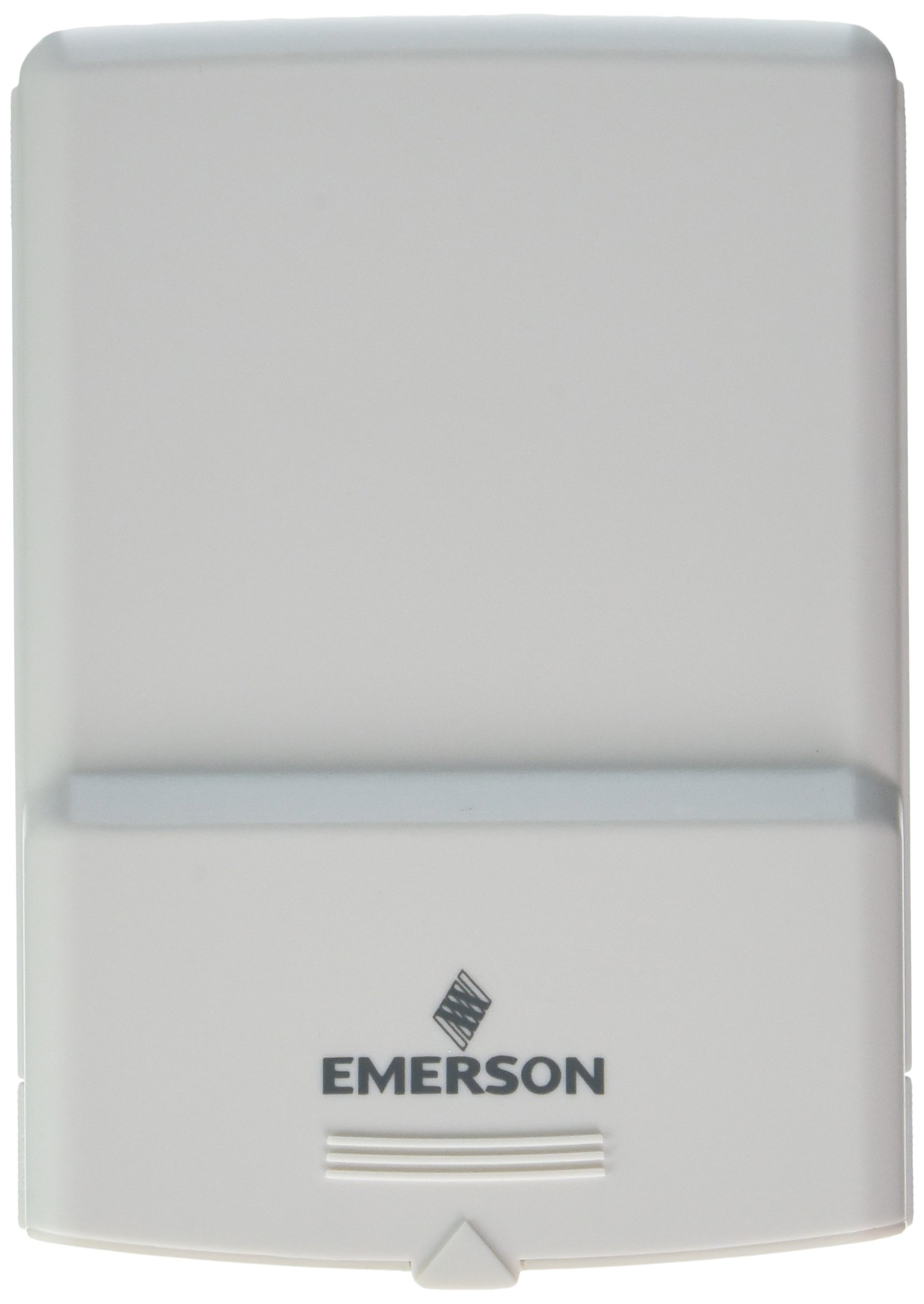
Figura 1: Emerson F145RF-1600 Wireless Remote Temperature Sensor. The image displays the sensor in a hand, indicating its approximate height of 4.8 inches (12 cm). The sensor is light-colored, likely white or light grey, with the 'EMERSON' logo visible at the bottom front.
4. Setup
4.1. Installazzjoni tal-batterija
- Sib il-kompartiment tal-batterija fuq wara tas-sensor.
- Iftaħ l-għatu tal-kompartiment tal-batterija.
- Daħħal żewġ (2) batteriji alkalini AA, waqt li tiżgura l-polarità korretta (+/-).
- Agħlaq l-għatu tal-kompartiment tal-batterija sew.
4.2. Pairing with Thermostat System
Refer to your Emerson BLUE Wireless Easy Install Universal Wireless Thermostat System manual for detailed pairing instructions. Generally, the process involves:
- Placing the thermostat system into pairing mode.
- Activating the sensor's pairing function (often a button press or battery insertion).
- Confirming successful pairing on the thermostat display.
Up to four F145RF-1600 sensors can be paired with a single Emerson BLUE Wireless Easy Install system.
4.3. Tqegħid tas-Sensor
Proper placement is crucial for accurate temperature readings and effective system operation.
- Poġġiment fuq ġewwa:
- Place the sensor in a central location within the area you wish to monitor.
- Avoid placing near heat sources (lamps, appliances, direct sunlight) or cold drafts (windows, vents).
- Ensure it is not obstructed by furniture or curtains.
- Outdoor Placement (if applicable):
- Mount the sensor in a shaded area, away from direct sunlight, which can cause inaccurate readings.
- Protect it from direct rain and snow.
- Ensure it is easily accessible for battery replacement.
5. Istruzzjonijiet Operattivi
Once successfully paired and placed, the F145RF-1600 sensor will automatically transmit temperature data to your Emerson BLUE Wireless Easy Install Thermostat System. The thermostat system will then use this data to optimize heating and cooling, helping to maintain a more consistent temperature throughout your home.
- The sensor operates continuously, sending updates to the main thermostat.
- The thermostat system will display the temperature readings from the remote sensors and use them for its control logic.
- No direct user interaction is typically required with the sensor after setup, other than battery replacement.
6. Manutenzjoni
6.1. Sostituzzjoni tal-batterija
The sensor requires two (2) AA batteries. When batteries are low, your Emerson BLUE thermostat system may indicate a low battery warning for the sensor. Replace batteries promptly to ensure continuous operation.
- Iftaħ il-kompartiment tal-batterija.
- Neħħi batteriji qodma.
- Daħħal batteriji AA ġodda, waqt li tosserva l-polarità.
- Agħlaq il-kompartiment.
6.2. Tindif
Wipe the sensor's exterior with a soft, dry cloth as needed. Do not use liquid cleaners or abrasive materials, as these can damage the device.
7 Issolvi l-problemi
| Problema | Kawża Possibbli | Soluzzjoni |
|---|---|---|
| Sensor not reporting temperature / No signal |
|
|
| Qari mhux preċiż tat-temperatura |
|
|
8. Speċifikazzjonijiet
| Numru tal-Mudell | F145RF-1600 |
| Manifattur | White-Rodgers (Emerson) |
| Sors tal-Enerġija | Li jaħdem bil-batterija |
| Batteriji Meħtieġa | 2 batteriji AA |
| Piż tal-oġġett | 3.2 uqija |
| Dimensjonijiet tal-Prodott | 3.5 x 2.5 x 5.25 pulzieri |
| Materjal | Plastik |
| Kulur | Blu (Note: Product image shows light grey/white) |
| Kwantità tal-Pakkett tal-Oġġett | 1 |
9. Informazzjoni dwar Garanzija
Specific warranty details for the Emerson F145RF-1600 Wireless Remote Temperature Sensor are typically provided with the product packaging or can be found on the official Emerson/White-Rodgers websit. Jekk jogħġbok żomm il-prova tax-xiri tiegħek għal talbiet ta' garanzija.
Għal termini u kundizzjonijiet dettaljati tal-garanzija, jekk jogħġbok żur Uffiċjal ta' Emerson websit jew ikkuntattja l-appoġġ tal-klijent.
10. Appoġġ
If you encounter issues not covered in this manual or require further assistance, please contact Emerson customer support.
- Appoġġ onlajn: Żur il- Emerson Support Page for FAQs, documentation, and contact options.
- Appoġġ tat-Telefon: Refer to your product packaging or the Emerson websit għan-numri tat-telefon tas-servizz tal-konsumatur l-aktar aġġornati.